EN
137
PREMIUM version
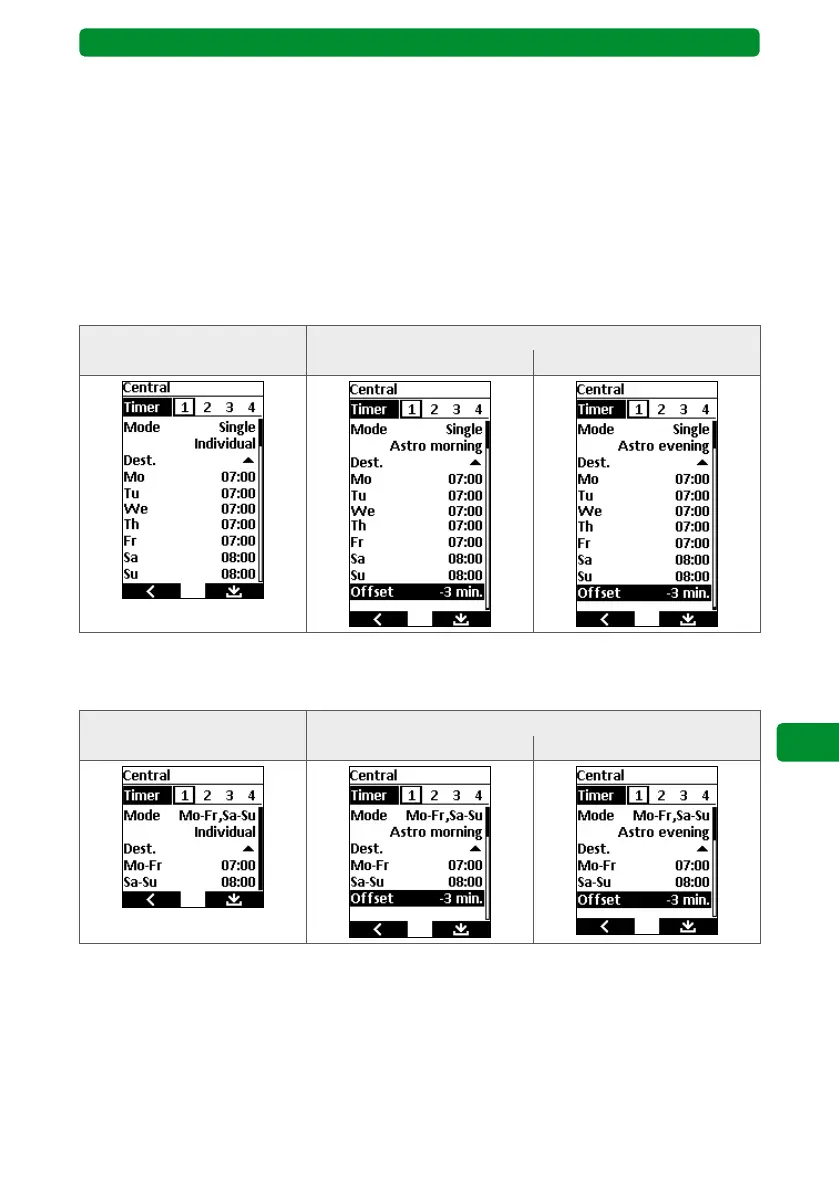
17.4.10. Entering the switching/blocking times: Single mode
Display views
Switching times Blocking times, offset
Individual Astro morning Astro evening
17.4.11. Entering the switching/blocking times: Mo–Fr and Sa–Su mode
Display views
Switching times Blocking times, offset
Individual Astro morning Astro evening
17.4.9. Entering the switching times: Offset
If the clock is in “Astro morning” or “Astro evening” mode, there is an additional offset set-
ting. This is used to offset the Astro times calculated every day by the set time (± 120 min).
This makes it possible to further customise each switching time.
Example: A switching time activates the group for garden lighting using the Astro evening
function. If the offset is set to -30 minutes, this activation will be brought forward
by 30 minutes. This means that the lighting will be switched on 30 minutes earlier
than the calculated Astro time in the commeo Multi Send.



 To Next Page