EN
111
BASIS version
15.5. Messages
In the main menu, use the movement buttons
(up) and (down) to select the “Messages”
menu, and press the right display button to access it. Press to return to the main
menu without saving.
15.5.1. Reading messages (push message)
Use the movement buttons
(up) and (down) to scroll through the push messages. Each
push message has a consecutive number.
Message Meaning
Overload The drive has detected an overload.
Obstacle The drive has detected an obstacle.
Timer A switching action was not executed.
Not possible A manual action with the movement buttons
(up) and (down)
is not executed (e.g. end positions are not set).
Radio/wireless The commeo Multi Send cannot reach the displayed commeo device
via radio.
Sensor There is a sensor loss.
Wind The drive is in a “wind alarm” state.
Alarm The drive is in a general alarm state (not “wind alarm”).
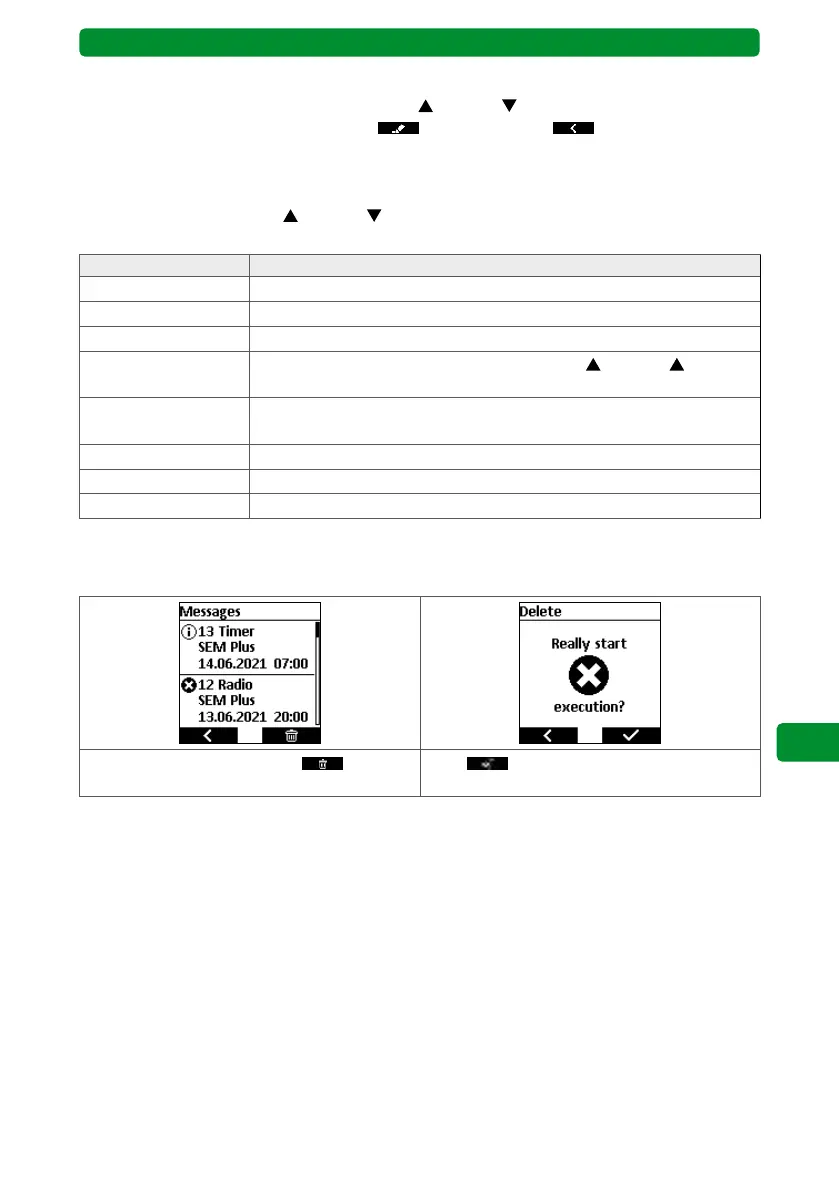
15.5.2. Deleting messages
Note: All messages are always deleted together.
Press the right display button . Press to confirm. All messages are
deleted.



 To Next Page