Footer
Thecurrentlyactiveconfigurationprofilenumberandnameisdisplayedattheleftofthefooter.Youcanalso
switchbetweenconfigurationprofilesthere.PleasereadtheNotesonconfigurationprofilessectionformore
informationaboutconfigurationprofileswitching.
TheopenSPOT3'sstatusisdisplayedatthemiddleofthefooter.
TheAdvancedmodecheckboxisattherightofthefooter.Ifthisischecked,alladvancedmodesettingsshow
up.Advancedmodeisnotneededfornormaloperation.
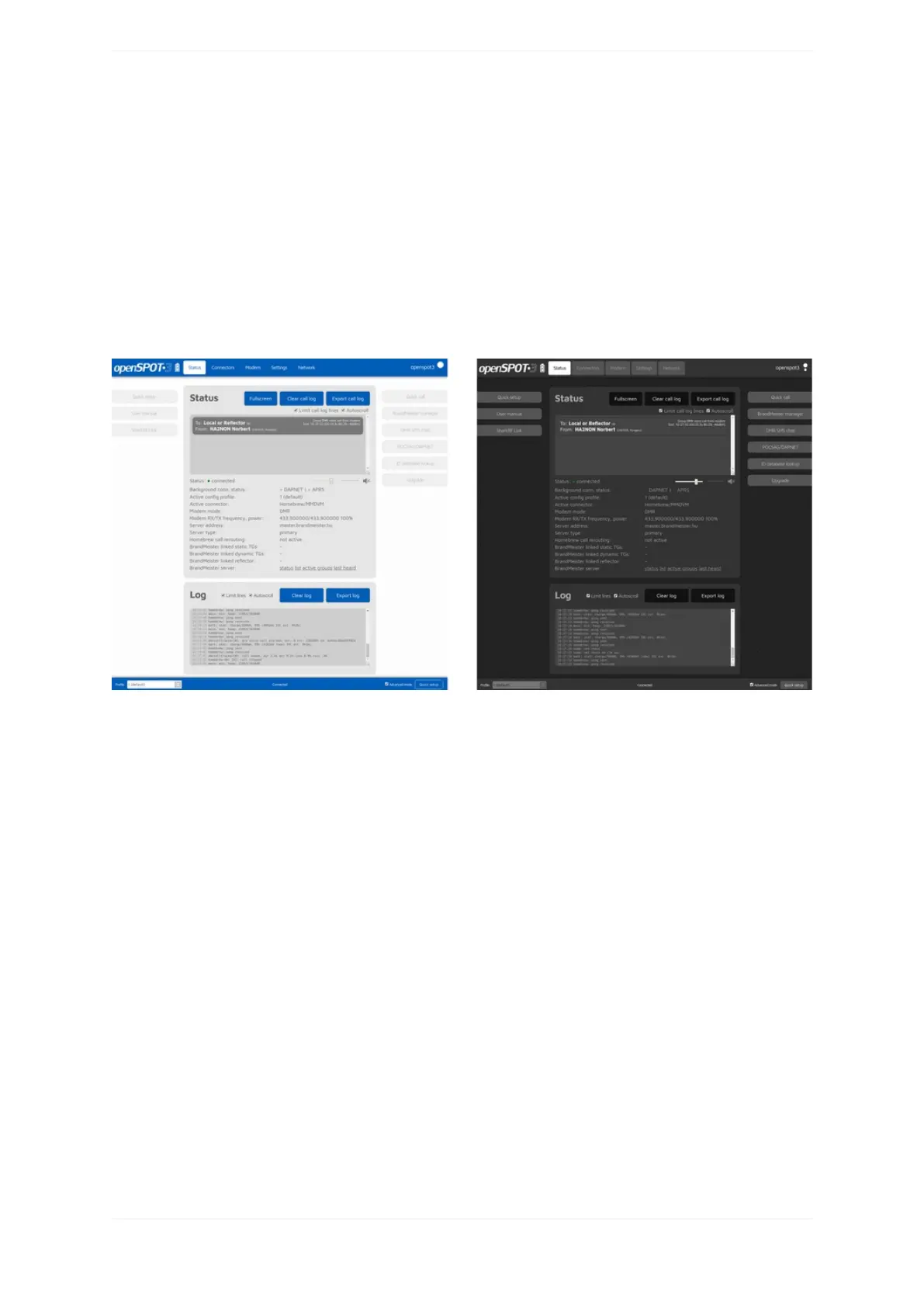
Lightanddarkwebinterfacethemes
YoucanswitchbetweendarkandlightwebinterfacethemesintheQuickSetup,orattheMiscellaneoussection
ontheSettingspage.



 To Next Page