IftheBeeponmodemmodechangesettingisenabled,thentheopenSPOT3willbeepthemodemmode'sname
inMorsecodewhenitischanged.
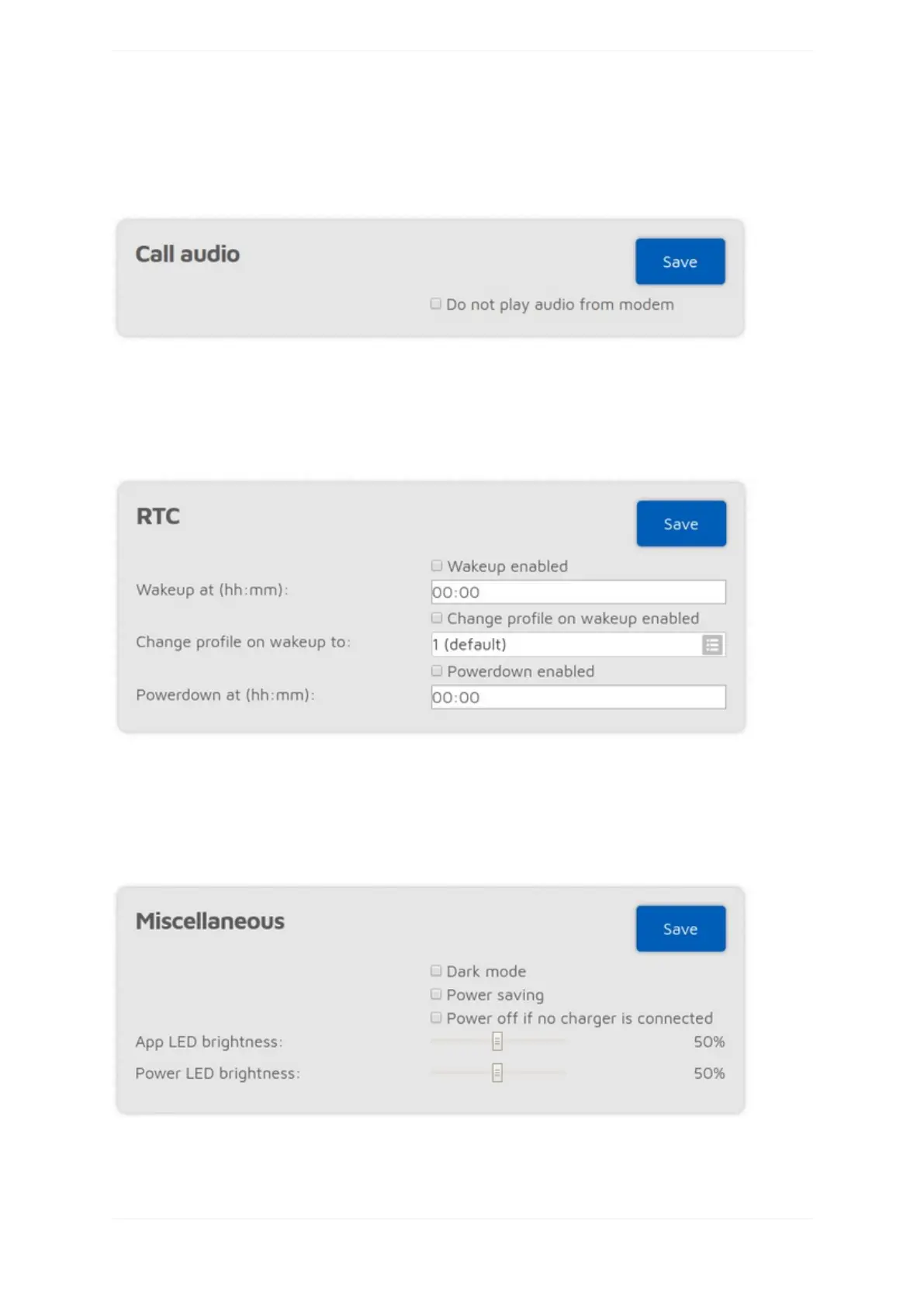
Callaudiosettings
IftheDonotplayaudiofrommodemsettingisenabled,andcallaudioplaybackisenabledontheStatuspage,
thenaudioofcallsreceivedbythemodemwon'tbeplayed.Thisisusefulifyouusethewebinterfacetolisten
tocallaudio,andyouwanttoanswercallsusingyourtransceiver.
RTCsettings
ThissectionisonlyavailableifAdvancedmodeisenabled.
Youcansetadailywakeupandapowerdowntimehere.Youcanalsosettheprofiletobootwhenwakingup,so
it'spossibletojumpbetweenconfigurationprofiles.
Miscellaneoussettings
YoucanenableDarkmodeandPowersavinghere.



 To Next Page