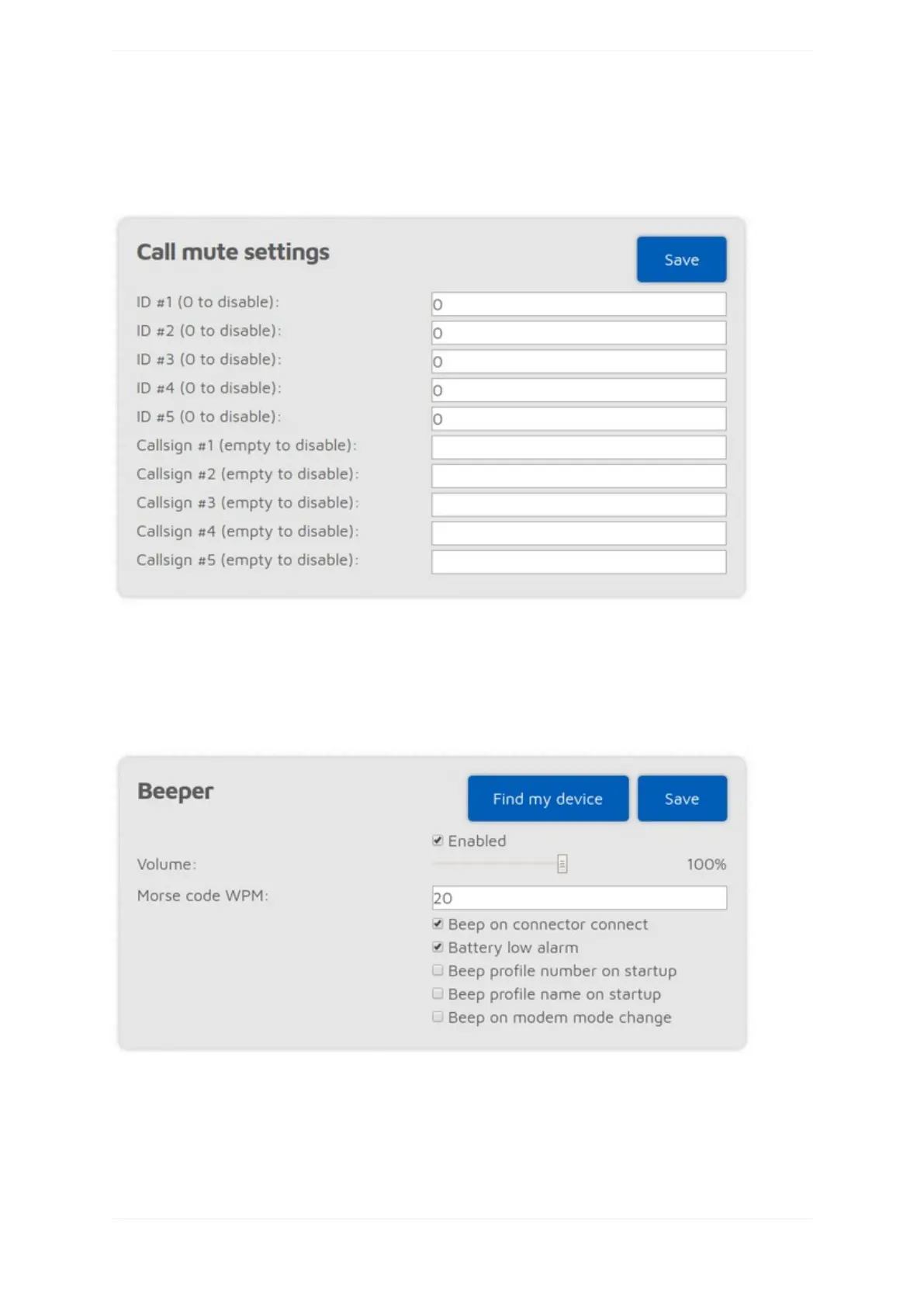
ThesesettingsallowsyoutolocktheopenSPOT3tothegivenIDsand/orcallsigns.Iflockisenabled,the
openSPOT3'smodemwillonlyallowcallsoriginatingfromthegivenIDsorcallsigns.
Callmutesettings
ThissectionisonlyavailableifAdvancedmodeisenabled.
ThesesettingsallowsyoutomutecallscomingfromthegivenIDsand/orcallsigns(bothcomingfromthe
networkandthemodem).CallsfrommutedIDs/callsignswillstillbetransmitted,butwithsilentaudio.
Beepersettings
ThissectionisonlyavailableifAdvancedmodeisenabled.
IftheBeepprofilenumberonstartupsettingisenabled,thentheopenSPOT3willbeeptheletterPfollowedby
thecurrentlyactiveprofilenumberonstartupinMorsecode.IftheBeepprofilenumberonstartupsettingis
enabled,thentheprofile'snamewillalsobeplayedinMorsecode.



 To Next Page