Pleasekeepinmindthatallconfigurationprofilesareemptybydefault,soifyouswitchtoapreviously
unusedprofile,theopenSPOT3willstartinWi-FiAPmodeastherewillbenoconfiguredWi-Finetworks
toconnect.
TheopenSPOT3rebootsonprofileswitch.
Wi-Finetworksandpasswordsarestoredforeachprofileseparately.
Thewebinterfacepasswordisstoredforeachprofileseparately.
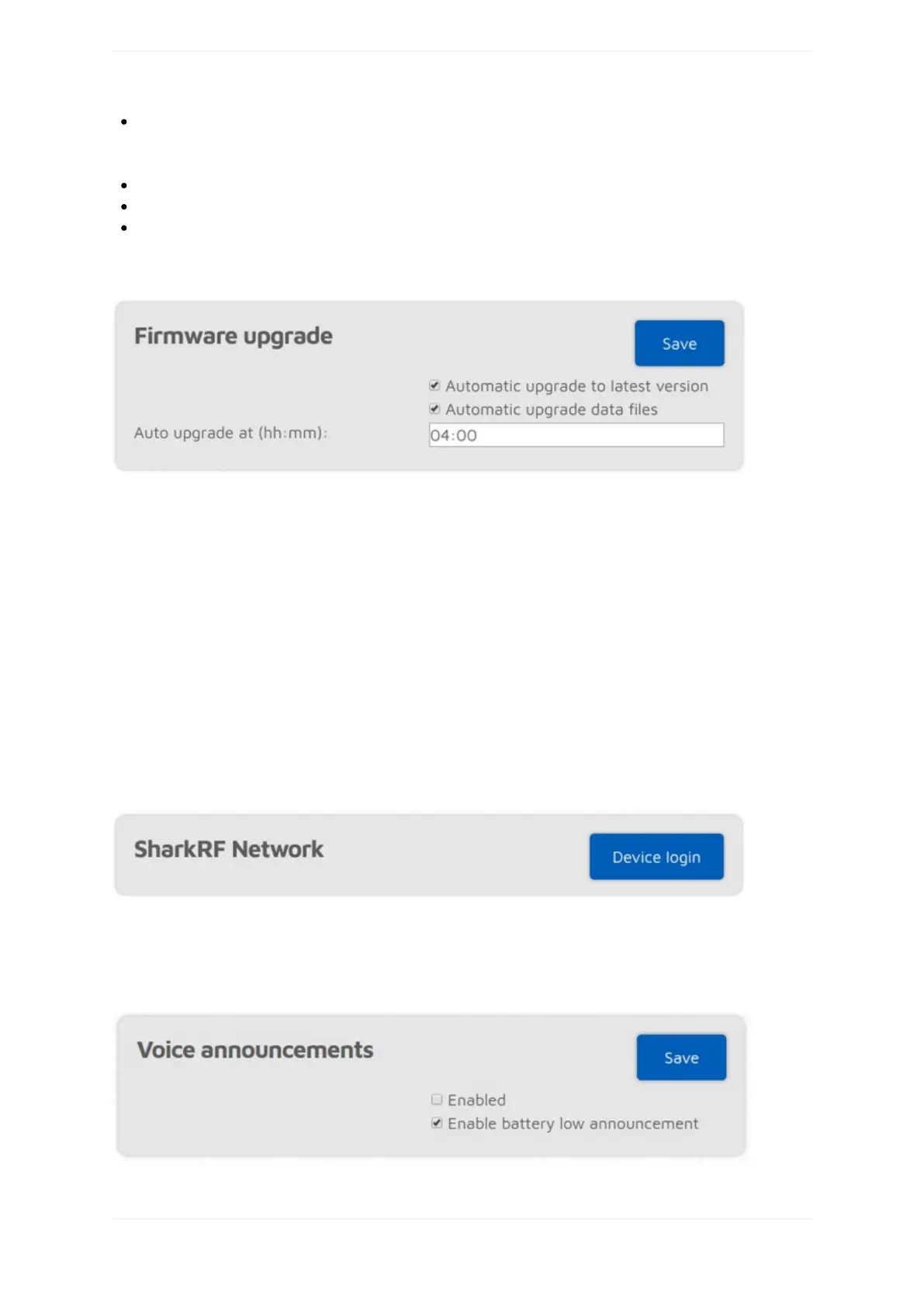
Firmwareupgrade
TheopenSPOT3willautomaticallycheckforfirmwareanddataupgradesperiodically,asspecifiedbytheCheck
intervalsetting(onlyavailableifAdvancedmodeisenabled).IfAutomaticupgradesettingsarecheckedthen
theopenSPOT3willautomaticallydownloadupgrades.
Dataupgradesareappliedimmediately,butupgradingthefirmwarerequiresareboottothebootloader.Ifanew
firmwarehasbeendownloaded,arebootwillbeautomaticallyscheduledforthe(local)timesetbytheAuto
upgradeatsetting.Bydefaultit'ssetto4amnextday.Therebootwillonlybeperformediftherewerenocalls
receivedforatleastAutoupgradeRX/TXdelayseconds(thissettingisonlyavailableifAdvancedmodeis
enabled).
NotethatyouhavetoplugtheopenSPOT3intoaUSBpowersupply,otherwisethebootloadercan'tstartand
thefirmwarewillnotbeupgraded.
DoNOTunplugtheopenSPOT3duringthefirmwareupgrade!
SharkRFNetwork
YoucanlogyourdeviceintotheSharkRFNetwork.Currentlyonlydevelopersandalphatestershaveaccessto
thenetwork'sfeatures.Eventually,thesefeatureswillbeavailableforallopenSPOT3users.
Voiceannouncements



 To Next Page