Settingspage
YoucanchangethegeneralsettingsoftheopenSPOT3onthispage.
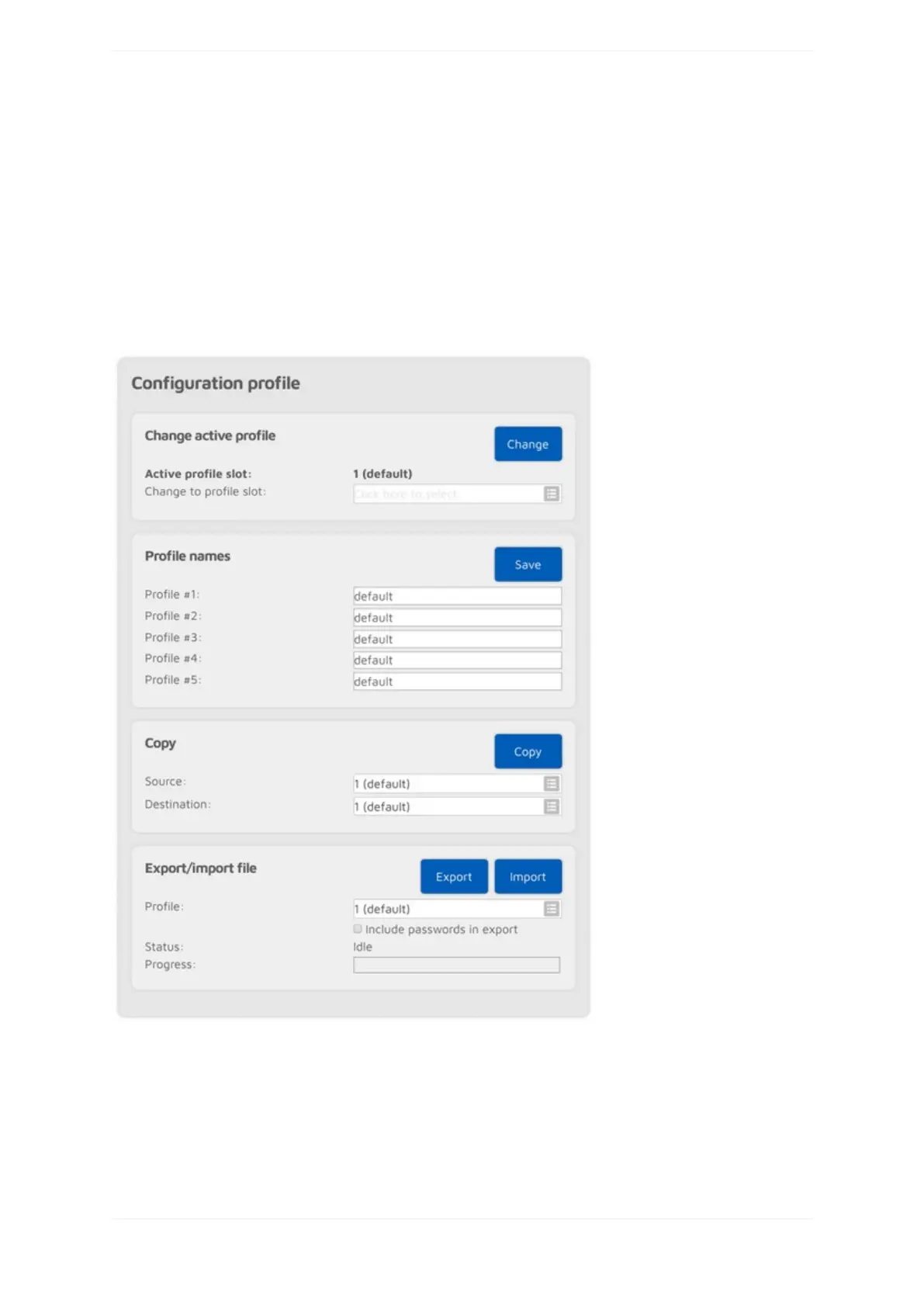
Configurationprofile
TheopenSPOT3storesallit'sconfigurationinindividualprofiles.Thereare5ofthem,andprofile#1isactiveby
default.Initiallyallconfigurationprofileshavethefactorydefaultsettings.Youcanswitchbetweenthemonthe
webinterface,orbyusingyourradio(seetheControlcallssectionformoreinformation).
Youcanrenameprofiles,copyonetoanotherslotorexport/importto/fromafile.
BysettingtheChangeafterlastcallsettingtonon-zero(thissettingisavailableifAdvancedmodeisenabled),
theopenSPOT3willswitchtothespecifiedprofileslotafteratimeoutsincethelastcallwasreceived.
TheDon'tshowinitsetuponlogincheckboxischeckediftheInitializationsetuphasbeencompleted.
Notesonconfigurationprofiles



 To Next Page