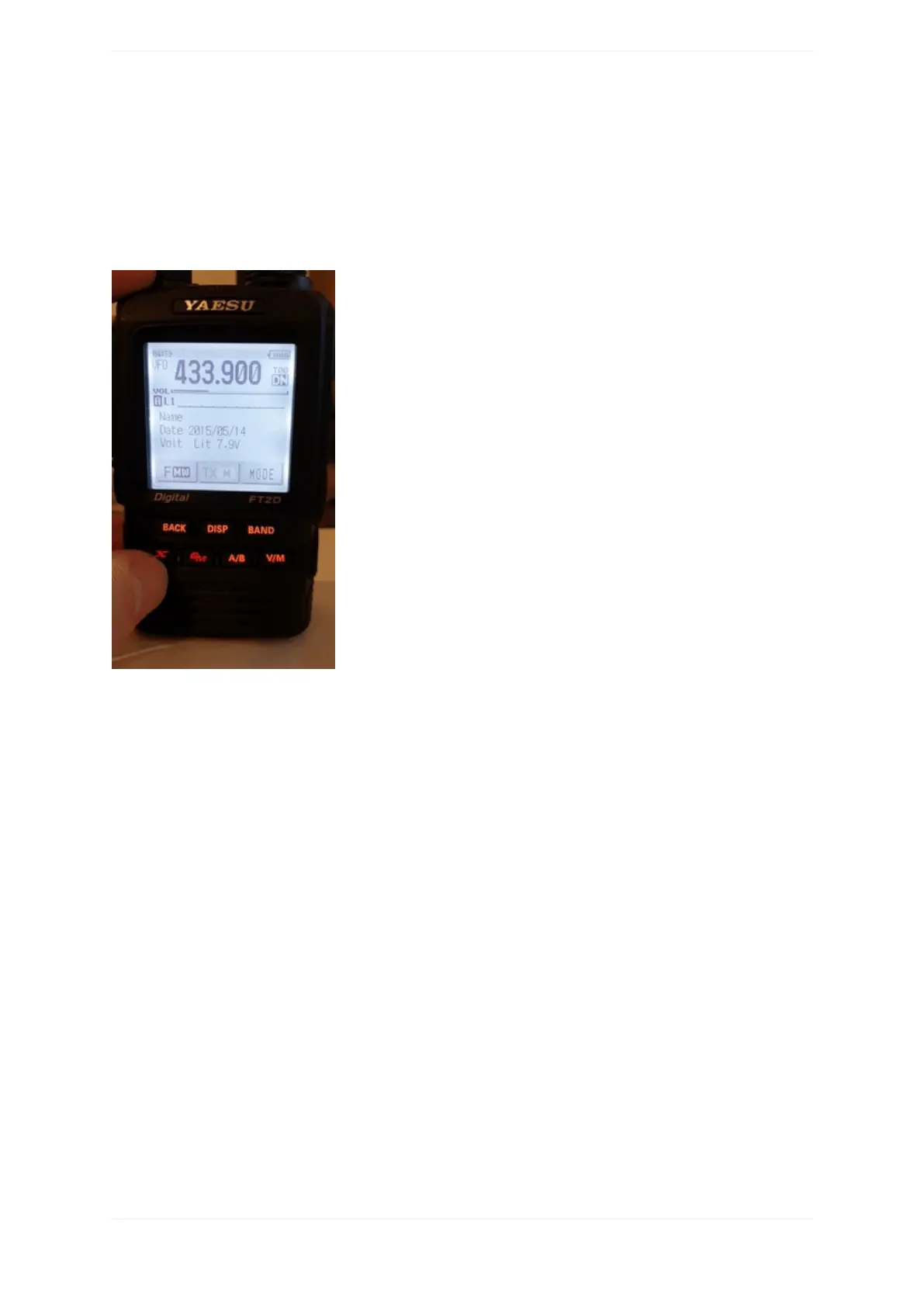
UsingtheWires-X®button
IftheopenSPOT3'smodemisinC4FM(orC4FMHalfDeviation)modemmode,thenthedevicewillautomatically
broadcastWires-XinformationwhichwillbedisplayedonradiosinWires-Xmode.Youcanswitchyour
C4FM/Fusion®radiointoWires-Xmodebypressingit'sWires-Xbutton(sometimeslabelledasDXbutton).
Notethatthetransceiverontheanimationsshownonthisusermanualpagedisplaythedeviceas"openSPOT2".
EverythingdescribedhereapplybothtotheopenSPOT2andopenSPOT3.
TheopenSPOT3displaysthecurrentlyactiveconfigurationprofilenumberatthebottomrightcornerofthe
FT2D'sdisplay.DisplayedinformationmaylookdifferentonothertypeofC4FM/Fusion®radios.Theexamples
herearedemonstratedusinganFT2D.
UsingyouropenSPOT3withaC4FM/Fusion®radioinWires-Xmodeisveryconvenientasyou'llalwaysseethe
activeserver'sname,andyoucaneasilyswitchbetweenserversusingtheradio'suserinterface.
Listingservers
YoucangetaserverlistingbyselectingtheSearch&DirectoptionandthenselectingtheAllbutton.



 To Next Page