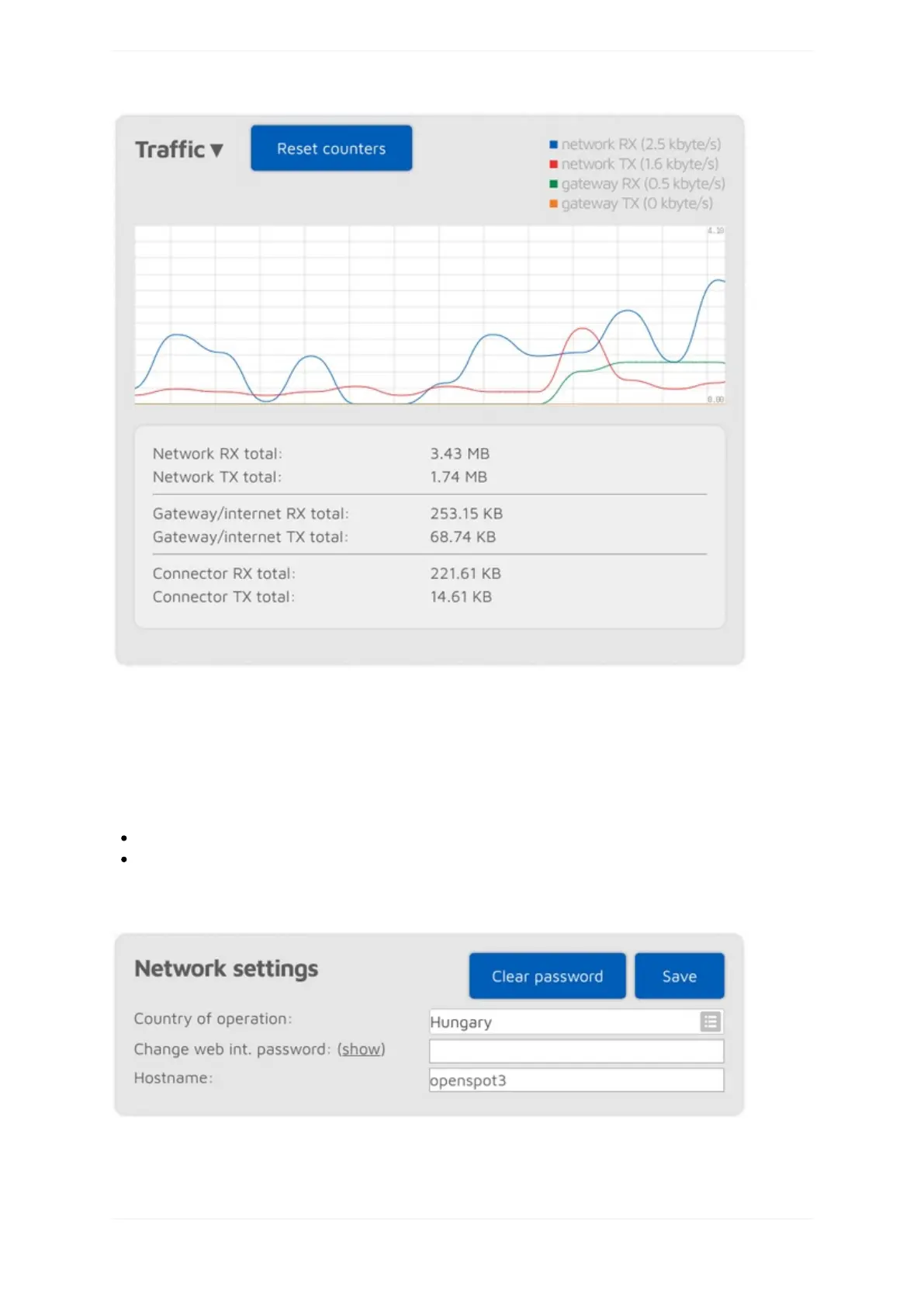
ThetrafficgraphcanbeshownbyclickingonthearrowatthetopoftheTrafficsection.TheNetworkRX/TX
totalshowstotalWi-FitrafficoftheopenSPOT3,theGateway/internetRX/TXtotalshowsthetraffic
coming/goingfrom/tothegateway(whichisusuallytheinternettrafficconsumedbythedevice),andthe
ConnectorRX/TXtotalshowsthetrafficusedbythecurrentlyactiveconnector.
TheopenSPOT3usesverylittleinternettraffic.Dependingontheactiveconnector,thedatarateestimatesareas
follows:
Quietchannelis36-180kB/hour
Activechannelis3-6MB/hour
Networksettings
ThewebinterfaceoftheopenSPOT3isnotpasswordprotectedbydefault,whichmeansanyoneonthelocal
networkcanopenit.YoucansetapasswordbyenteringitintheChangewebint.passwordinputfield.Toreset
theoriginalbehaviorandclearthepassword,clickontheClearpasswordbutton.



 To Next Page