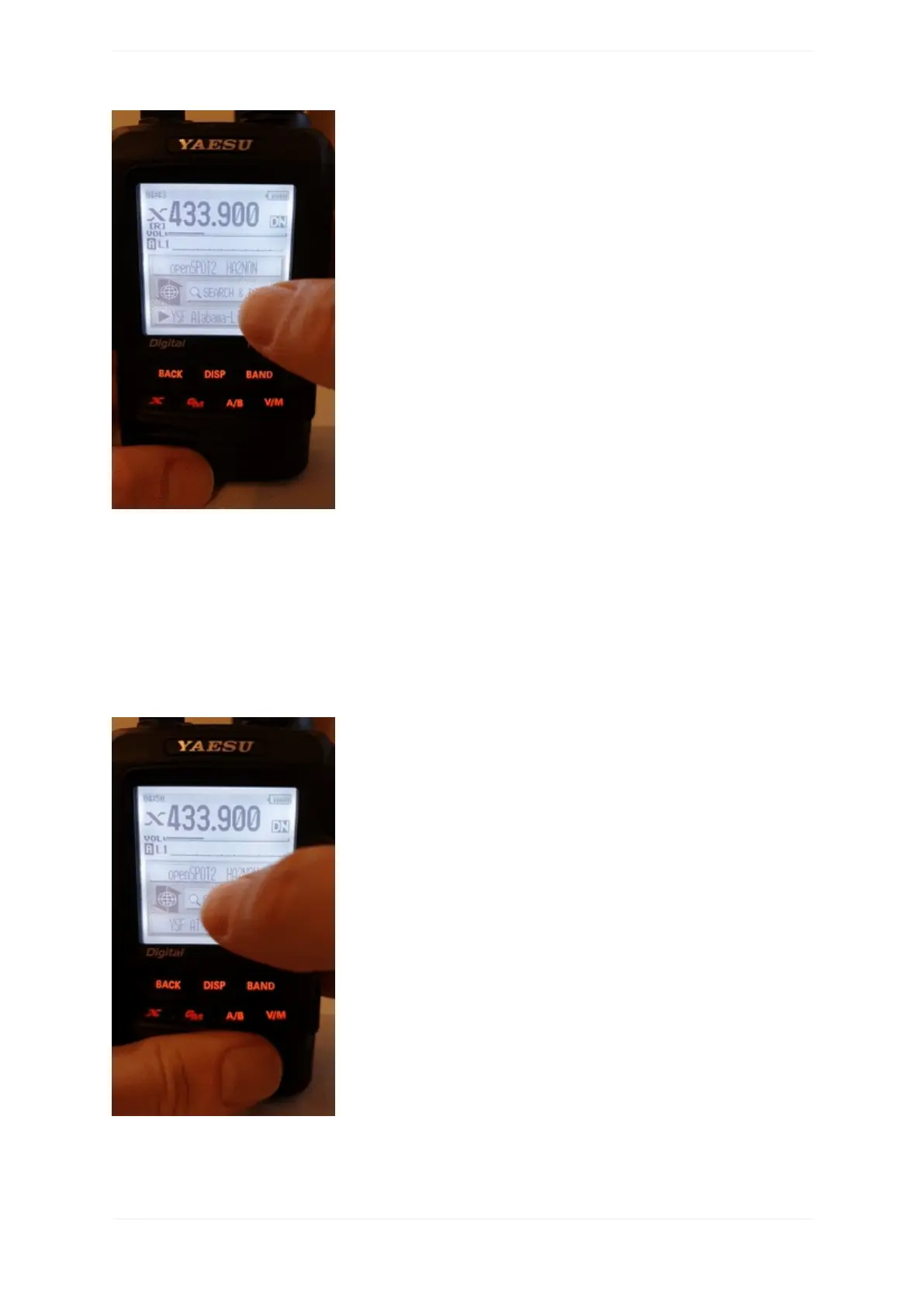
Thefirst5entrieswillbeyouropenSPOT3'sconfigurationprofiles.Thelistwillcontaintheserversofthe
currentlyactiveconnector.Incasethecurrentlyactiveconnectordoesnothaveaserverlist(ex.theNull
connector),YSFReflectorserverswillbelisted.Toswitchtoanentry,selectitusingthedialandpressPTTfora
shorttime(orjusttaponitincaseyouhaveatouchdisplay).
Searchingforservers
YoucansearchintheserverlistbyselectingtheSearch&DirectoptionandthenselectingtheSearch&Direct
button.
Youcanenterapartoftheservername.Allmatchingserverswillbelisted.Toswitchtoaserver,selectitusing
thedialandpressPTTforashorttime(orjusttaponitincaseyouhaveatouchdisplay).



 To Next Page