openSPOT3usesaudiodynamicrangecompression.Youcanchangetheaudiovolumewiththeslider,orwith
thekeyboardshortcuts Ctrl+Vand Ctrl+B.
NotethatsmoothcallaudioplaybackrequiresaWi-Ficonnectionwithagoodsignalquality.Ifyouhaveissues
withcallaudioplayback,thenpleasetryusingdifferentbrowsersandmakesuretheyareupdatedtothelatest
version.
BrowsersreduceCPUallowanceonnon-activetabsafterawhile.Thetabofthewebinterfacemustbekept
active,otherwisetheaudiowillbegarbled.Thisbrowserbehaviorcannotbechanged.Iftheaudiobecomes
garbled,activatethetab,and/orreloadthewebinterfacetofixit.
YoucanfindthesettingsforthecallaudioplaybackontheSettingspage.
Log
ThedevicelogisonlyshownifAdvancedmodeisenabled.
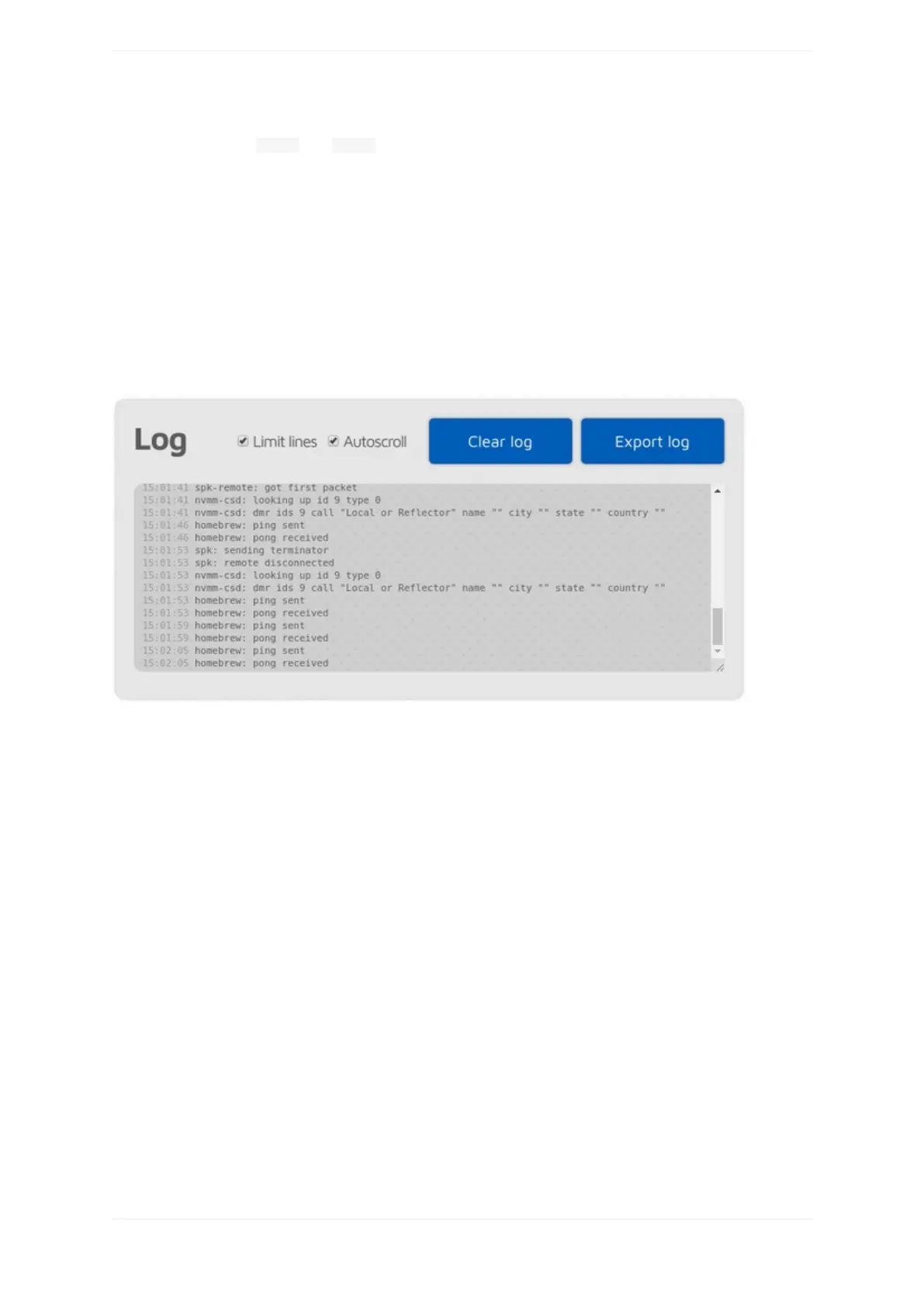
YoucanseealldevicelogmessagescomingfromtheopenSPOT3here.Allloglinesareshownhereexceptlines
comingfromtheWi-Fimodulehandler.UsetheUSBserialconsolelogifyoualsowanttoseethesemessages.
IfLimitlinesischecked(it'scheckedbydefault)thenonlyalimitednumberofloglinesareallowedtobeinthe
log.ThisisgoodforlimitingthewebbrowserCPU/memoryuse.
Youcanexporttheloglinestoa.txtfilebyclickingontheExportlogbutton.
openSPOT3info



 To Next Page