Useful Features for Camera Recording
More Information on Self Recording
*The screen Image is automatically inverted
when the monitor rotation is between 140°
and 200”.
When the monitor is turned back to the
normal position. the image returns to
normal
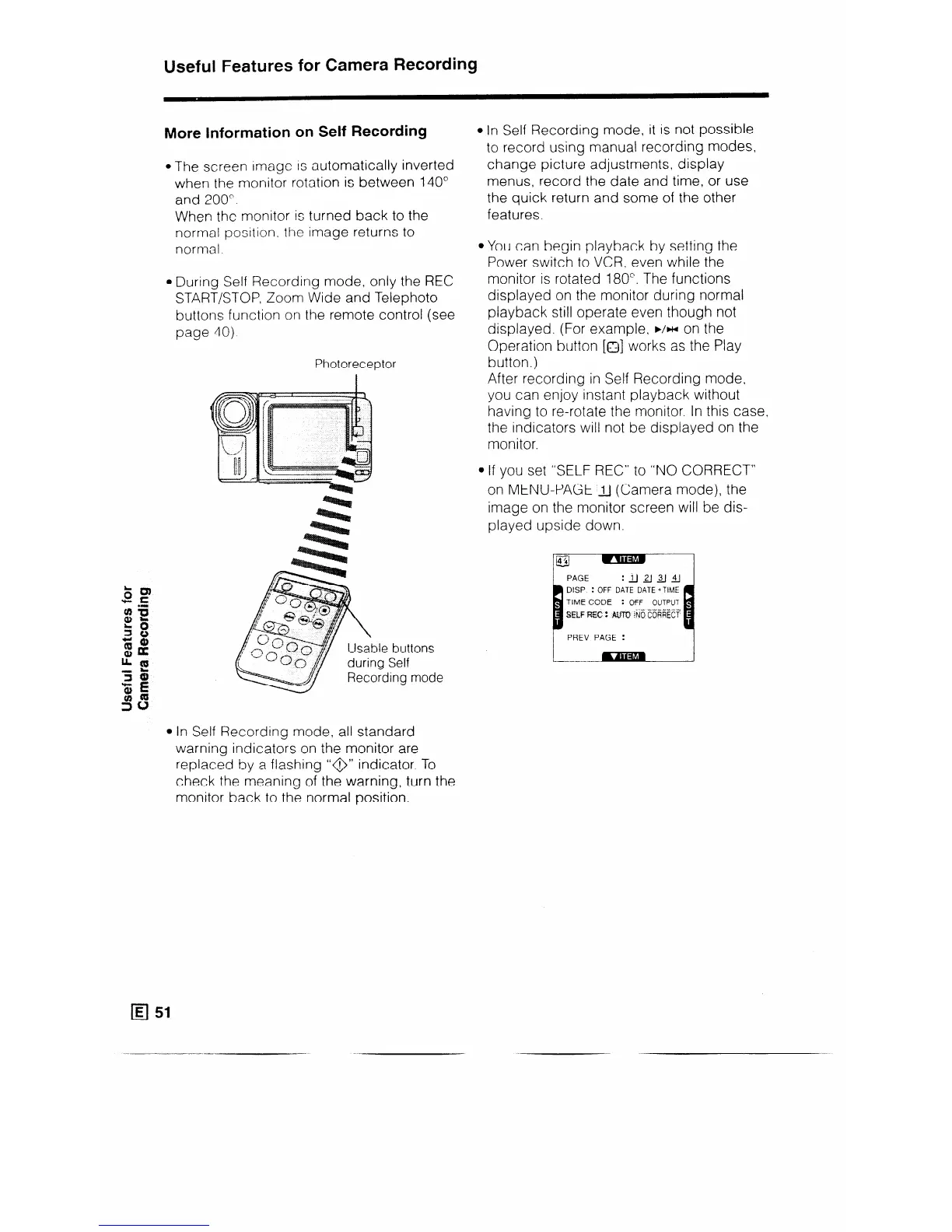
l During Self Recording mode, only the REC
START/STOP, Zoom Wide and Telephoto
buttons function on the remote control (see
page 40)
Photoreceptor
tons
mode
l In Self Recording mode, it is not possible
to record using manual recording modes,
change picture adjustments, display
menus, record the date and time, or use
the quick return and some of the other
features.
l You can begin playback by setting the
Power switch to VCR, even while the
monitor is rotated 180”. The functions
displayed on the monitor during normal
playback still operate even though not
displayed. (For example, b/w on the
Operation button [o] works as the Play
button.)
After recording in Self Recording mode,
you can enjoy instant playback without
having to re-rotate the monitor. In this case,
the indicators will not be displayed on the
monitor.
l If you set “SELF REC” to “NO CORRECT”
on MENU-PAGE ‘_J (Camera mode), the
image on the monitor screen will be dis-
played upside down.
DISP : OFF DATE DATE +TlME
: OFF OUTPUT
SELF F?EC : AN-0 ii6 t6i%%
PREV PAGE :
l In Self Recording mode, all standard
warning indicators on the monitor are
replaced by a flashing “@” indicator. To
check the meaning of the warning, turn the
monitor back to the normal position.
q 51



 To Next Page