57
8027605/V1-0/2022-03| SICK S Y S T E M D E S C R I P T I O N | ALIS
Subject to change without notice
MAINTENANCE AND REPAIR 9
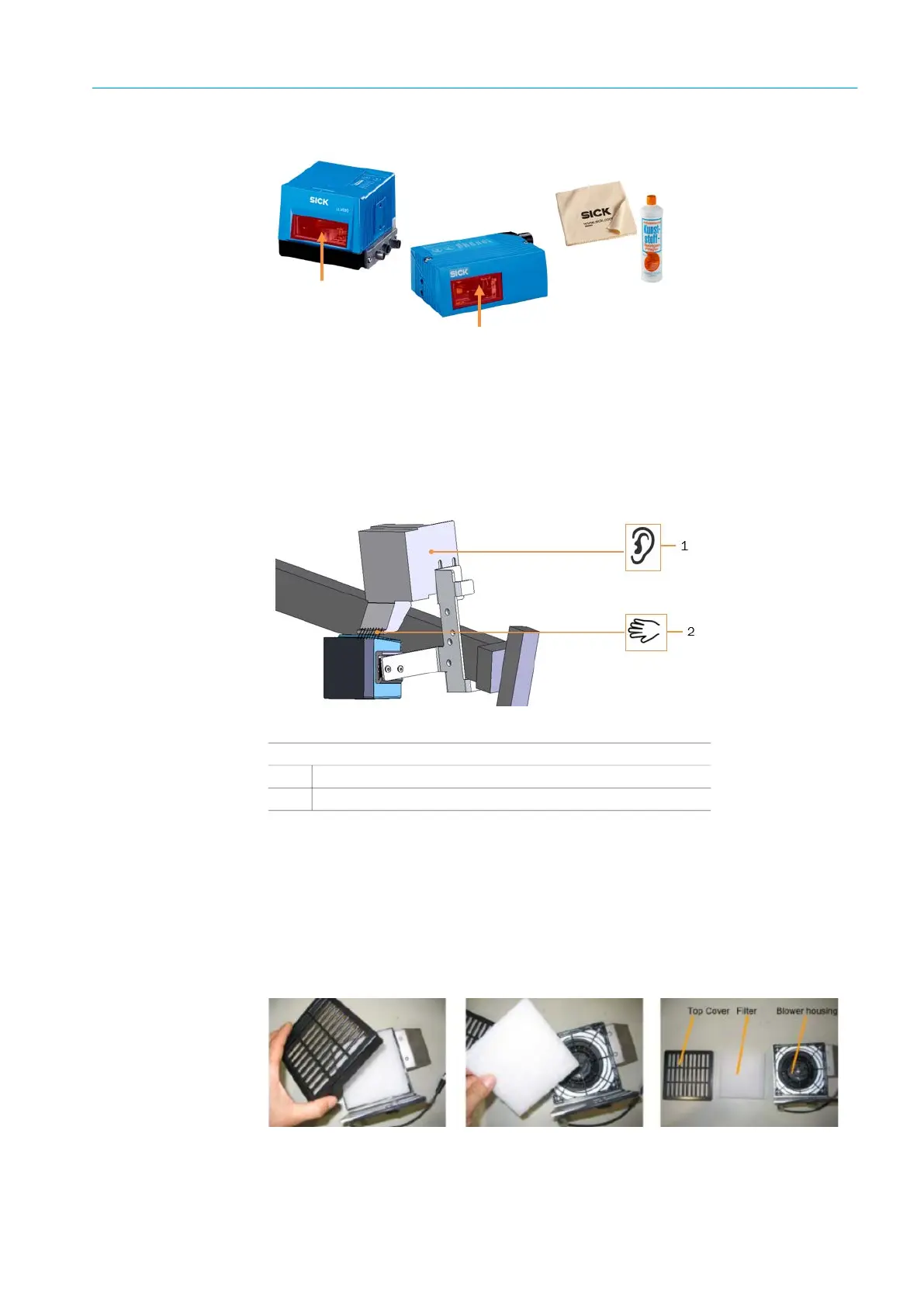
Cleaning the viewing window
Fig. 35: CLV651/CLV691 cleaning the viewing window
▸ Switch off the fixed mount bar code scanners during cleaning.
▸ Remove dust from the viewing window using a soft, clean brush.
Then wipe the viewing window with a clean, damp cloth. Use a mild, anti-static lens clean-
ing fluid if necessary.
9.3.2 Cleaning the Cleaning Unit for CLV691
Filter mat inside the housing. Spare filter mat P/N: 4028998
Fig. 36: Radial fan functional test
▸ Switch off the power supply from the system.
▸ Lift the top cover of the blower housing with a screwdriver with thin tip carefully.
▸ Remove the filter.
▸ Replace or clean the filter (e.g. with a vacuum cleaner).
▸ After a maximum of 2 times cleaning , it is recommended, to replace the filter by a new
one.
▸ Insert the cleaned or new filter into the blower housing.
▸ Press the top cover back onto the blower housing.
Fig. 37: Filter mat replacement
Legend
1
Listen if the fan has started and is running
2
Check whether air is coming out of the blow out nozzle



 To Next Page