59
8027605/V1-0/2022-03| SICK S Y S T E M D E S C R I P T I O N | ALIS
Subject to change without notice
MAINTENANCE AND REPAIR 9
9.3.4 Cleaning the Cabinet
The cabinet features an integrated fan to ensure that cabinet components are adequately
cooled.
Cleaning
▸ Air inlets and outlets on the cabinet should be cleaned regularly with a brush.
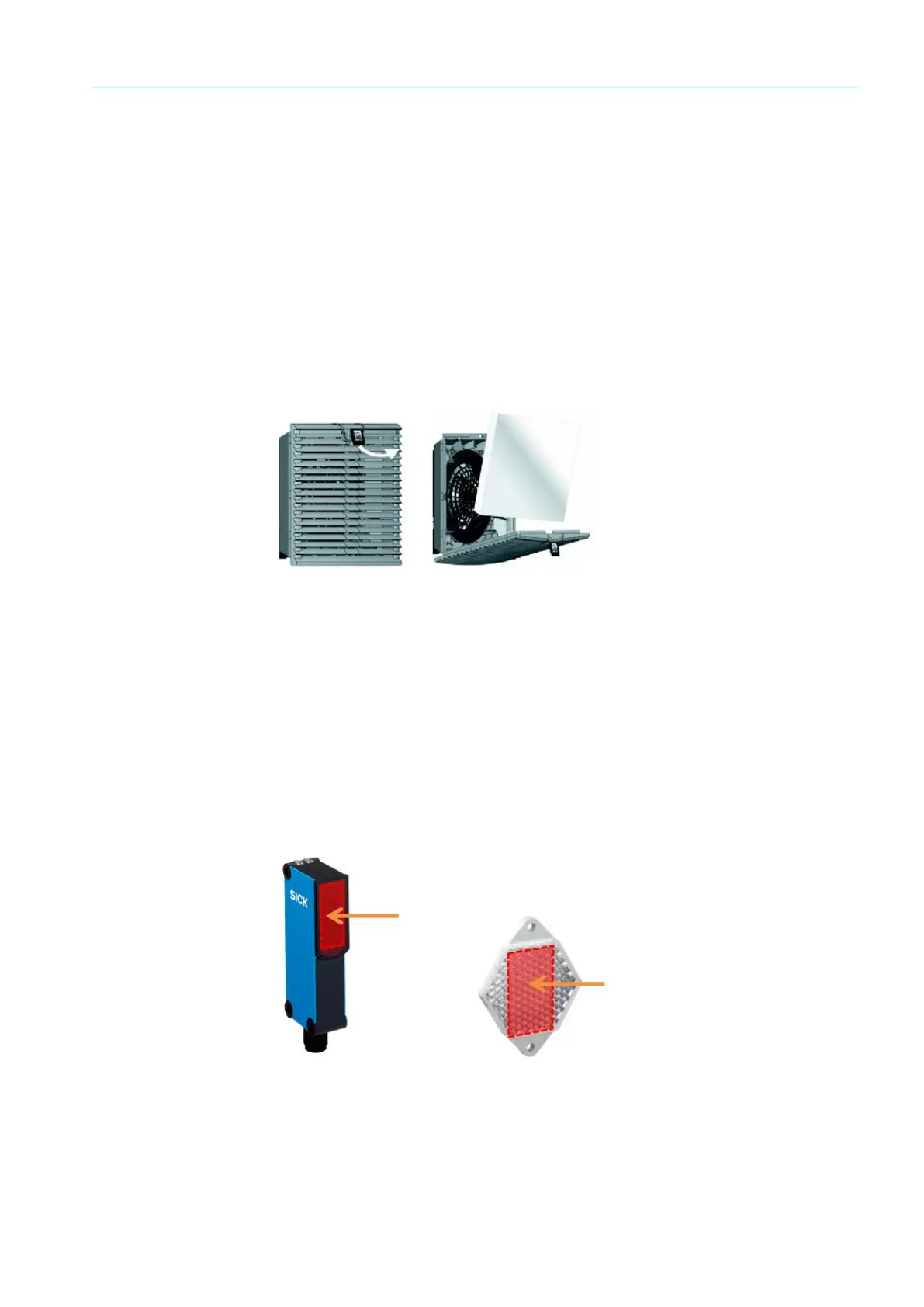
Fig. 39: Replacing the cabinet filters
▸ Regularly check and, if necessary, replace the filter mats behind the covers for the air
inlets and outlets.
▸ Remove the covers from the air inlets and outlets. To do this, insert your finger into the
semi-circular recess in the cover.
▸ Carefully remove the cover from the front.
▸ Remove old filter mats and replace them with new ones.
▸ Reattach the covers the right way up and press them down until they click into place.
The filter mats are replaced.
9.3.5 Cleaning the Trigger
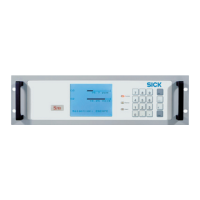
Contamination on the retro-reflective sensor can cause faulty switching behavior.
Fig. 40: Cleaning the optical surfaces of the refection light barrier
NOTICE
Risk of damage to electronic devices.
▸ Never use compressed air for cleaning.
▸ Only knock the dirt off the ventilation grilles or clean them with a brush.
▸ Never wet clean the grilles.



 To Next Page