73
8027605/V1-0/2022-03| SICK S Y S T E M D E S C R I P T I O N | ALIS
Subject to change without notice
FAULT DIAGNOSIS 10
10 Fault Diagnosis
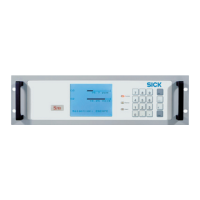
10.1 Lector654
10.2 CLV691
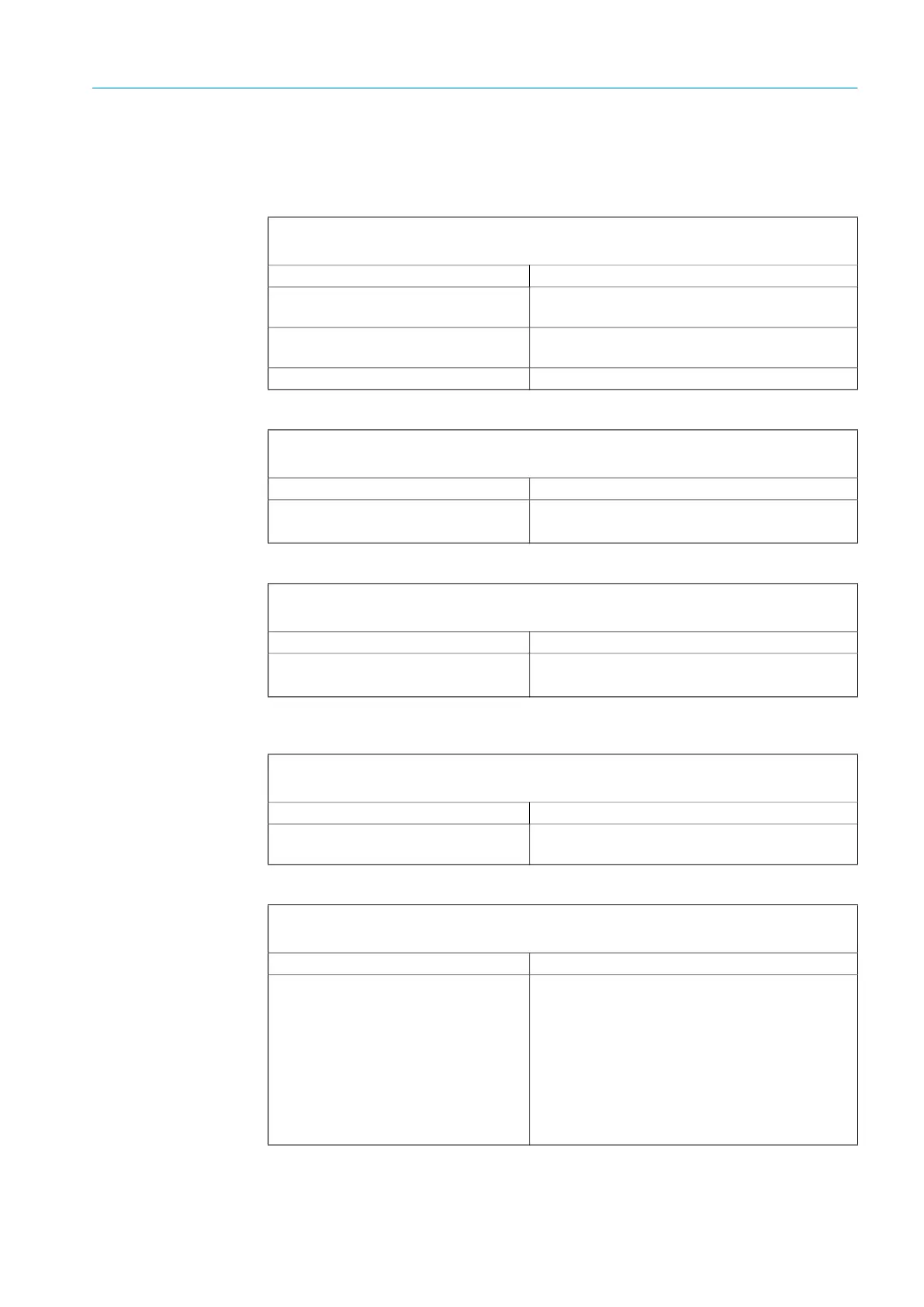
Fault indication
The READY LED does not light up.
Fault cause Possible solution to the problem
Fuse failure in the voltage supply. ▸ Reconnect voltage supply circuit breaker for
the code readers.
Fuse is defective.
▸ Check the fuse block in the cabinet and,
if necessary, replace the defective fuse
Device is defective. ▸ Replace the device.
Fault indication
The READY LED lights up red.
Fault cause Remedy
Hardware or software error.
▸ Check the device status using SOPAS.
▸ Contact SICK Service.
Fault indication
The RESULT LED lights up red.
Fault cause Remedy
Bar code reading unsuccessful. ▸ Check the device status using SOPAS.
▸ Contact SICK Service.
Fault indication
The READY LED does not light up.
Fault cause Possible solution to the problem
Fuse is defective.
▸ Check the fuse block in the cabinet and,
if necessary, replace the defective fuse,
Fault indication
The READY LED lights up red. The scanner no longer sends any measured values.
Fault cause Remedy
● Error during initialization or self-test.
● Errors arise during operation.
Checking voltage supply
▸ Interrupt the voltage supply for the sensors.
▸ Restore the voltage supply.
If the fault persists or occurs again after the volt-
age supply has been restored:
▸ Check the device status using SOPAS.
▸ If errors are listed there, contact SICK Service.



 To Next Page