Commissioning / Operation / Maintenance AddFEM
5-56
AddFEM
C79000–G8076–C900–03
Mode of Operation
The block reads the digital inputs stored in the BLOCKCNI input structure and out-
puts the conditioned values to the output bar.
Error Handling
In case of a configuration error (for example DP address does not exist) the output
QPARF = 1 and the output QALLCH = 1 are set. In this case simulation is not pos-
sible.
The output QALLCH = 1 is set at a device failure.
Start–up Characteristics
Do not exist.
Time Response
Does not exist.
Message Characteristics
The block does not have message characteristics.
Operator Control and Monitoring
The block does not have a faceplate.
Parameters
The FEM_DI has the following input parameters:
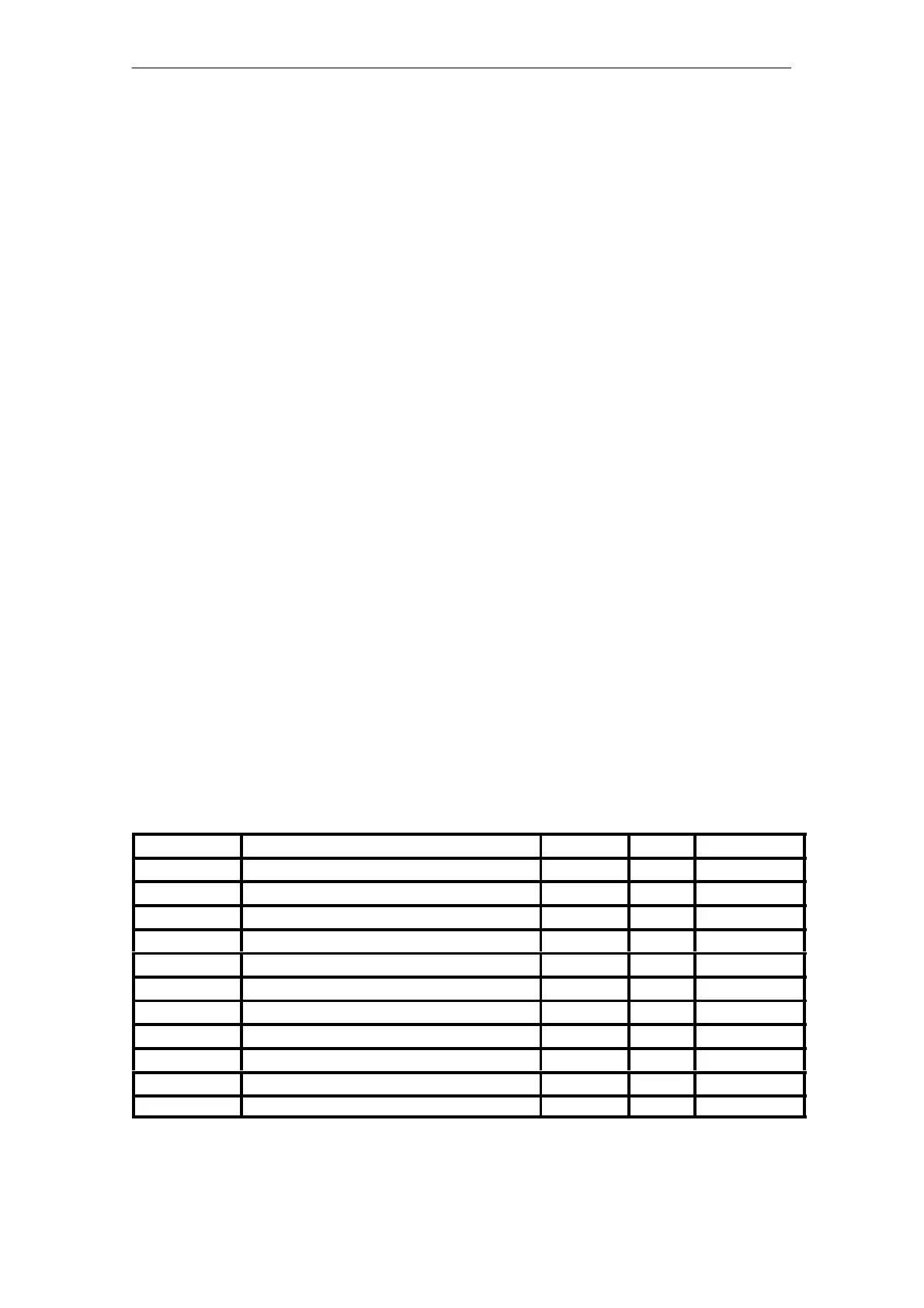
Table 5-11 Input parameters of the FEM_DI
Parameter Comment Data type Visible Default
BLOCKCNI Block Connector Input STRUCT Yes 0
DI1_SIM Simulation Value DI1 BOOL No 0
SIMUDI1 1 = Simulation on BOOL No 0
DI2_SIM Simulation Value DI2 BOOL No 0
SIMUDI2 1 = Simulation on BOOL No 0
DI3_SIM Simulation Value DI3 BOOL No 0
SIMUDI3 1 = Simulation on BOOL No 0
DI5_SIM Simulation Value DI5 BOOL No 0
SIMUDI5 1 = Simulation on BOOL No 0
DI6_SIM Simulation Value DI6 BOOL No 0
SIMUDI6 1 = Simulation on BOOL No 0
Artisan Technology Group - Quality Instrumentation ... Guaranteed | (888) 88-SOURCE | www.artisantg.com



 To Next Page
 Loading...