Communications configuring
3-178 System- and communication configuring D7-SYS - SIMADYN D
Edition 12.2003
NOTE
A precise description of function blocks TAB and TAB_D is provided in
their respective online help.
A detailed description of the WR_TAB function blocks is provided,
further below in the Section "Function block WR_TAB".
3.18.1.1 Overview, "Manual mode"
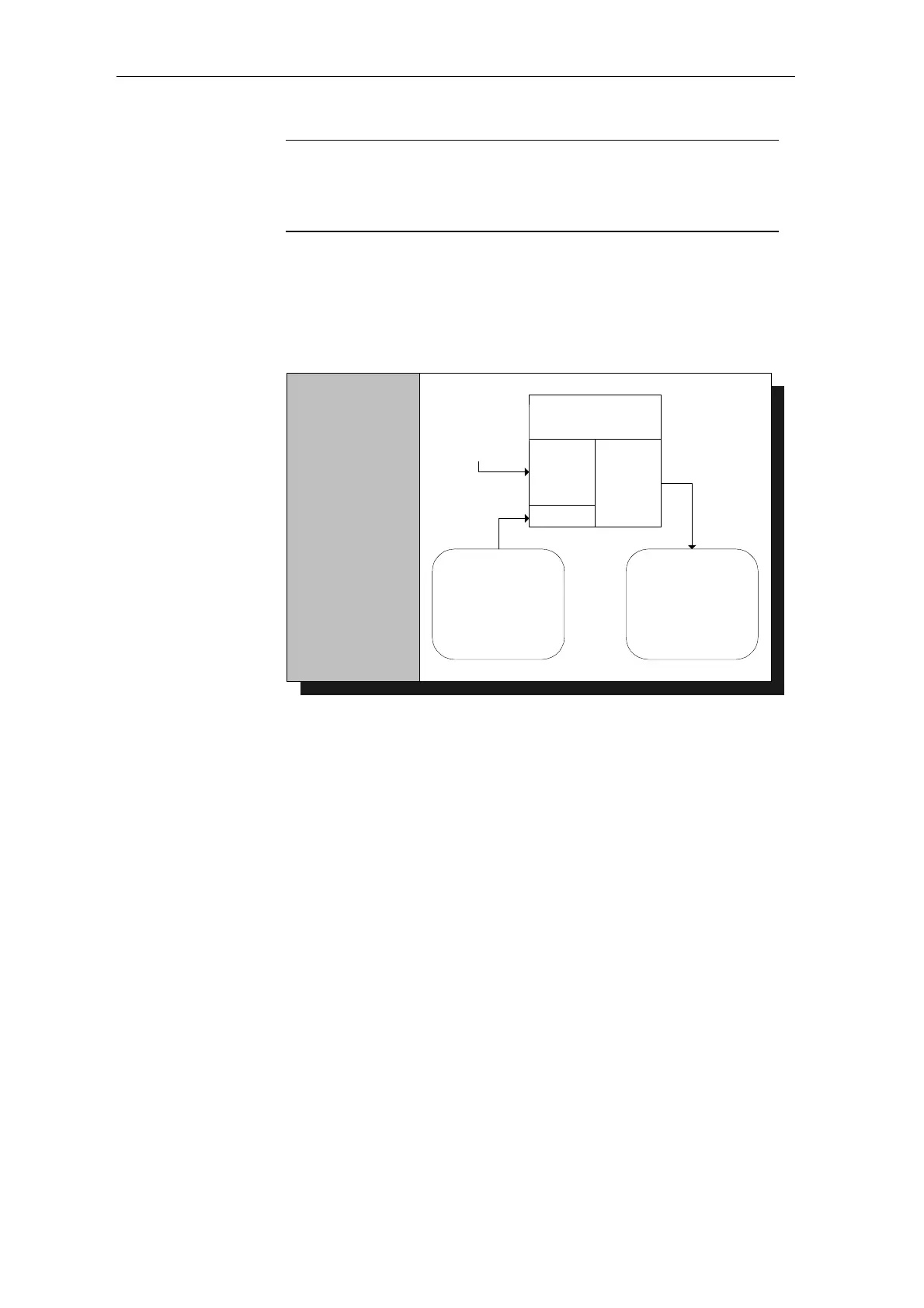
The principle procedure in the "Manual mode" is shown in the following
diagram:
(2)
Activate the
inactive table with
entered values
(3)
Tabular values are
available in the
configured
software
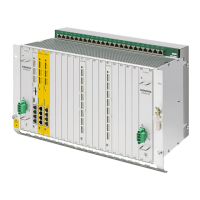
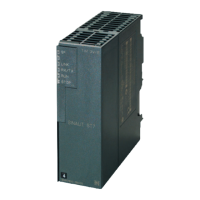
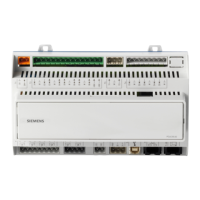
SIMATIC TDC
SIMATIC
FM458
SIMADYN D
T400
XP
YP
IP
YXP
YYP
YIP
TVL
FB TAB
or
FB TAB_D
(1)
Individually
enter
tabular values
Fig. 3-68: Principle procedure in the "Manual mode"
A detailed description of the "Manual mode" is provided in Section
"Manual mode" (Page 3-182)
3.18.1.2 Overview, "Automatic mode: Communications"
In the "Automatic mode: Communications", tabular values can be
transferred using the following communication versions:
• S7 via the P bus for SIMATIC FM 458 (it is necessary to additionally
configure the WR_TAB on the control side)
• TCP/IP (tabular values can be transferred from a SIMATIC TDC
module to another one using the CTV and CRV FBs)
• DUST1 (tabular values can only be transferred via a DUST1 interface)
The tabular values are transferred using data telegrams.
The following diagram illustrates the principle procedure in the "Automatic
mode: Communications" for transferring tables from an S7 control to a
SIMATIC FM 458 application module via the P bus:






 To Next Page