SIGLENT
SDS1000CML+/SDS1000DL+ User Manual 93
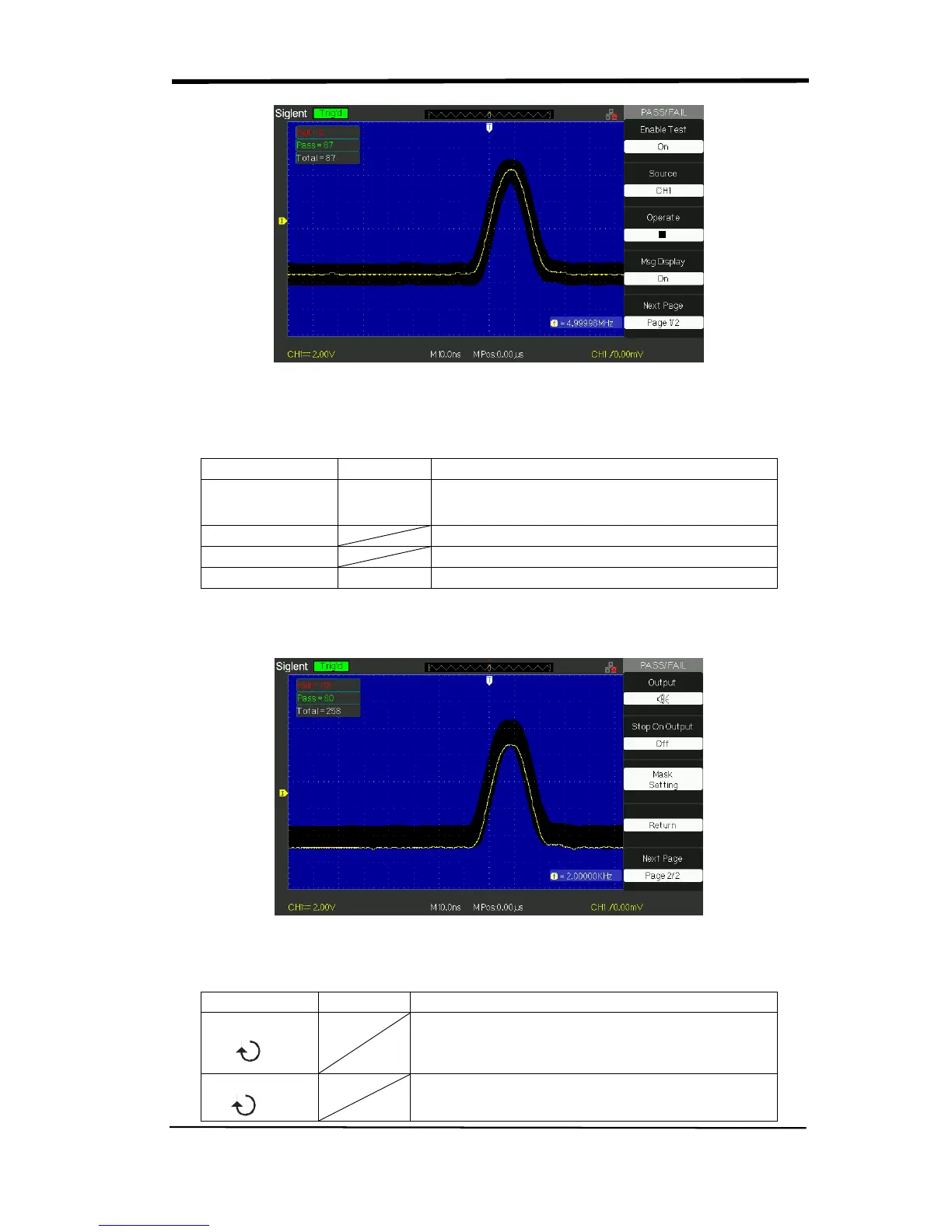
Picture 2.13-12
Table 2-56 Pass/Fail function menu 2:
On
Off
Stop test when output occur.
Continue test when output occur.
Mask Setting Enter the “Mask Setting menu”.
Return Return to the Pass/Fail main menu.
Next Page Page 2/2
Return to the first page of Pass/Fail menu.
Picture 2.13-13
Table 2-57 Mask Setting function menu 1:
X Mask
xdiv
Turn the “Universal” knob to set the range of
horizontal clearance to the waveform.
<0.04div-4.00div>
Y Mask
ydiv
Turn the “Universal” knob to set the range of
vertical clearance to the waveform.










 To Next Page