SIGLENT
18 SDS1000CML+/SDS1000DL+ User Manual
Picture 2.6-3
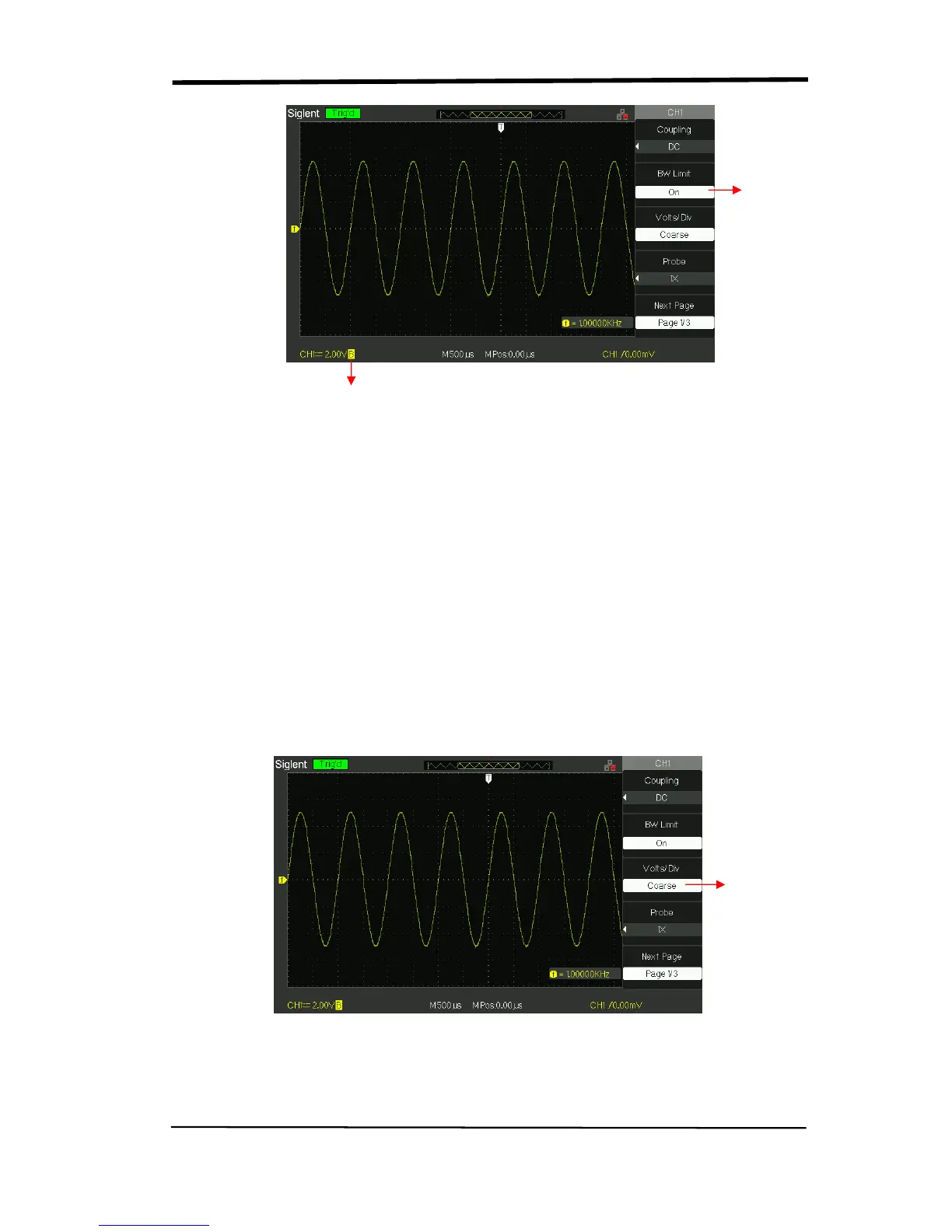
3. Adjust Sensitivity
Vertical scale adjusting has Coarse and Fine two modes, Vertical sensitivity range
is 2mV/div~10V/div scale.
Take the CH1 for example:
● Press “CH1”→“Volts/Div”→“Coarse”. It is the default setting of Volts/Div, and it
makes the vertical scaling in a 1-2-5-step sequence from 2mv/div, 5mv/div,
10mv/div to 10v/div.
● Press “CH1”→“Volts/Div”→“Fine”. This setting changes the vertical to small
steps between the coarse settings. It will be helpful when you need to adjust the
waveform vertical size in smooth steps.
Picture 2.6-4
Set BW
to 20MHz
BW Limit Symbol










 To Next Page