SIGLENT
20 SDS1000CML+/SDS1000DL+ User Manual
6. Using the Digital Filter
Press “CH1”→“Next Page page1/3”→ “Filter”, display the digital filter menu. Select
“Filter Type”, then select “Upper Limit” or “Lower Limit” and turn the “Universal”
knob to adjust them.
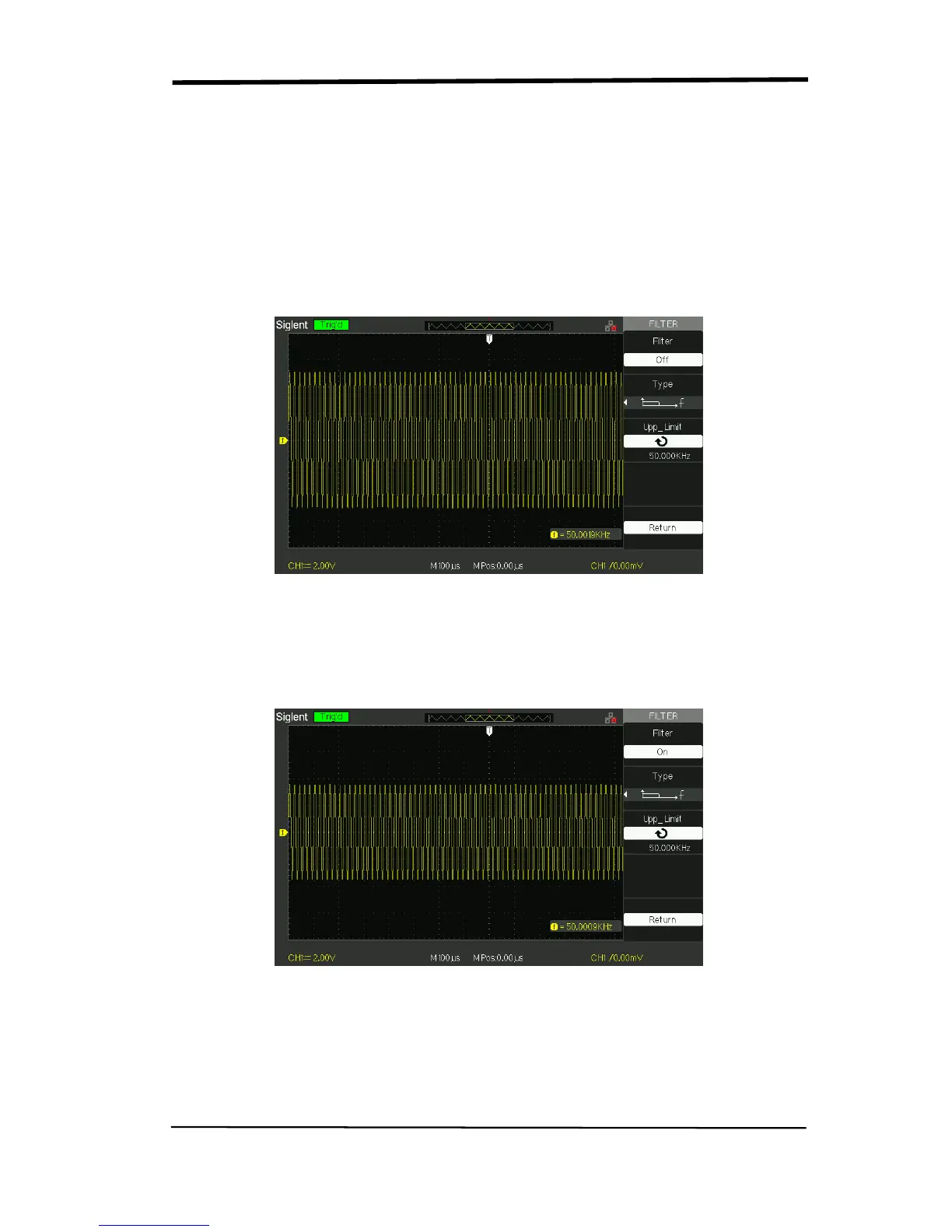
● Press “CH1”→“Next Page page1/3”→ “Filter” →“Off”. Turn off the Digital Filter
function.
Picture 2.6-7
● Press “CH1”→ “Next Page page1/3”→ “Filter” → “On”. Turn on the Digital
Filter function.
Picture 2.6-8










 To Next Page