SIGLENT
40 SDS1000CML+/SDS1000DL+ User Manual
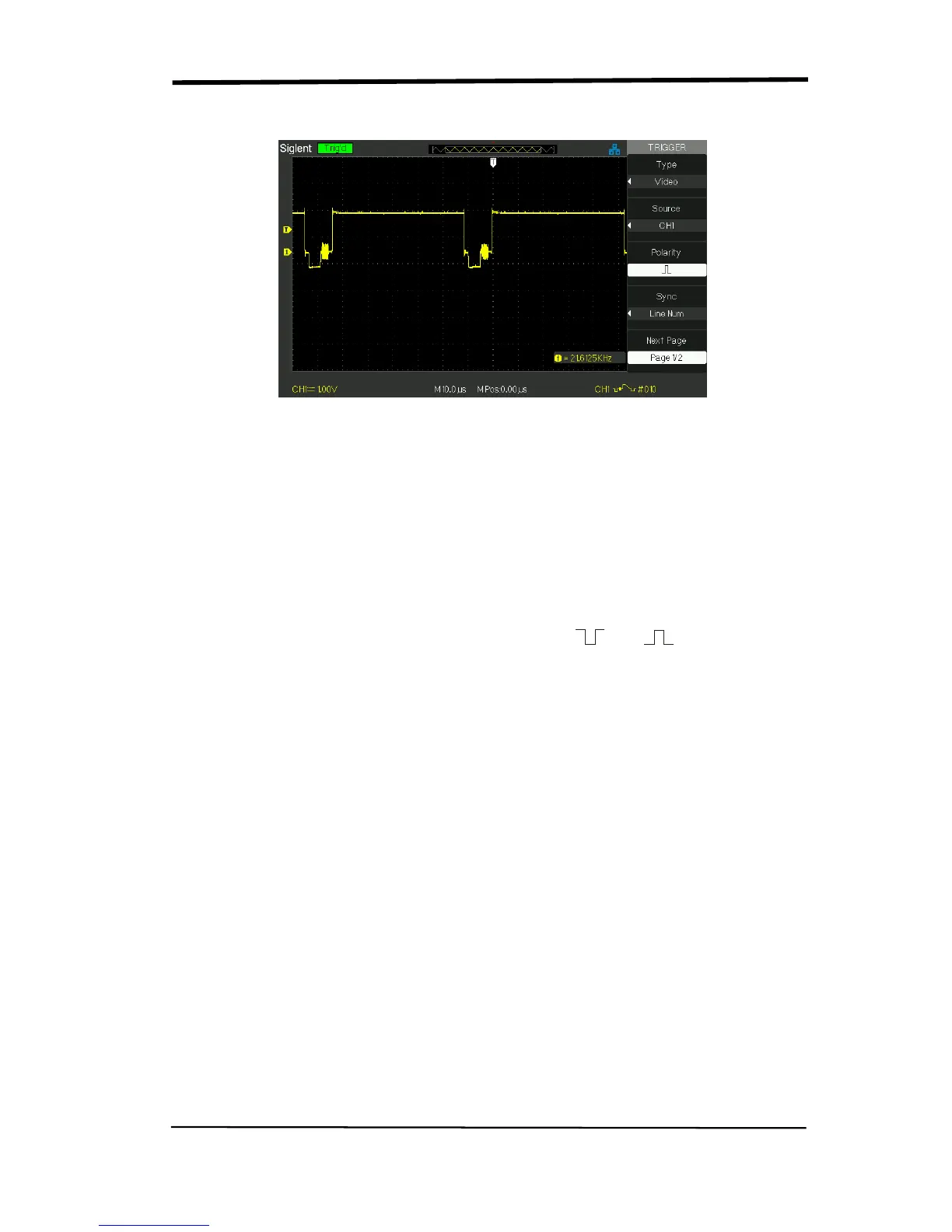
Picture 2.8-5
Operate Instruction
1. Set up Type
1) Press the “TRIG MENU” button to display “Trigger” menu.
2) Press the “Type” option button to select “Video”.
2. Set up Polarity
Press the “Polarity” option button to select “ ” or “ ”.
3. Set up synchronization
1) Press the “Sync” option button to select “All Lines”, “Line Num”, “Odd
Field”, and “Even Field”.
2) If you select “Line Num”, you can turn the “Universal” knob to set the
appointed line number.
4. Set up Standard
1) Press the “Next Page Page 2/2” option button.
2) Press the “Standard” option button to select “PAL/SECAM” or “NTSC”.










 To Next Page