SIGLENT
SDS1000CML+/SDS1000DL+ User Manual 77
■Save Setup to USB flash drive
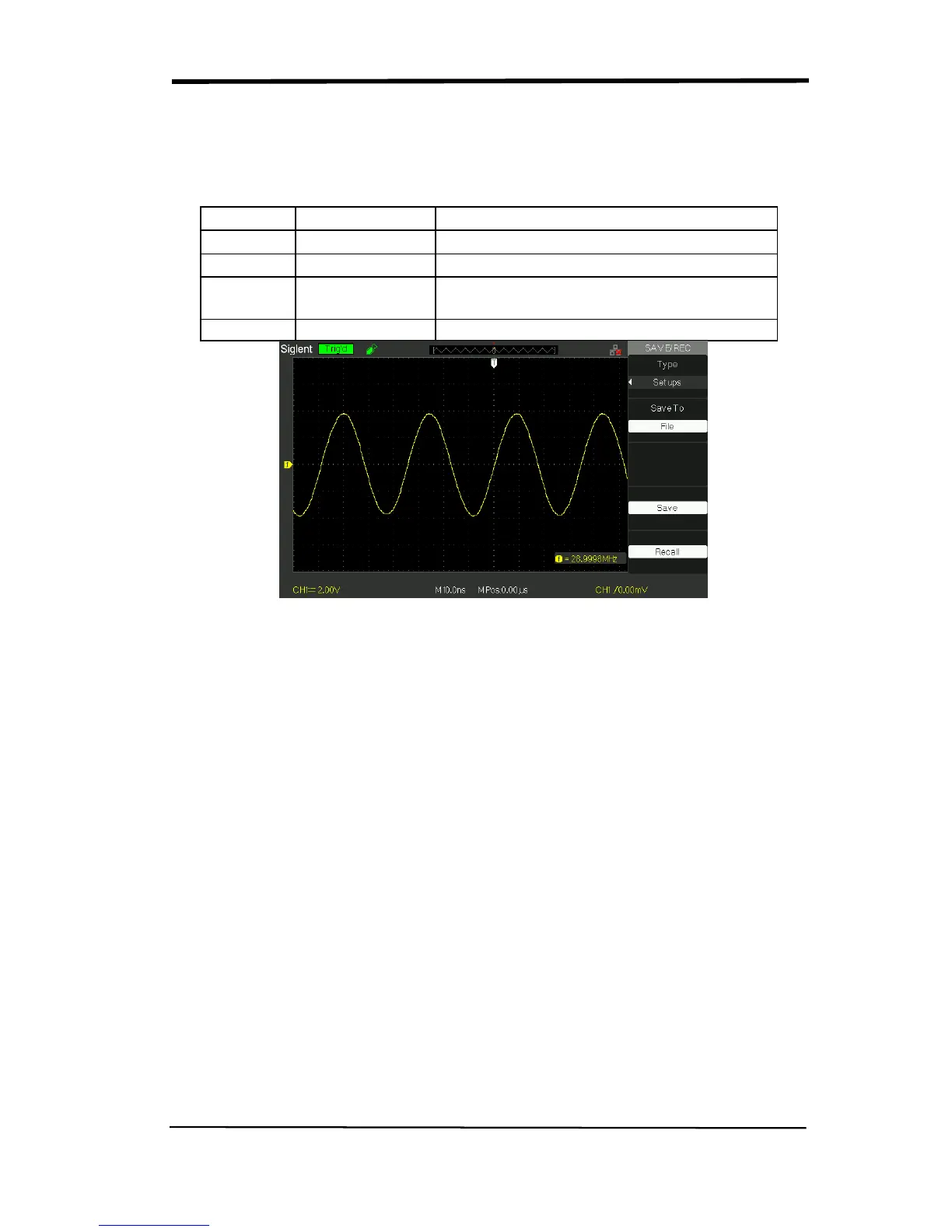
Table 2-42 Save setup to USB flash drive function menu:
Option Setting
Type Setups
Menu for the Storage/Recall settings.
Save to File
Save setup data to USB flash drive.
Save
Go to the Save/Recall interface and save
the set file
Recall
Recall the saved set file
Picture 2.12-7
Save setup to USB flash drive, follow these steps:
For example: Save setup that set waveform display type to “Dots” to USB flash
drive.
Press the “SAVE/RECALL” button to select “Setups”.
1) Insert USB flash drive to USB host port of the oscilloscope and wait that the
oscilloscope has initialized USB flash drive (about five second).
2) Press the “Save to” option button to select “file”.
3) Press the “Save” option button then you’ll go into the Save/Recall interface.
4) Press the “New folder” button to create a new folder
5) Press the “Del folder” option button to delete a folder
6) Press the “Modify” option button to modify a folder.
7) Press the “New file” option button to create a new file
8) Press the “Del file” option button to delete a file
9) Press “the next page” option button and press the “Rename” option button to
modify the name of the file or the folder.










 To Next Page