SIGLENT
SDS1000CML+/SDS1000DL+ User Manual 79
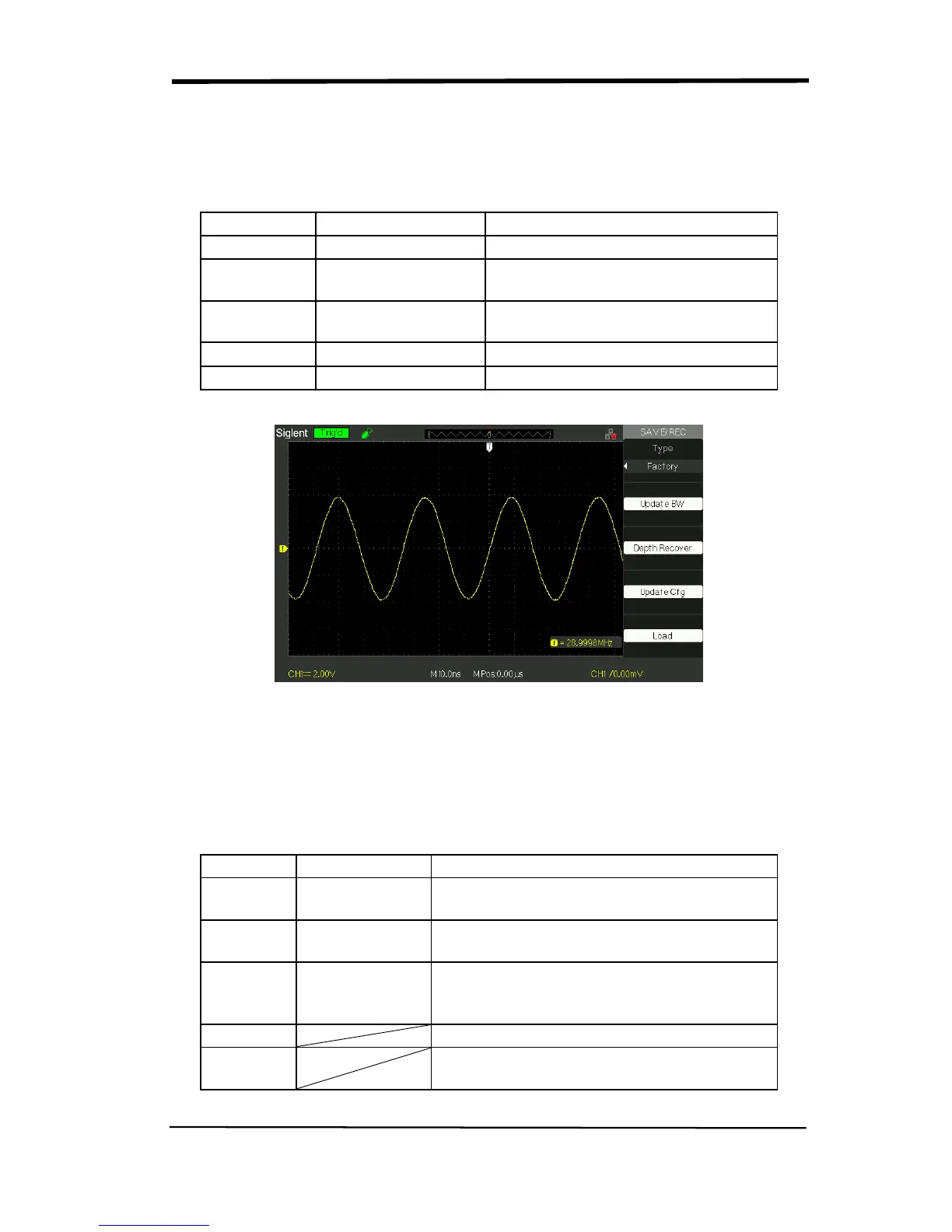
■ RECALL FACTORY
You can use this option to recall the factory setup.
Table 2-43 Factory function menu:
Option Setting
Type Factory
To view the Factory setup.
Update BW
Change the bandwidth of the
oscilloscope.
Depth
Recover
Recover the memory
Update cfg
Update the config file
Load
Recall the Factory setup.
Picture 2.12-8
SAVE/RECALL WAVEFORM
■Save waveforms to Device
Table 2-44 Save waveform to device function menu:
Option Setup
Type waveforms
Menu for the Storage/Recall waveforms in
the oscilloscope.
Save to Device
Save waveforms to the oscilloscope’s
internal memorizer.
waveform
No.1 to No.10
Press the “waveform” option button or turn
the “Universal” knob to select storage
position.
Save
Accomplish the storage.
Recall
Recall the storage in the “waveform”
operation










 To Next Page