SIGLENT
80 SDS1000CML+/SDS1000DL+ User Manual
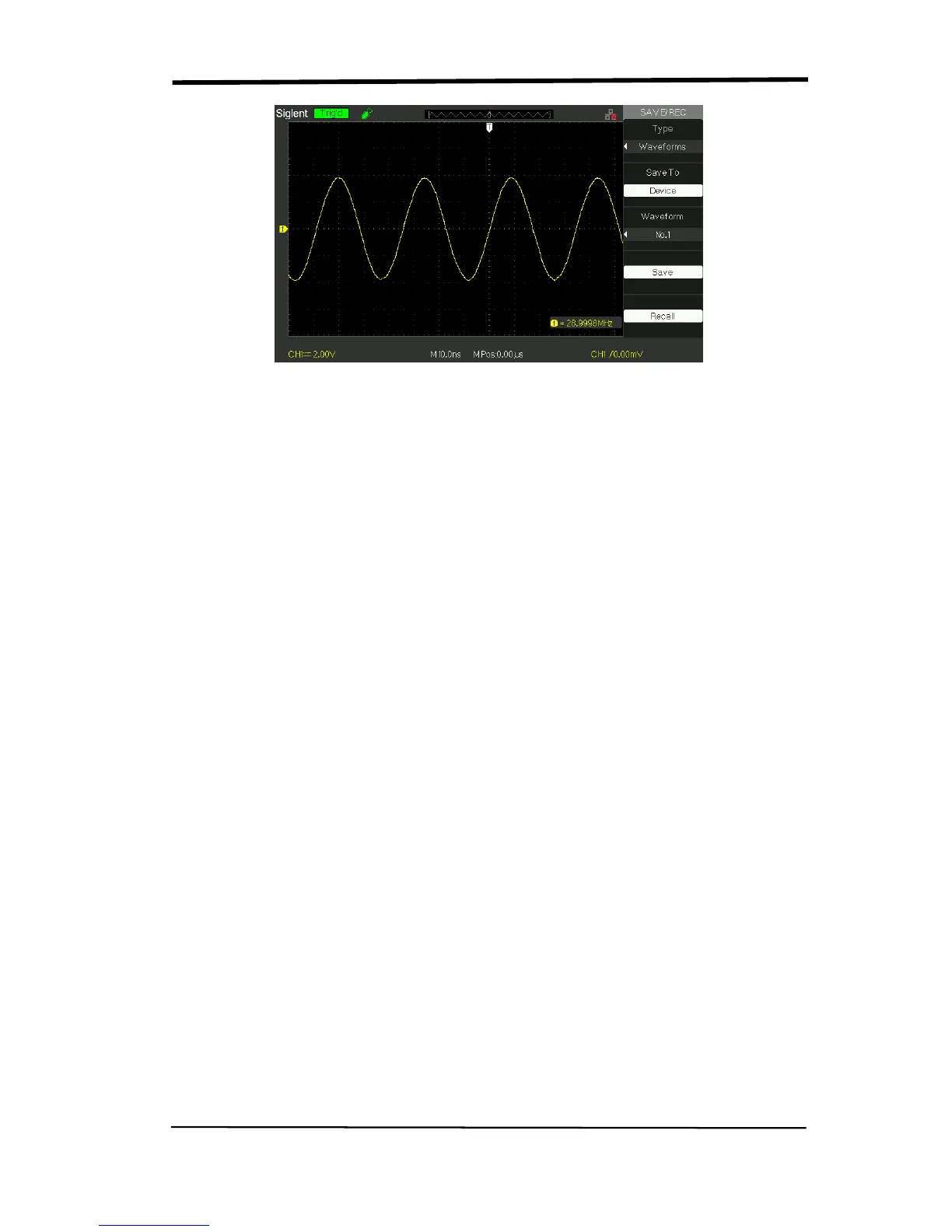
Picture 2.12-9
Save waveforms in internal memory, follow next steps:
1). Input a sine signal to channel 1 and press the “Auto” button.
2). Press the “SAVE/RECALL” button to enter “SAVE/RECALL” display menu.
3). Press the “Type” option button to select “waveforms”.
4). Press the “Save to” option button to select “Device”.
5). Press the “waveform” option button or turn the “Universal” knob to select
“No.1”.
6).Turn the “Volts/div” knob or “S/div” knob to adjust the waveform that you want
to need.
7). Press the “Save” option button.
Recall waveforms, follow next steps:
1). Press the “SAVE/RECALL” button to enter “SAVE/RECALL” display menu.
2). Press the “Type” option button to select “waveforms”.
3). Press the “Save to” option button to select “Device”.
4). Press the “waveform” option button or turn the “Universal” knob to select
“No.1”.
5). Press the “Recall” option button.










 To Next Page