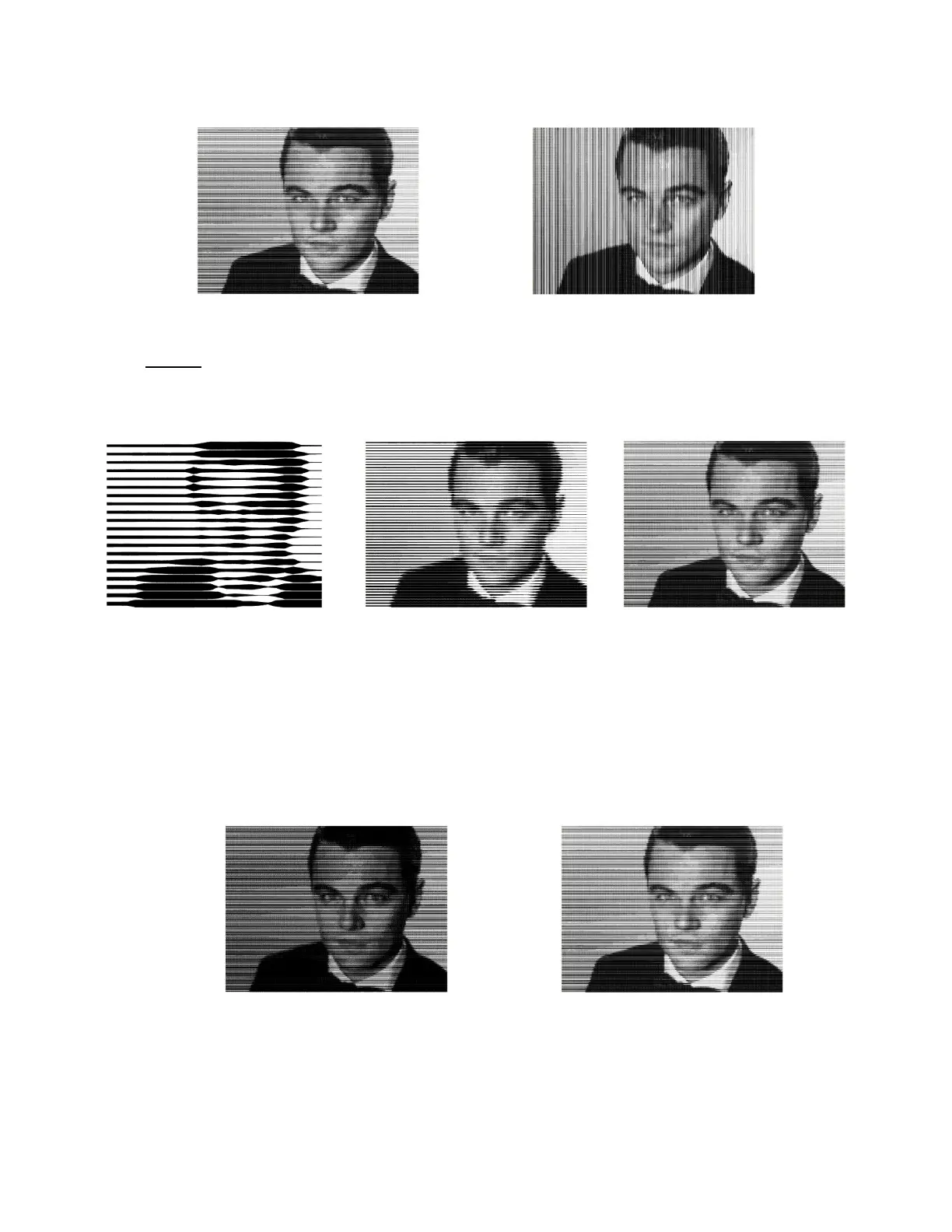
Direction of line pattern: Select from either Horizontal or Vertical:
Density controls how many lines will be generated based on the size of the bitmap. If the number is set
to the minimum of 1, then in a case like this example, there are so few that the pattern isn’t
recognizable. At the maximum of 5, the pattern is very clear but takes much longer to generate and will
take much longer to engrave as well.
Tool Settings
o Tool diameter: is the width of the line made by the tool tip as it’s engraving, drawing, foiling, etc. If
it’s not specified on the particular tool in use, a test line can be made and then measured with a
ruler or with a caliper. Very thin lines, such as those made with a scratch engraver, may not be
measurable, so testing with a few small patterns first (e.g. try a diameter 0.01” and test larger or
smaller as needed) will help you determine what works best.
▪ The difference in the pattern between two Tool diameters is shown here:
▪ Zooming in on the nose, you can see how the pattern differs when the Tool diameter is larger:



 To Next Page