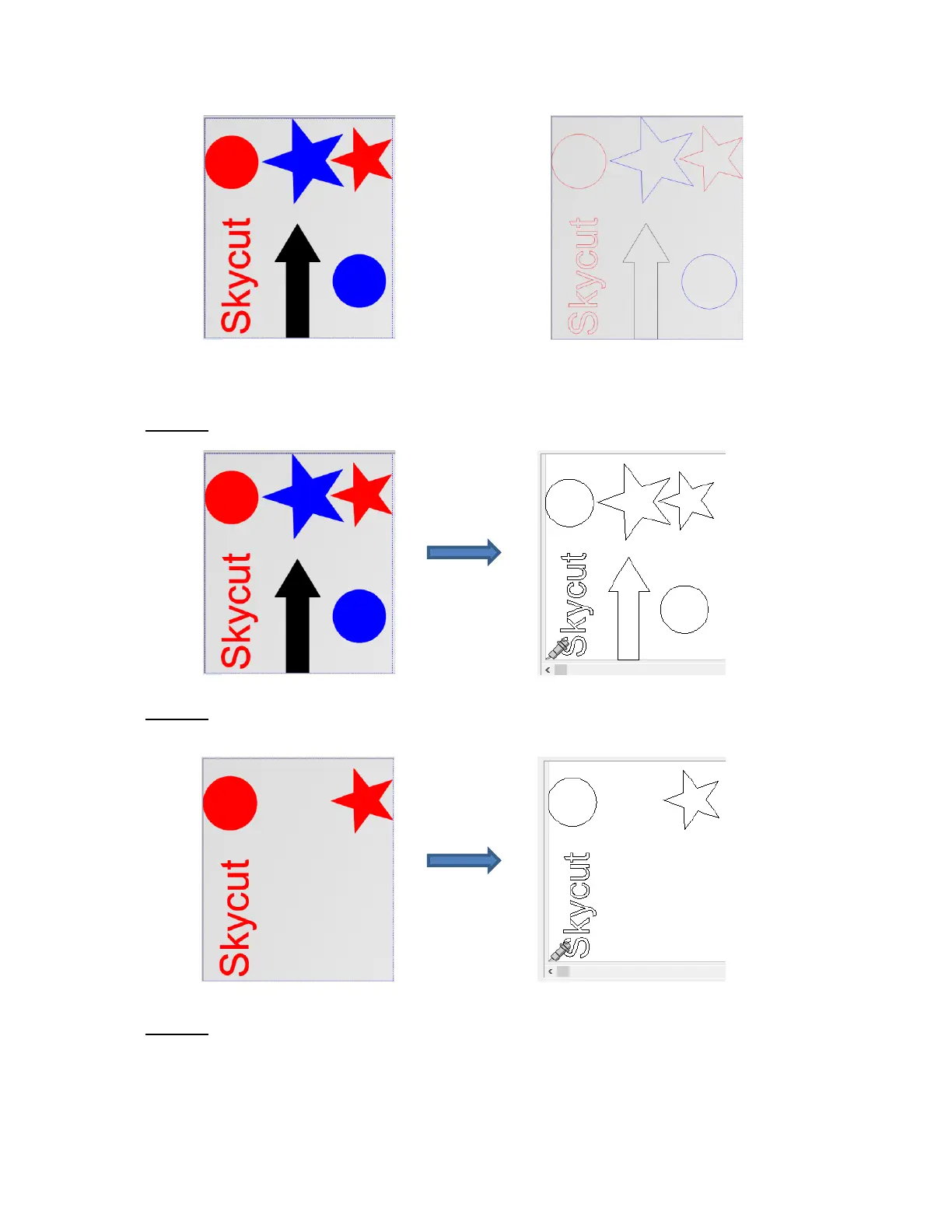
• There are several methods of selecting which color shapes to send to the cutter:
Option 1: If all shapes are showing, then all shapes will be sent to cut:
Option 2: Click on any color thumbnail and only those shapes will be displayed. Those will be sent to
cut. In this example, only the red thumbnail was selected:
Option 3: Click on any color thumbnail and, while holding the Shift key, click on one or more thumbnails
of another color. The shapes in those colors will be displayed and they will be sent to the cutter. In this
case the red and the black thumbnails were selected:



 To Next Page