User Manual |
109
Laser Engraving and Cutting - 03 How to Laser Engrave and Cut
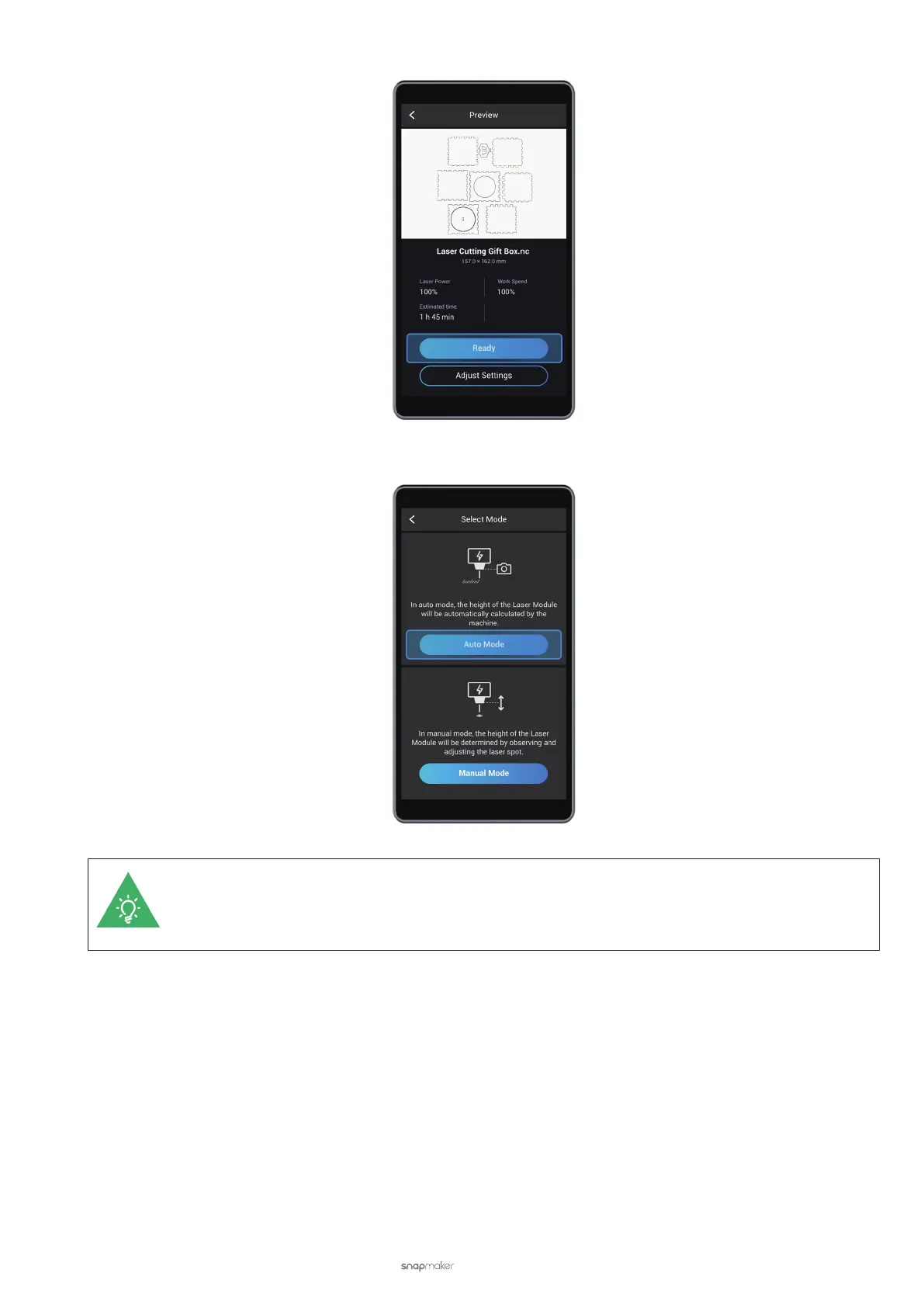
(4) In the Select Mode screen, tap Auto Mode.
You can also opt for Manual Mode. However, we recommend auto mode as it is easier to follow. To
know more about the differences between the two modes as well as how to navigate the manual
mode, see 3.10 Auto Mode and Manual Mode for Laser Engraving and Cutting.
(5) Set Material Thickness. Set the thickness of the material you want to engrave or cut, and then tap Next.



 To Next Page