User Manual |
110
Laser Engraving and Cutting - 03 How to Laser Engrave and Cut
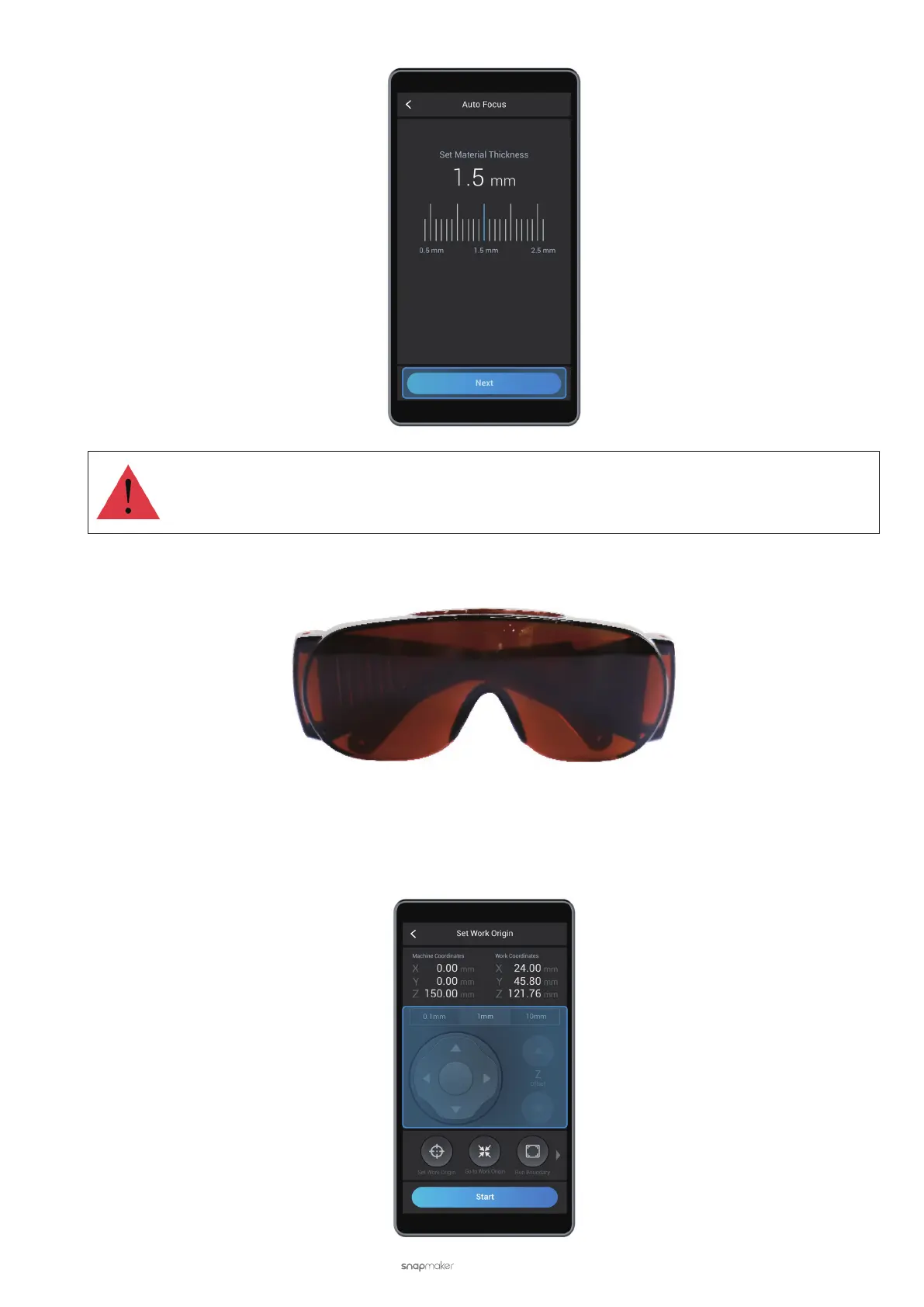
Set an accurate material thickness. Otherwise, the Lens Hood may collide with the material.
(6) Put on the Laser Safety Goggles and tap Next.
(7) Tap X-, X+, Y-, or Y+ to move the laser dot to where the work origin will be, and then tap Set Work Origin. Next,
tap Run Boundary to check if the work origin is proper. If not, reset the work origin and run boundary again.
After you set a proper work origin, tap Start.
For more information about work origin, see 3.9 How It Works: Work Origin.



 To Next Page