User Manual |
125
Laser Engraving and Cutting - 05 Maintenance
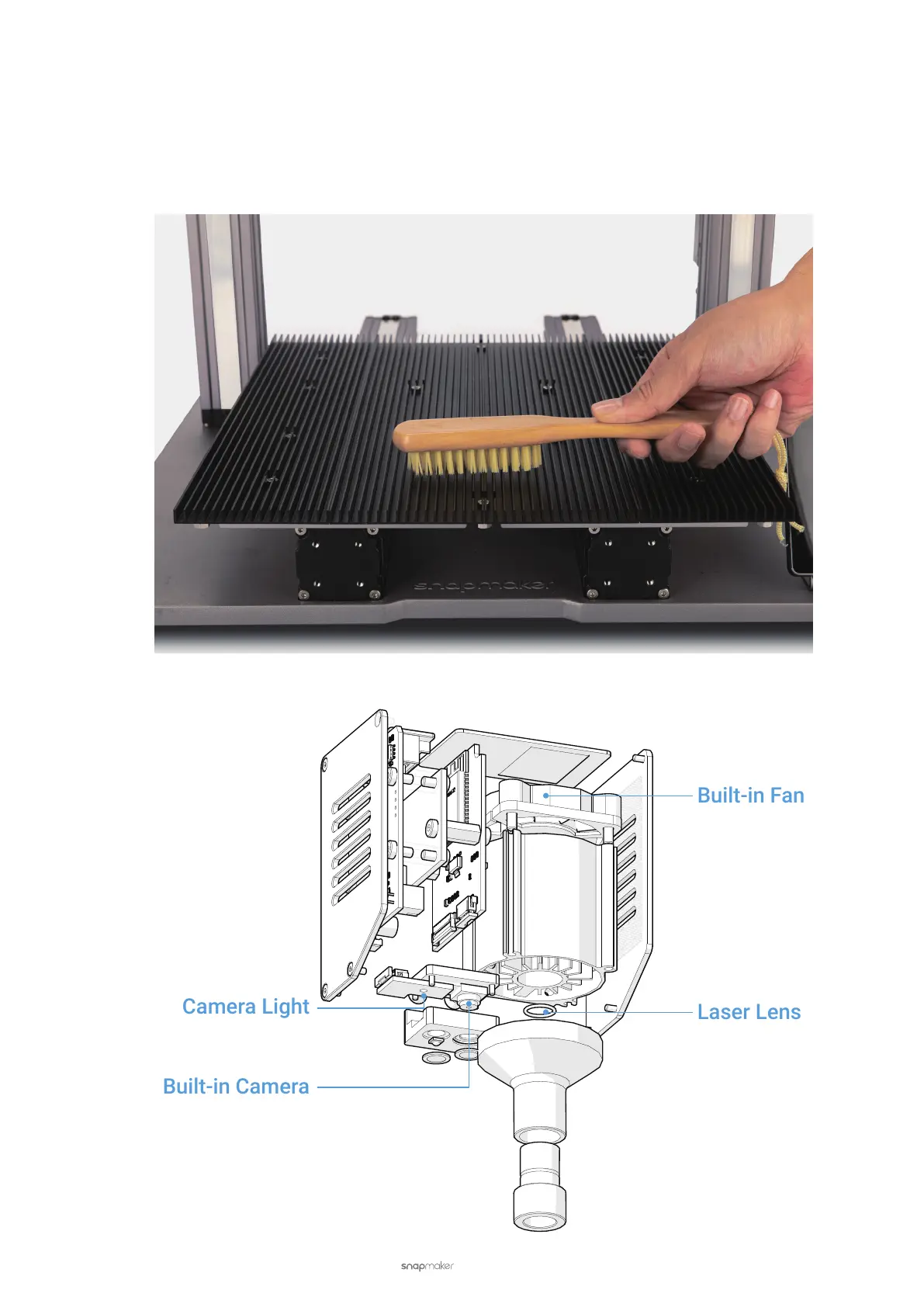
Clean the Laser Engraving and Cutting Platform
Dust and debris accumulated on the Laser Engraving and Cutting Platform not only make it difcult to fasten
materials on the platform, but also pose a re hazard.
To avoid this, you should check if the Laser Engraving and Cutting Platform is clean. If not, use a stiff brush or
vacuum to clean it. You can also take down the platform for cleaning and install it back to place after.
5.2.4 Check the Built-in Fan



 To Next Page