User Manual |
124
Laser Engraving and Cutting - 05 Maintenance
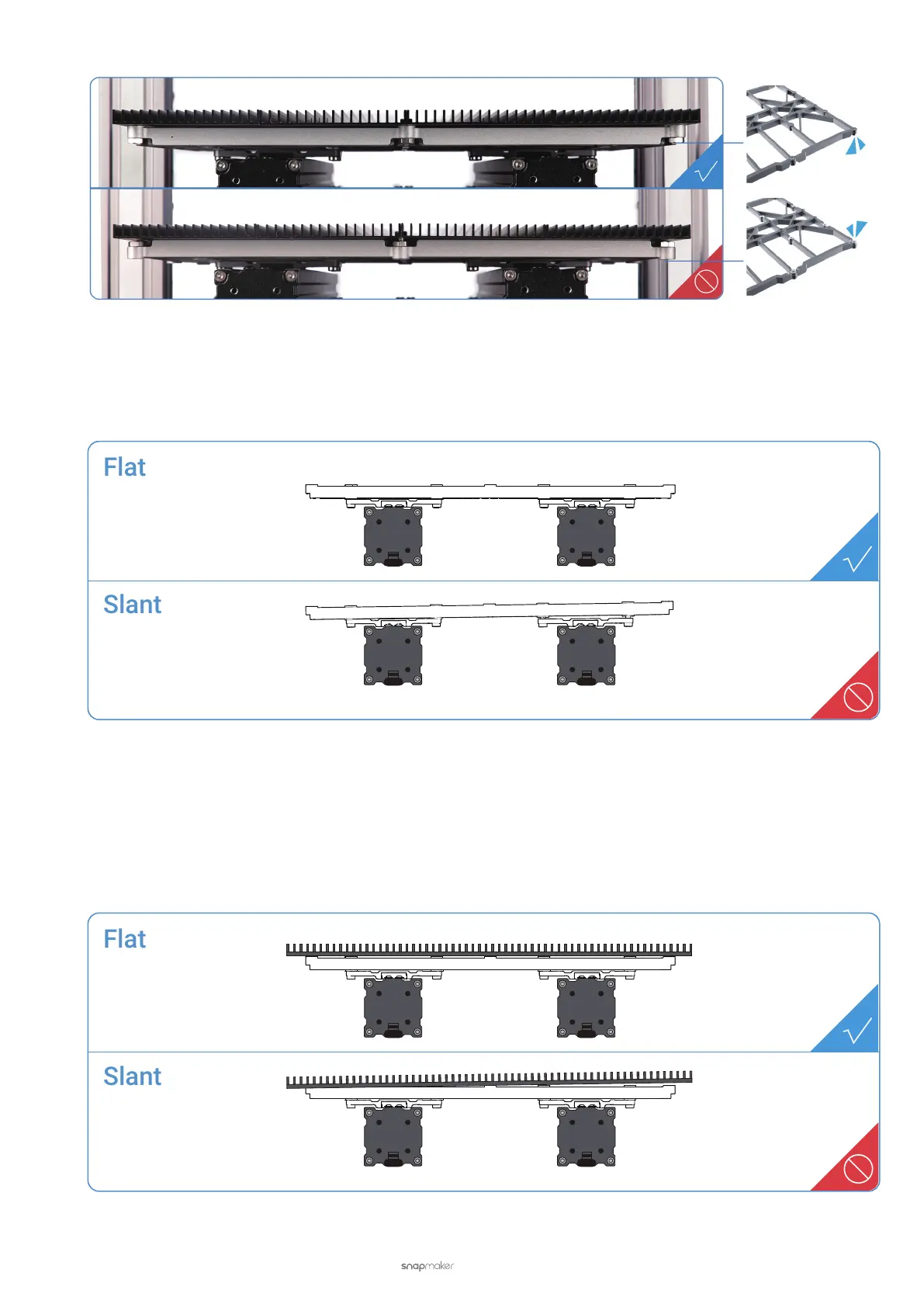
Check if the Support Platform is flat and stable, fully tightened with screws. If not, loosen all screws and reassemble
the platform.
5.2.3 Check the Laser Engraving and Cutting Platform
Check the Laser Engraving and Cutting Platform
Check if the Laser Engraving and Cutting Platform is flat and stable, and fully tightened with screws. If not,
reassemble the Laser Engraving and Cutting Platform.



 To Next Page