User Manual |
148
CNC Carving - 04 How to CNC Carve
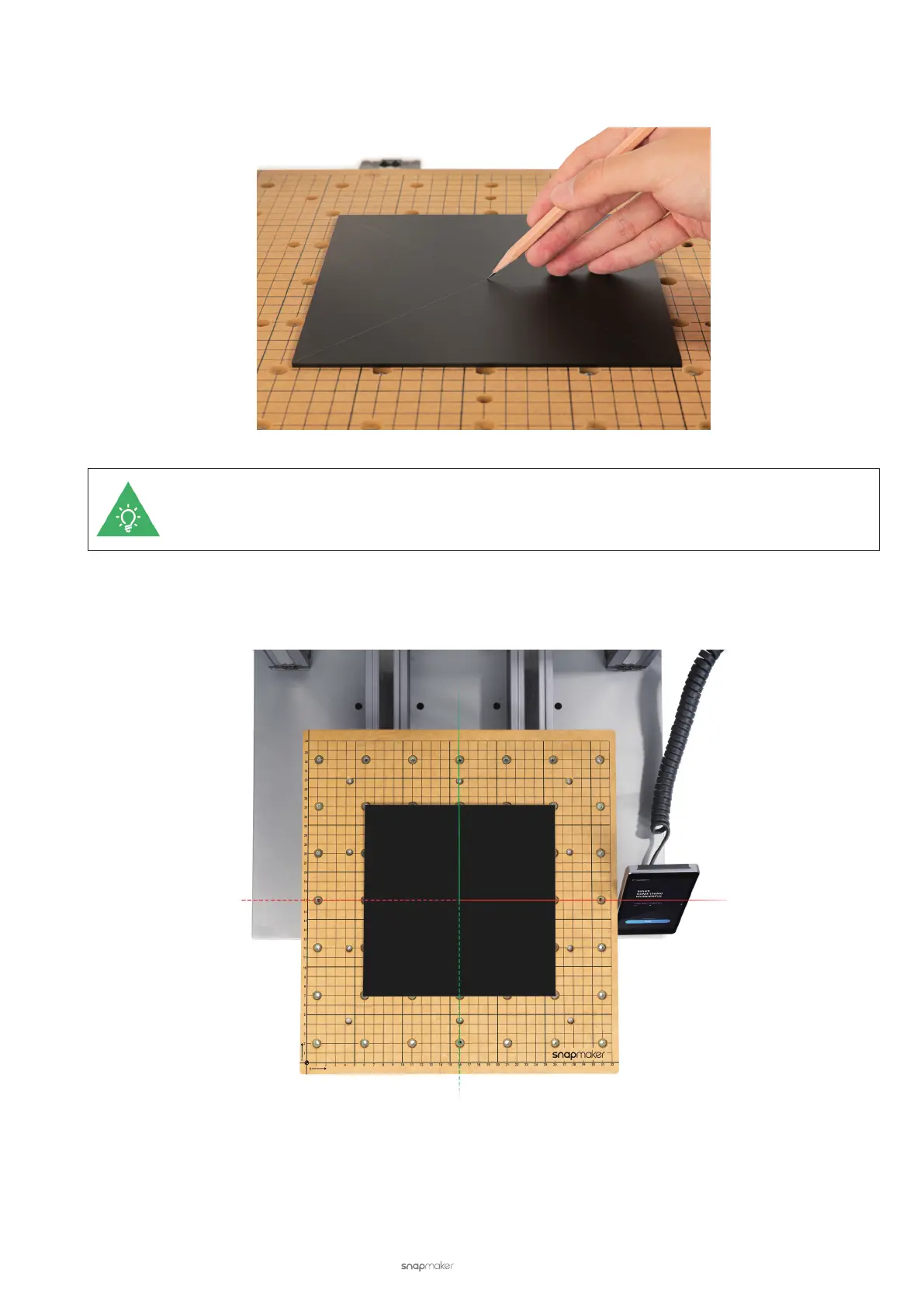
(2) Draw two diagonals on the material surface using a pencil. Mark the material center for setting the work origin
later.
Alternatively, you can mark other positions on the material for setting the work origin, as long as the
work area is limited within the machinable material size.
(3) Place the provided material on the center of the CNC Carving Platform.
Material Size: 190 width × 190 height × 2.8 depth (mm)



 To Next Page