User Manual |
54
3D Printing - 05 Maintenance
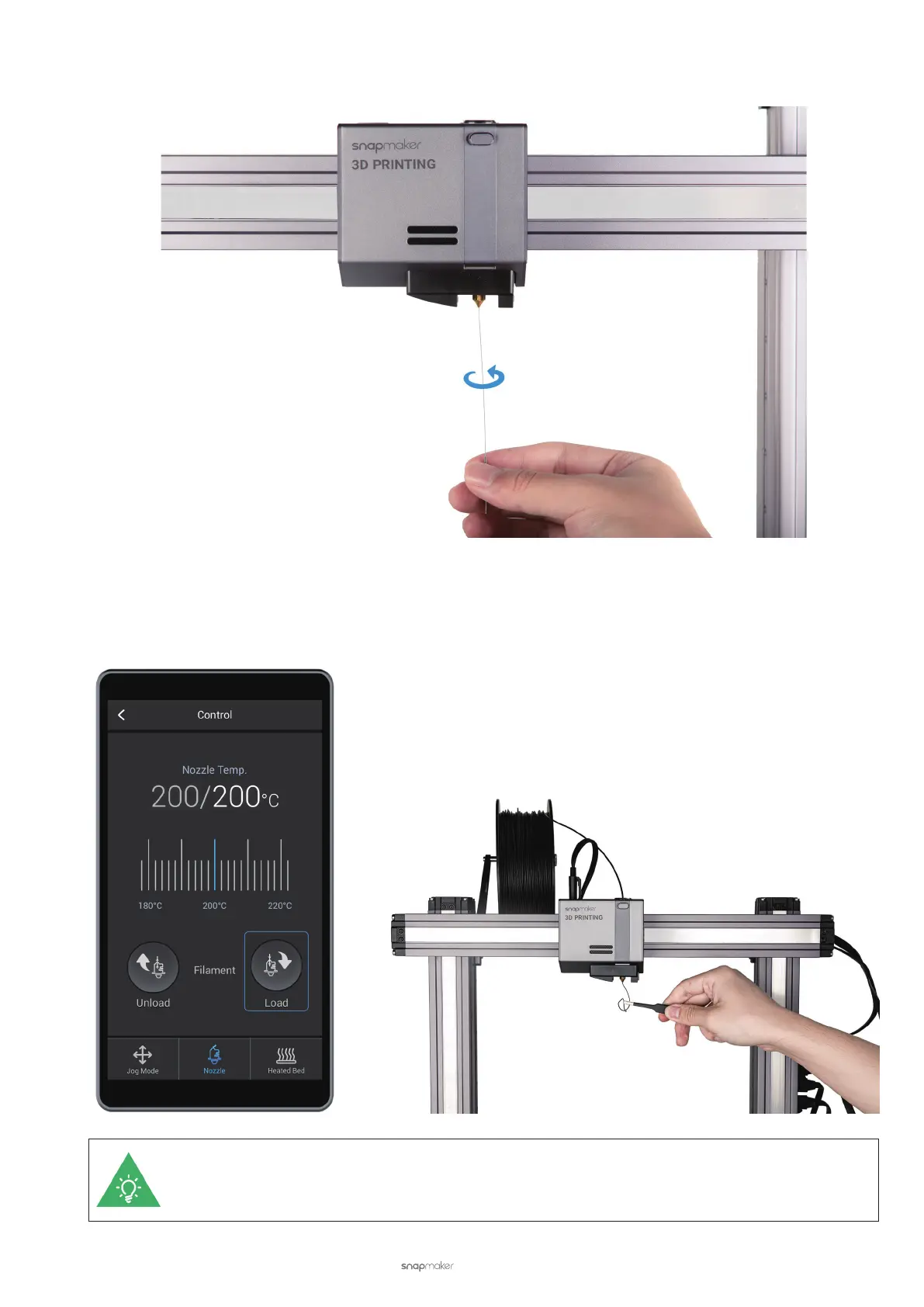
c. Stir the softened lament out using the needle until you have cleared the blockage.
d. Check if the nozzle is clean. Tap Load and insert the lament to see if it can get through the nozzle. If not, re-
peat the previous two steps to clear the blockage. If the lament comes out smoothly, you have unclogged the
blocked nozzle. Remove the extruded lament using the tweezers.
If the blockage remains in the nozzle, you may need to replace the hot end.



 To Next Page