User Manual |
55
3D Printing - 05 Maintenance
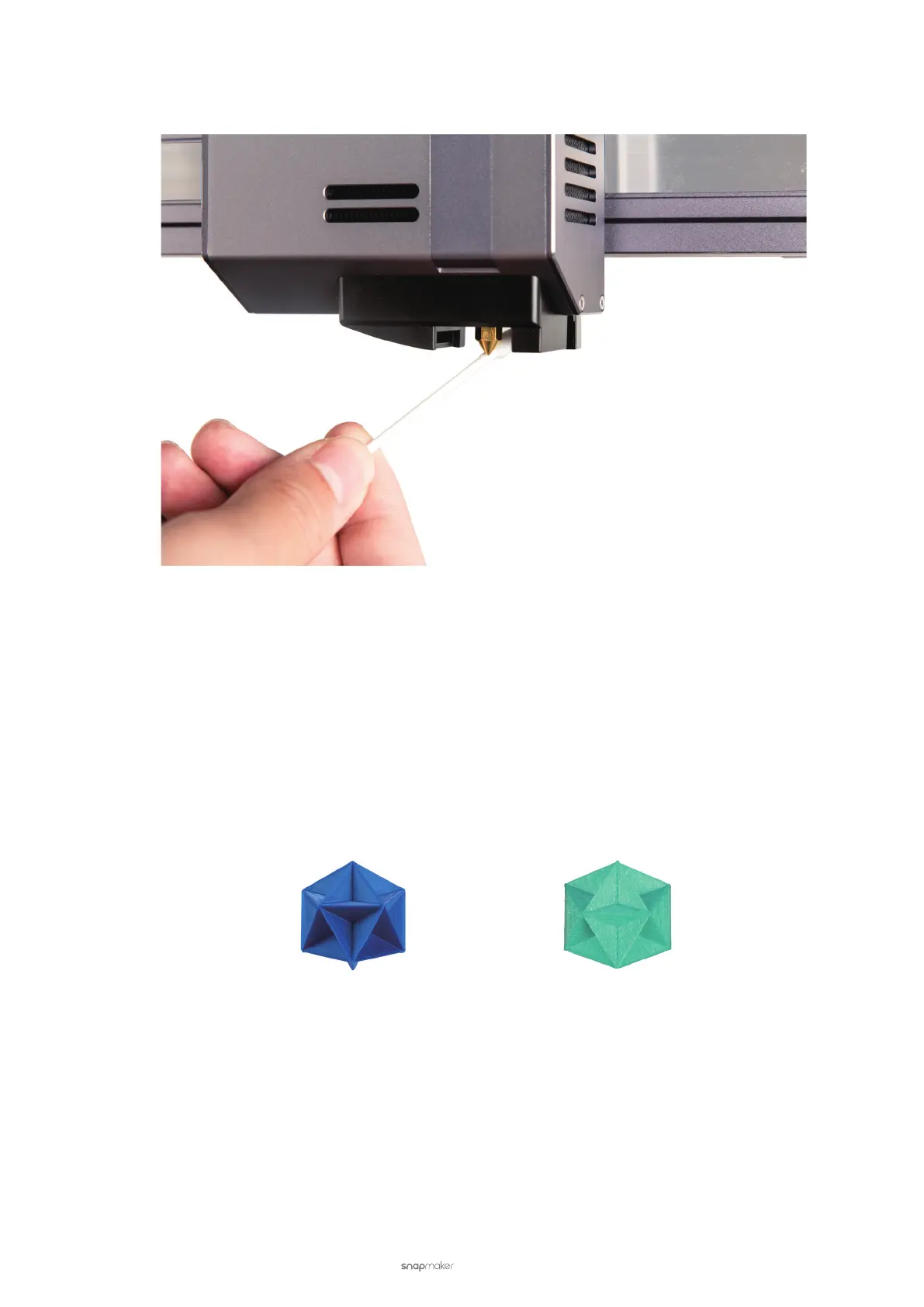
Clean the Nozzle Tip
Clean the nozzle tip and its surrounding area with a swab.
5.2.5 Check the Filament
Before you print, check if the filament is damp. Here are some tips to identify, store, and dry the filament.
How to Identify Damp Filaments
These are a few common signs of damp filaments:
• Easily break if bent or pulled
• Popping sounds while being extruded
• Poor strength and rst layer adhesion
• Bubbles on the print surface
Normal Damp
How to Store Filaments
See 2.1 Filament Overview.
How to Dry Filaments
Use a filament dryer. Put your damp filament into the filament dryer, select the proper settings, and leave the dryer to
do its job. After the dryer finishes, recheck if the filament adequately dried.



 To Next Page