User Manual |
63
3D Printing - 06 Troubleshooting
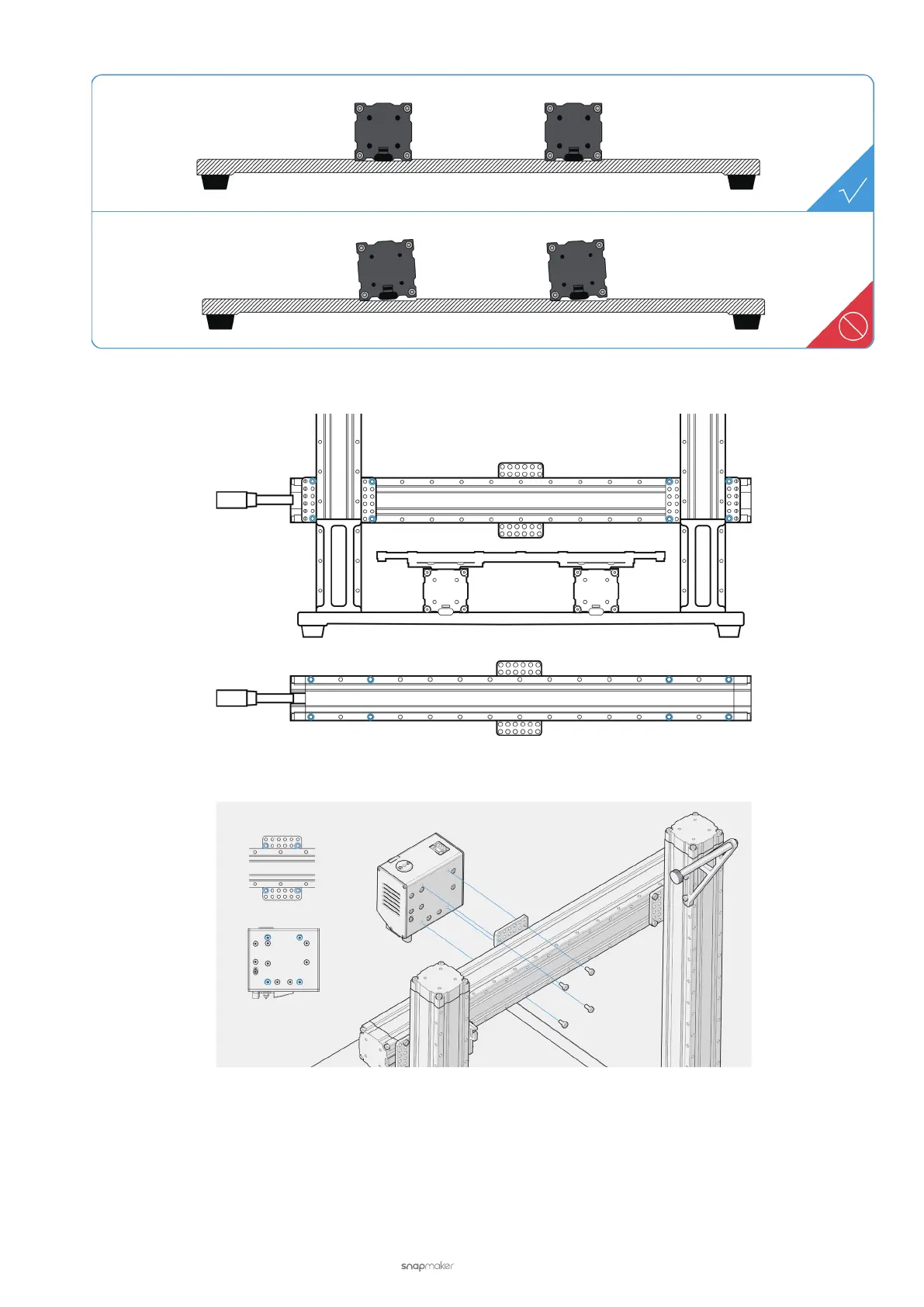
(2) Check if the screws for xing the X axis with Z-axis sliders are installed into the correct holes.
(3) Check if the screws for attaching the 3D Printing Module are installed into the correct holes.
(4) Check if the Support Platform is correctly installed (see 5.2.2 Check the Support Platform). If not, reassemble
the Support Platform.
(5) If the problem persists, contact us at support@snapmaker.com.



 To Next Page