User Manual |
86
Laser Engraving and Cutting - 03 How to Laser Engrave and Cut
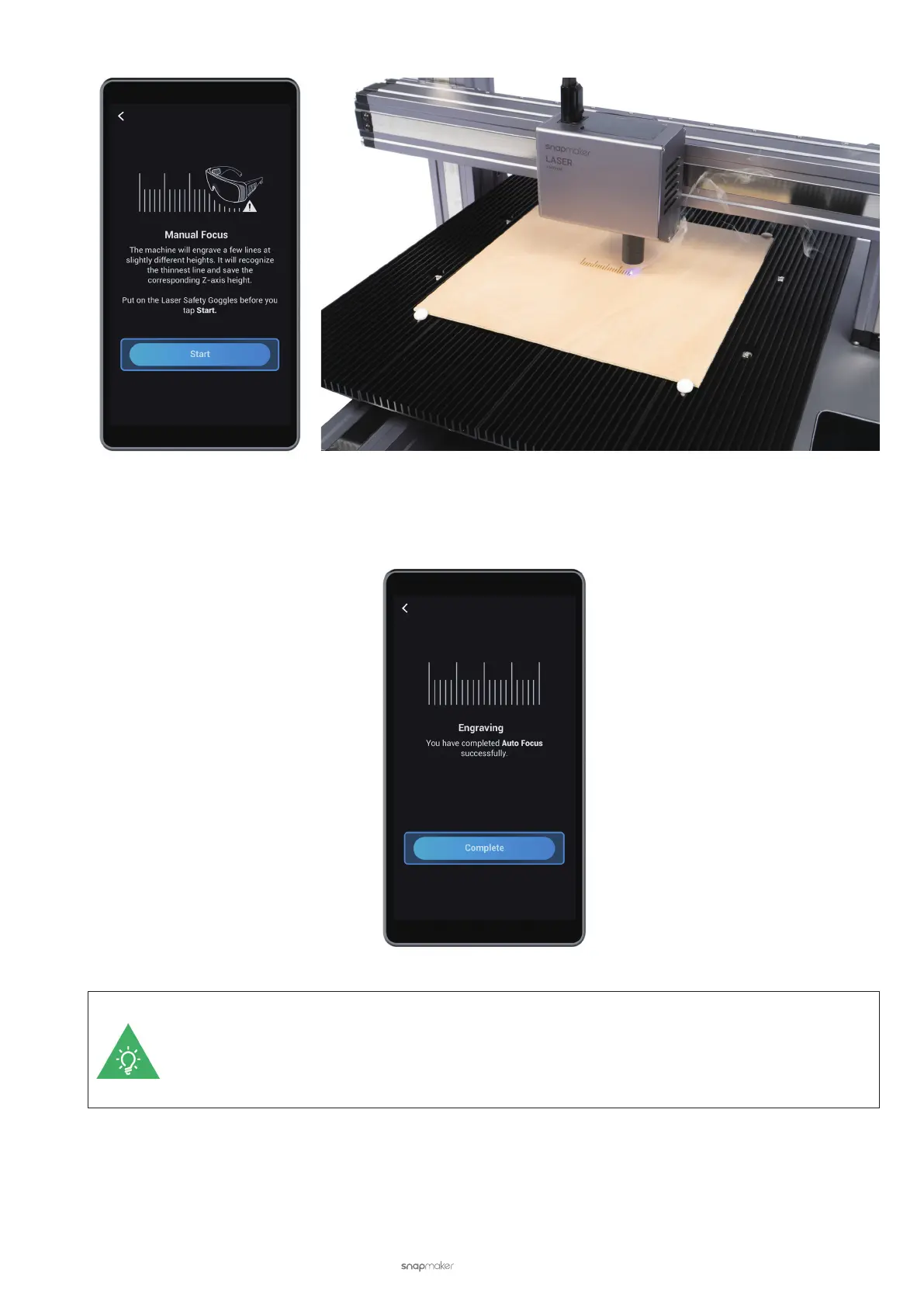
(9) After Auto Focus is completed, tap Complete to go back to the APP List Screen.
If the screen displays Failed, tap Failed and slide the scale to choose the line corresponding to the
thinnest engraved line manually. Then you may need to redo Auto Focus. For more information about
the possible causes and solutions to failed auto focus, see Laser Engraving and Cutting - 6.1 Auto
Focus Fails.



 To Next Page