User Manual |
88
Laser Engraving and Cutting - 03 How to Laser Engrave and Cut
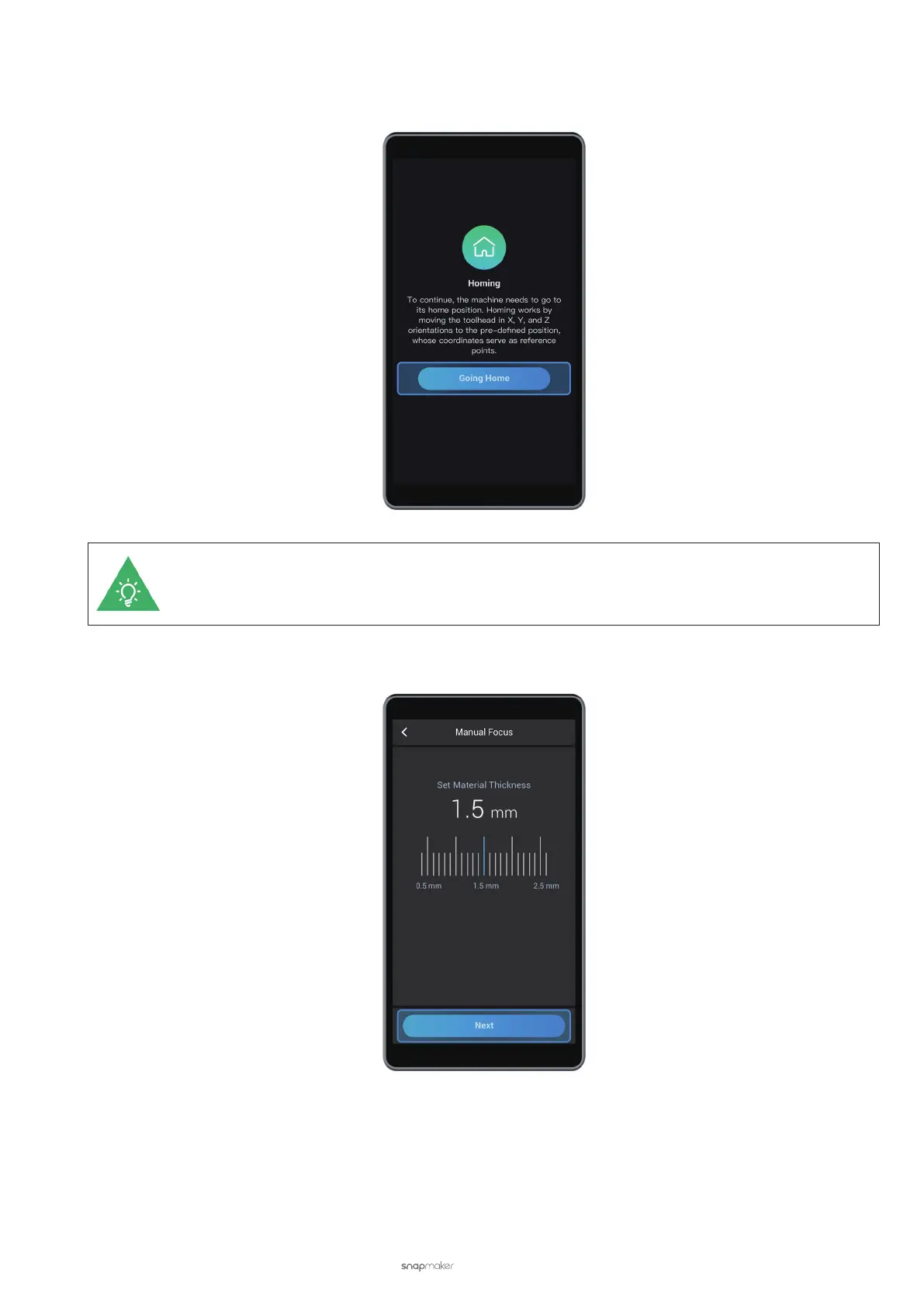
(3) Read the homing instruction on the Touchscreen. Tap Going Home, and the Laser Module will automatically
jog to the starting position of X, Y, and Z axes.
If you have completed homing previously, the machine will skip this step.
(4) Slide the scale to set the thickness of the material (1.5 mm) and tap Next.



 To Next Page