7 8
Keypad
• Press to enter numbers or characters.
• While eding names, press
to add a space.
Navigaon key (four-way toggle)
• Press top or boom edge to scroll up or down, respecvely, while in a menu,
phonebook, or call log.
• Press le or right edge to move the cursor le or right, respecvely, while
entering names or numbers.
• Press le or right edge to view addional funcon key labels and view
mulple acve calls.
Call key. Press to make, answer, or end a call.
Front microphone
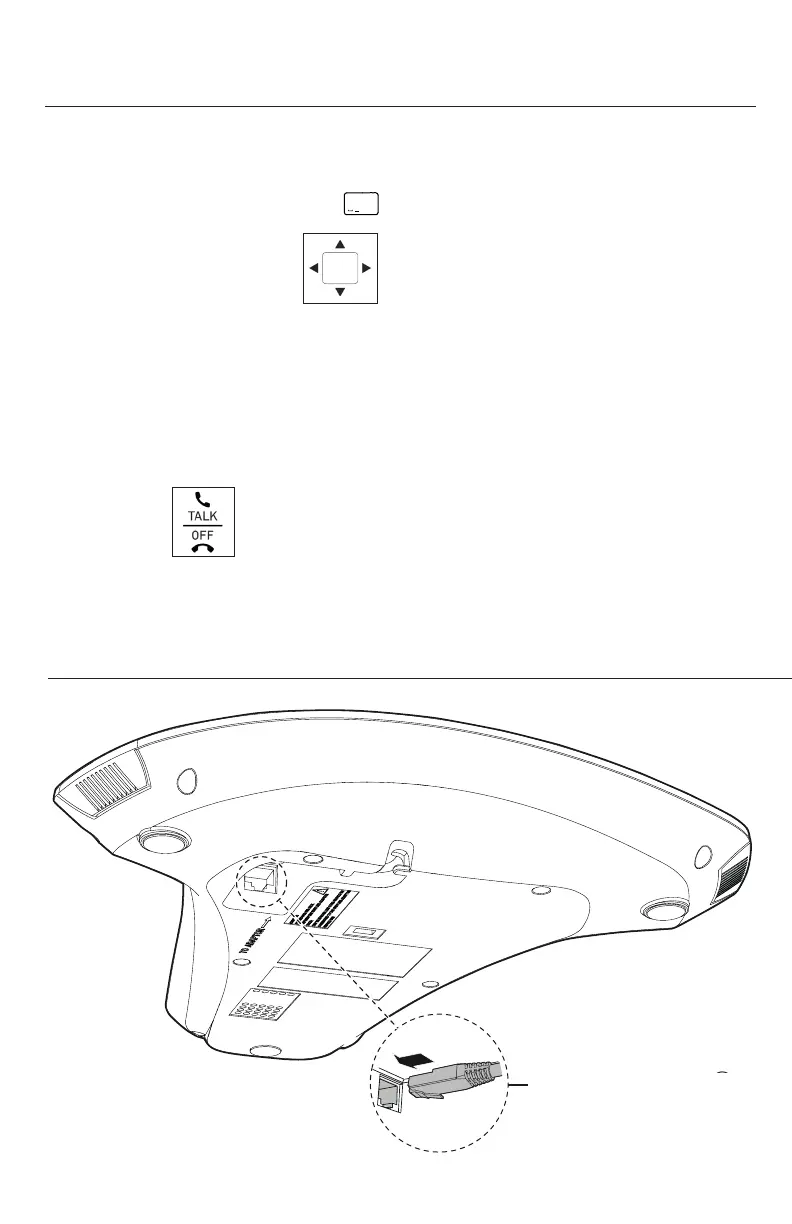
Base unit overview (rear)
Geng Started
a
RJ45 jack
• With PoE: To network
• Without PoE: To adapter
Base unit overview (front), connued



 To Next Page