14
Making calls
You can make a call at any me by pressing and then entering the number on
the keypad. When the phone is in idle mode or has calls on hold, you can make a call
by entering the phone number on the keypad and then pressing or
Dial
to call the number.
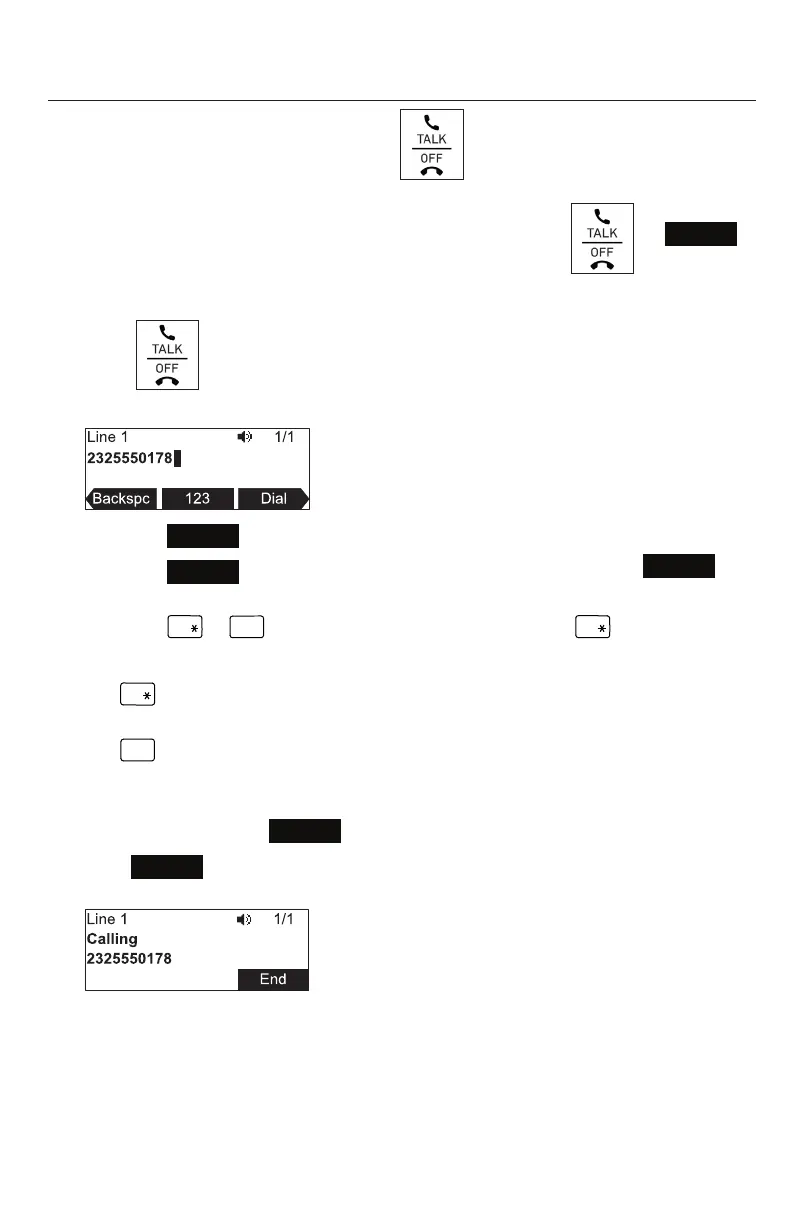
Making a call:
1. Press . You hear the dial tone.
2. Enter the phone number on the keypad.
• Press
Backspc
to delete an incorrect digit.
• Press
123
to change from entering digits to entering leers
abc
(if you need to enter a domain name as part of the number). In leer mode,
press
a » A
or
#
to enter symbols. For example, press
a » A
twice for the
@ symbol.
a » A
: Press once to enter the dot (.), twice to enter @, three mes to enter
an asterisk (*).
: Press one to 11 mes to enter parentheses (), square brackets [], curly
braces {}, angle brackets <>, the slash /, the backslash \, and the pound/
hash sign #.
• Press t or u and
Redial
to view a list of previously dialed numbers.
3. Press
Dial
, or, if the number is valid, the phone dials the number aer a short
delay.
Note that the default live dial soft keys are shown above. Your phone’s soft keys are
programmable and may differ from what is shown here.
Conference phone operaon



 To Next Page