26
• If you want to switch between calls again, you must use your cell phone’s call
applicaon.
Note: When you have a call on your cell phone and come within range of the
C520, the C520 can reconnect with your cell. The audio on your cell may transfer
to the C520 when the connecon is reestablished.
Transferring Bluetooth calls from the C520 to your cell phone
If you no longer want your call’s audio to be broadcast through the C520, press
Use Cell
to transfer the audio to your cell phone.
Conference calls with a Bluetooth-connected cell phone
When you have an acve cell phone call on the C520, you can create a three-way
conference between you, the cell phone call, and another SIP account caller.
For more informaon about creang conference calls, see "Making a conference call"
on page 21 .
Playing audio with a Bluetooth-connected call phone
When a cell phone is connected to the C520, any audio from the cell phone is routed
through the C520 and connected expansion speakerphone(s). This enables you to
play music, podcasts, audio from videos, and Internet-streaming media over the
speakerphone.
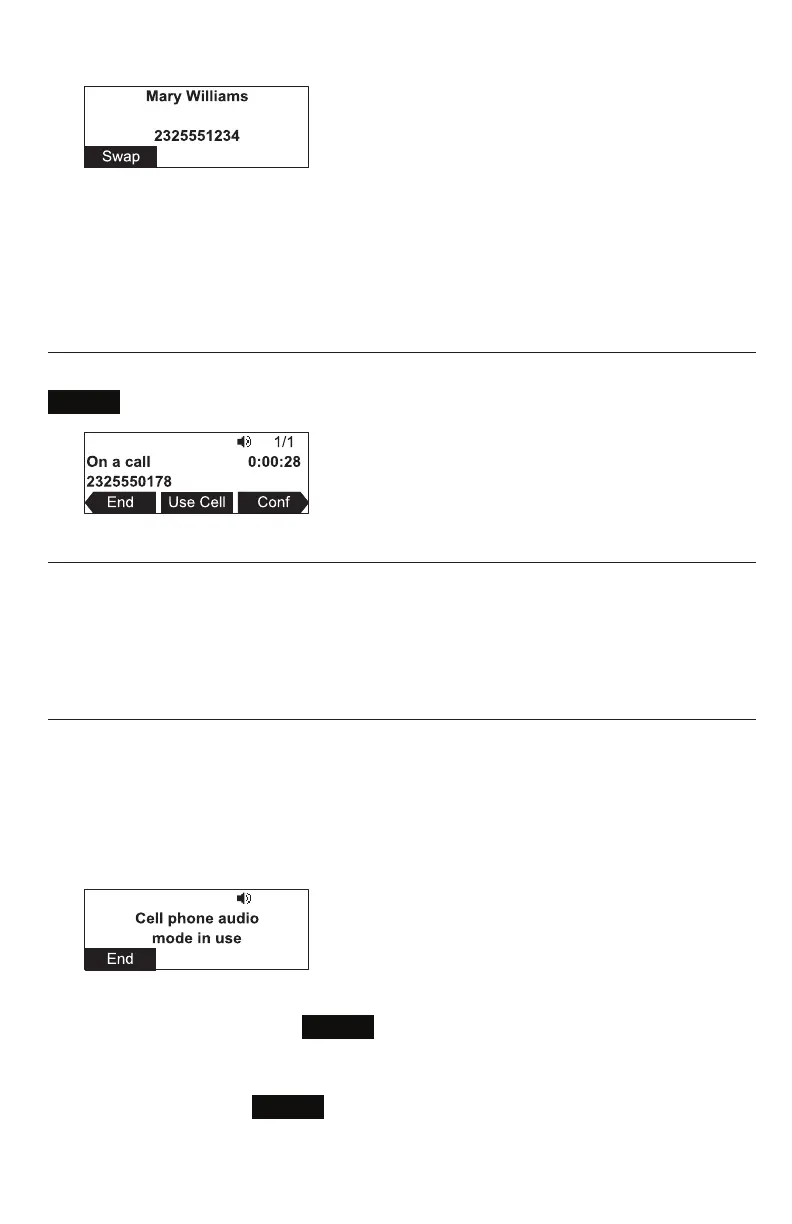
When you start playing audio over a connected cell phone, the C520 takes over audio
automacally and the screen below appears.
You can control the volume either through the cell phone or the C520.
To stop cell phone audio, press
End
. Cell phone audio also stops when an
incoming or outgoing call or page is connected. Audio resumes aer the call or page
disconnects.
Note: Aer pressing
End
, pausing and resuming audio on the cell phone
resumes playback on the C520.
Conference phone operaon



 To Next Page