59 60
Directory
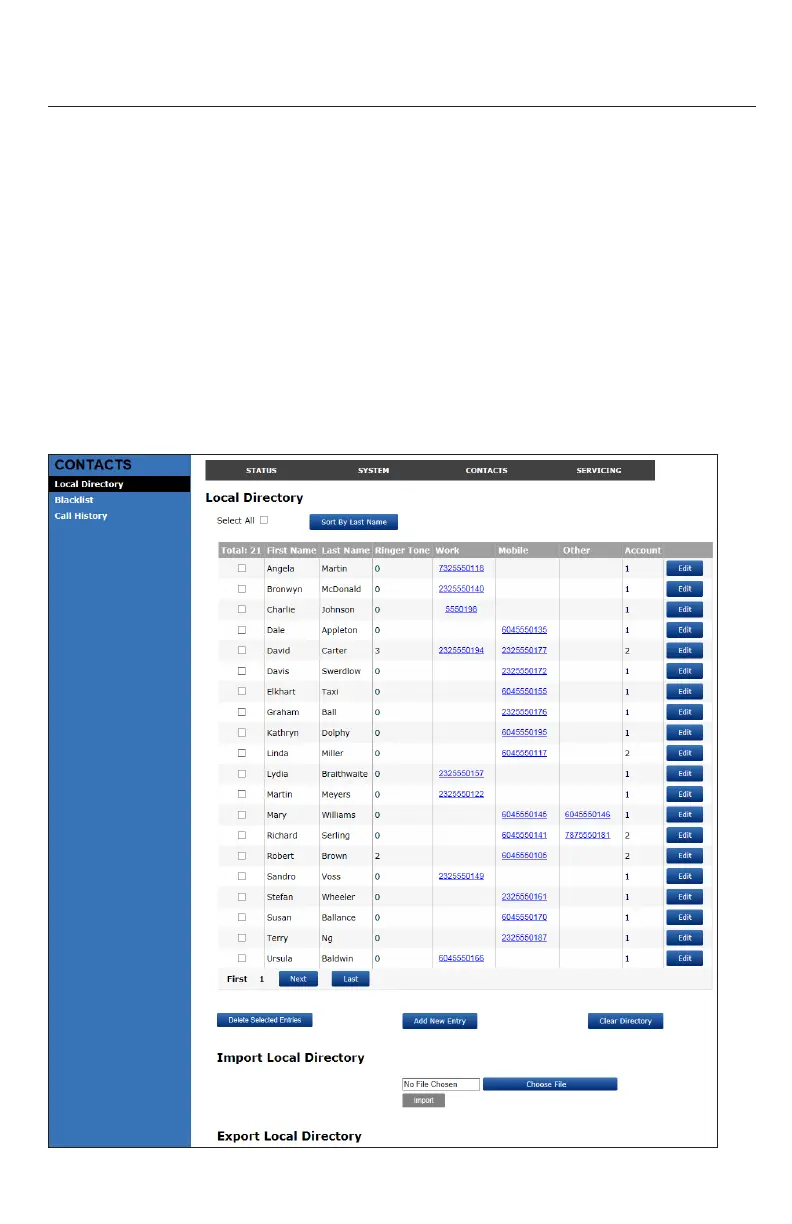
To view the local directory, click CONTACTS in the WebUI header, and then click Local
Directory in the sidebar.
On the Local Directory page, you can manage your local directory entries. You can sort,
edit, delete, and add contact informaon for up to 200 entries. The page also allows
you to export your phone’s local directory or import a local directory le. The export
funcon lets you back up your contacts to your computer.
Phone numbers appear as links. If your service provider’s click to dial feature is
enabled, you can dial a number by clicking its link.
The Local Directory lists entries across several pages. Click Next, First, Last, or a page
number to view the desired page of entries.
Note: You can also use the phone menu to manage your local directory entries. For
more informaon, see "Using the local directory on page 36.
WebUI



 To Next Page