24
Conference phone operaon
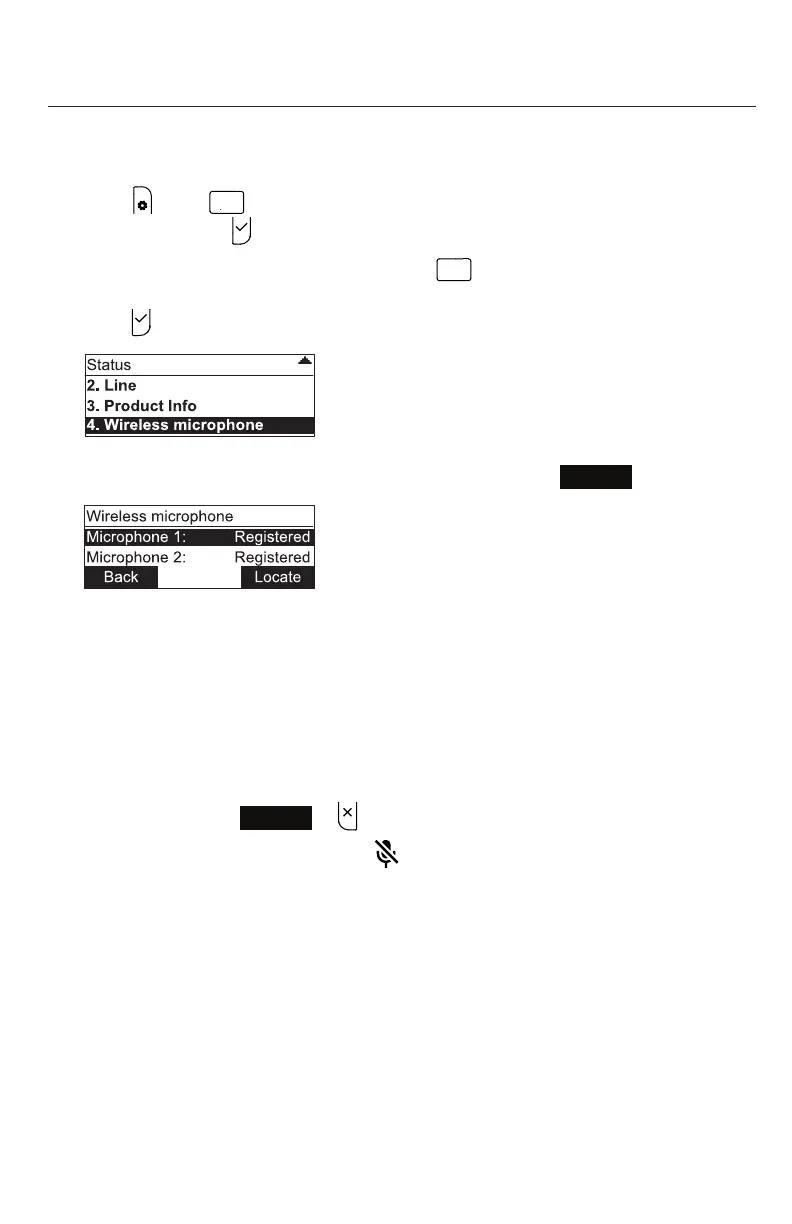
Locang wireless microphones
This feature helps you nd any misplaced wireless mics within the range of the
base unit.
1. Press , press
A B C
to open the Status menu directly, or highlight STATUS and
select by pressing .
2. With the Status menu on the display, press
GHI
to open the Wireless microphone
menu directly, or press q to scroll down and highlight Wireless microphone, then
press .
3. With the Wireless microphone menu on the display, press
Locate
.
The display of the phone shows the message
Wireless microphones will ring.
Press CANCEL/Back to stop.
All wireless microphones that are not on the charging cradles play the locaon
tone for 30 seconds.
Mung the locaon tone
• On the phone, press
Back
or .
• On the wireless microphone(s), press .
• Pung the microphone(s) back onto the charging cradle will also mute the locaon
tone.



 To Next Page