27 28
Using the Features menu
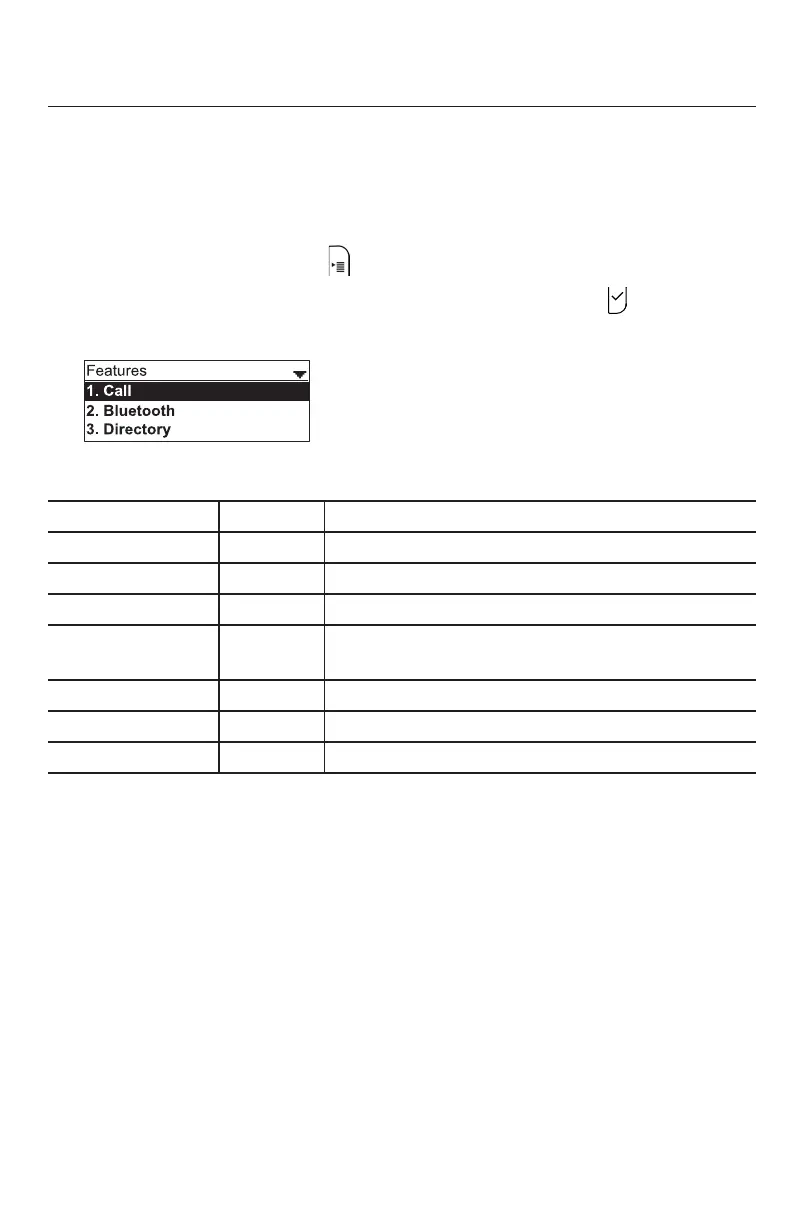
On the Features menu, you can manage incoming calls, Bluetooth devices, use the
directory, access your messages, view the call history, and manage your speed dial
numbers.
Accessing the Features menu:
1. When the phone is idle, press . The Main Menu appears.
2. If necessary, press p or q to highlight Features, and then press .
The Features menu appears.
The Features menu includes the following items:
Seng See page… Descripon
1. Call
29
Managing how your phone handles incoming calls.
2. Bluetooth
33
Managing Bluetooth-connected devices.
3. Directory
36
Storing contact informaon and call contacts.
4. Call history
39
Viewing the call lists: All calls, Missed calls,
Received calls, Dialed calls.
5. Message
22
Accessing your voicemail.
6. Speed dial
41
Accessing your list of speed dial numbers.
7. Mulcast Paging
42
Sending a page to the selected paging zone.
Phone Features



 To Next Page