57
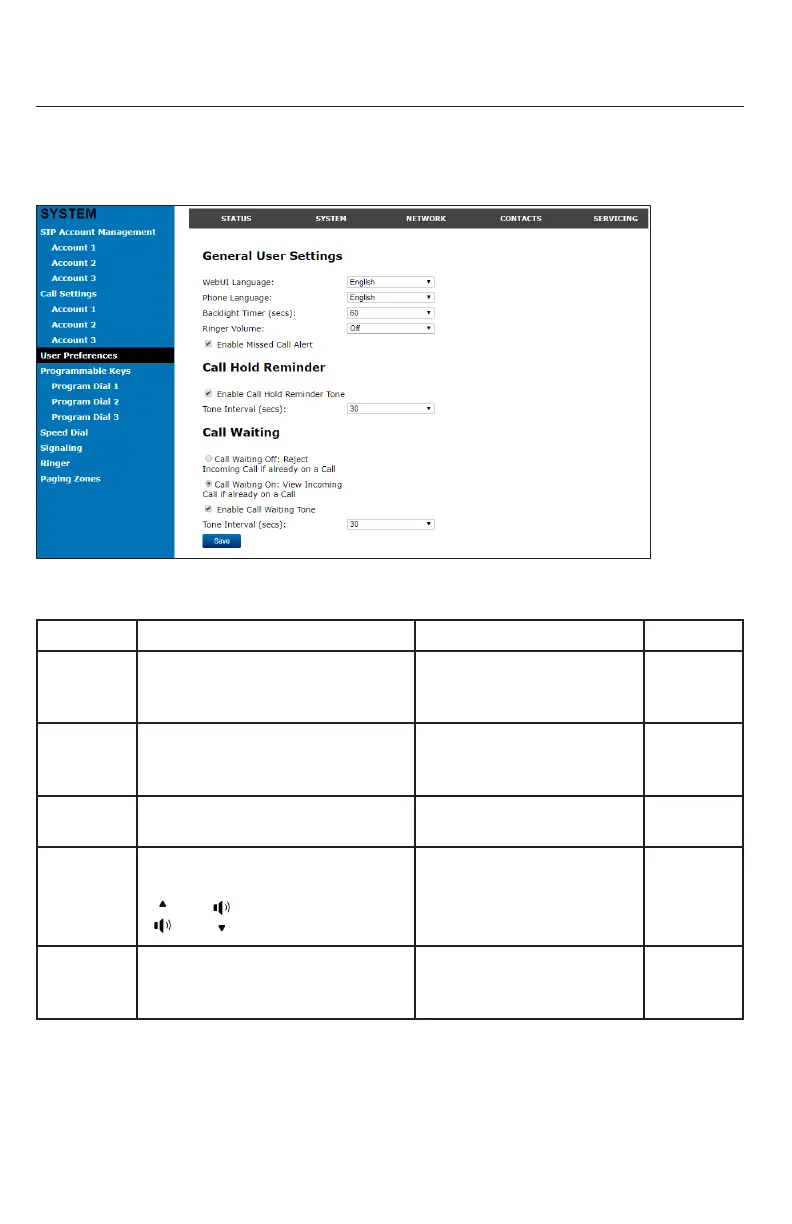
User Preferences
On the User Preferences page, you can congure some basic sengs for your phone
and set how your phone responds to calls.
Aer changing any sengs on this page, click Save to save them.
General User Settings
Seng Descripon Range Default
WebUI
Language
Sets the language that appears on
the WebUI.
Any language supported by
your phone. For example,
English, French, Spanish, etc.
English
Phone
Language
Sets the language that appears on
your phone.
Any language supported by
your phone. For example,
English, French, Spanish, etc.
English
Backlight
Timer
Sets how long the screen backlight
stays on aer the last buon press.
10 to 60 seconds 30 seconds
Ringer
Volume
Sets the ringer volume for incoming
calls. You can also use the
or
keys on the phone.
O, 1–9 5
Enable
Missed Call
Alert
Enables or disables the missed call
alert tone.
n/a — Select to enable Enabled
WebUI



 To Next Page