11
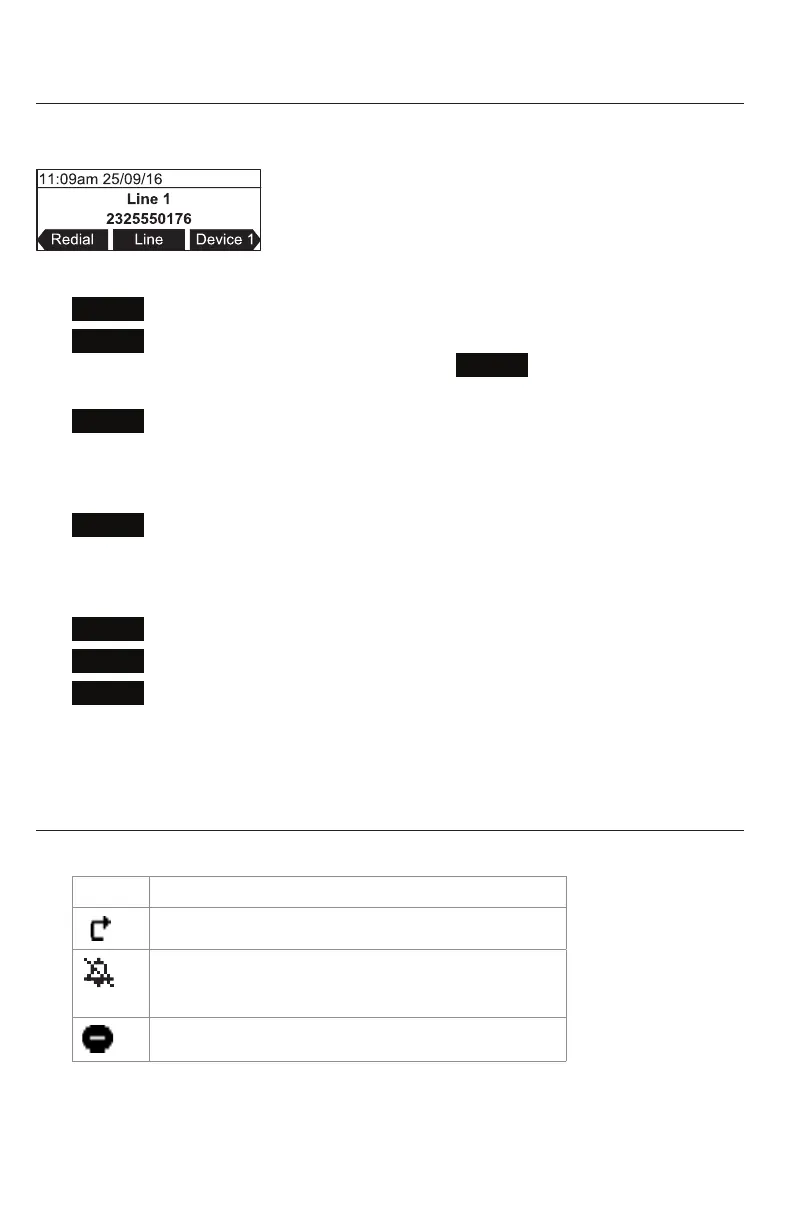
Idle screen
The idle screen appears aer the phone is connected and congured for your SIP PBX
service. The idle screen indicates that you have no acve or held calls.
From the idle screen, press:
•
Redial
to view the list of dialed calls. See "Redialing" on page 23.
•
Line
to select another extension (account). When you make a call, the phone
will use the selected extension/account. Note:
Line
appears only if more than
one account is registered to your phone.
•
Device 1
to start a call using the connected Bluetooth device. The so key will
appear only when a Bluetooth device is connected. Instead of "Device 1", it will
show the name of the device as it appears on the "Device" list. See "Using the
Bluetooth menu" on page 33.
•
Device 2
to start a call using a second connected Bluetooth device which can be
a cell phone. The so key will appear only when a second Bluetooth device is
connected. Instead of "Device 2", it will show the name of the device as it appears
on the "Device" list. See "Using the Bluetooth menu" on page 33.
•
Connect
to view the "Device" list and to connect the C520 to a Bluetooth device.
•
Call Log
to view the phone’s call history. See "Call history" on page 39.
•
Directory
to view the directories that are available to you. See "Using the local
directory" on page 36.
Note that the default idle screen so keys are shown above. Your phone’s so keys are
programmable and may dier from what is listed here.
Idle mode screen icons
In idle mode, the following screen icons indicate your phone’s current sengs.
Icon Status
Call Forward Always is acve.
The ringer is o.
DND (do not disturb) is acve.
Geng Started



 To Next Page