49
Deregistering wireless microphones
1. Place the wireless microphones into the charging cradles.
2. When the base unit has no acve calls, press .
3. From the Main menu, press q to highlight 3 User sengs, and then press .
4. From the User sengs menu, press q to highlight 4 Wireless microphone, and
then press .
5. From the Wireless microphone menu, press q to highlight 2 Deregister, and then
press .
The screen displays "Deregister all wireless microphones?"
6. Press
Yes
.
The screen displays "Deregistering..." and then "Wireless microphones are
deregistered." The microphone status indicators ash red and green to indicate
they are awaing registraon.
Registering an oponal cordless headset
You can register one cordless headset to a C520. When the conference phone has
a cordless accessory, the conference phone and headset are all part of the same
extension, and only one device can be used at a me.
Note: The headset must be in the charger, otherwise registraon cannot proceed.
If the cordless headset was registered to another phone, it must be deregistered rst.
See "Deregistering a cordless headset" on page 50.
To register the cordless headset:
1. When the C520 is idle, press .
2. From the Main Menu, press q to highlight User Sengs, and then press .
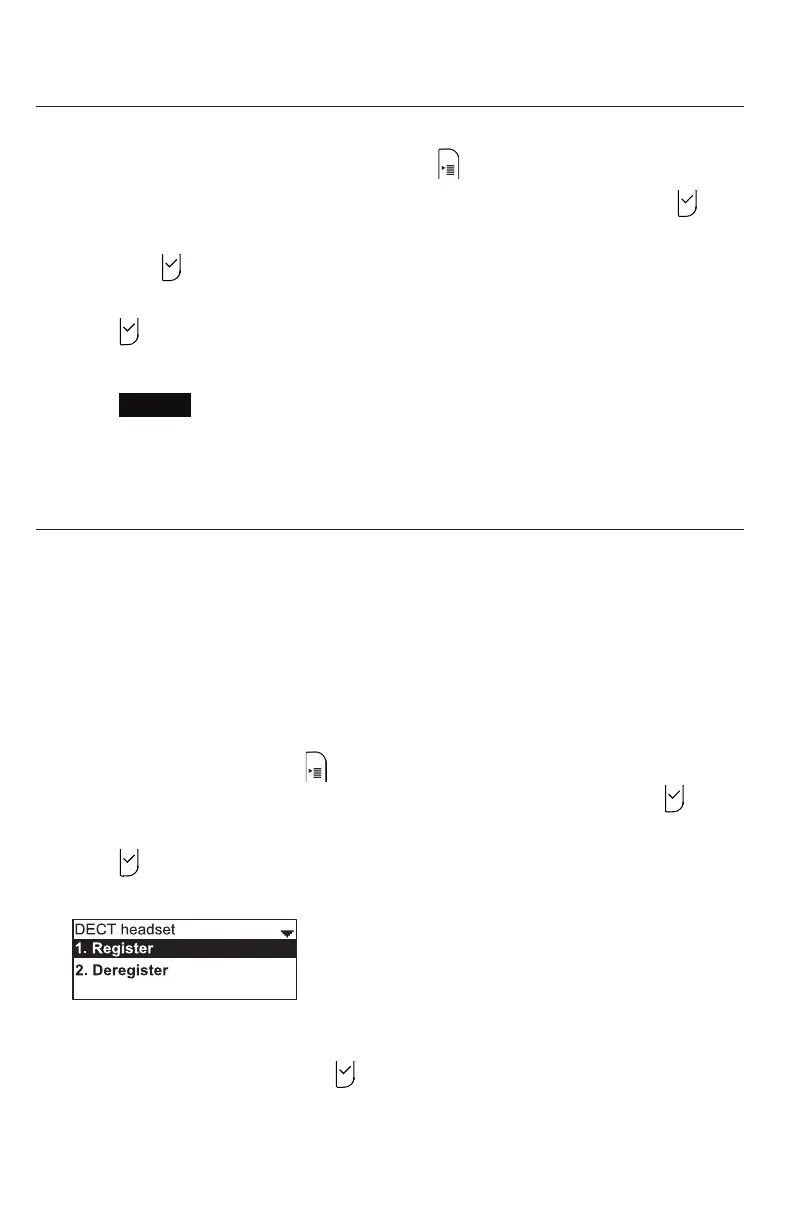
3. From the User sengs menu, press q to highlight DECT headset, and then
press .
The DECT headset menu appears.
4. Li the cordless headset out of its charging base, and then place it back in the
charger.
5. With Register highlighted, press on the C520.
The screen displays Registering..." while the C520 searches for the headset. When
registraon is complete, the screen displays "Registraon succeeded."
The DECT headset menu appears.
Conguring the Phone



 To Next Page