20
To transfer a call (Blind transfer):
1. During a call, press
Transfer
. The call is automacally put on hold and the
transfer setup screen appears.
2. Press
Blind
.
3. Dial the number to which you want to transfer the call.
-OR-
To select a number from the Directory or Call History, follow steps 2 to 8 on
pagepage 18, and then connue to step 4 below.
4. Press
Transf
, or wait for the phone to automacally dial as soon as it has
recognized a valid number.
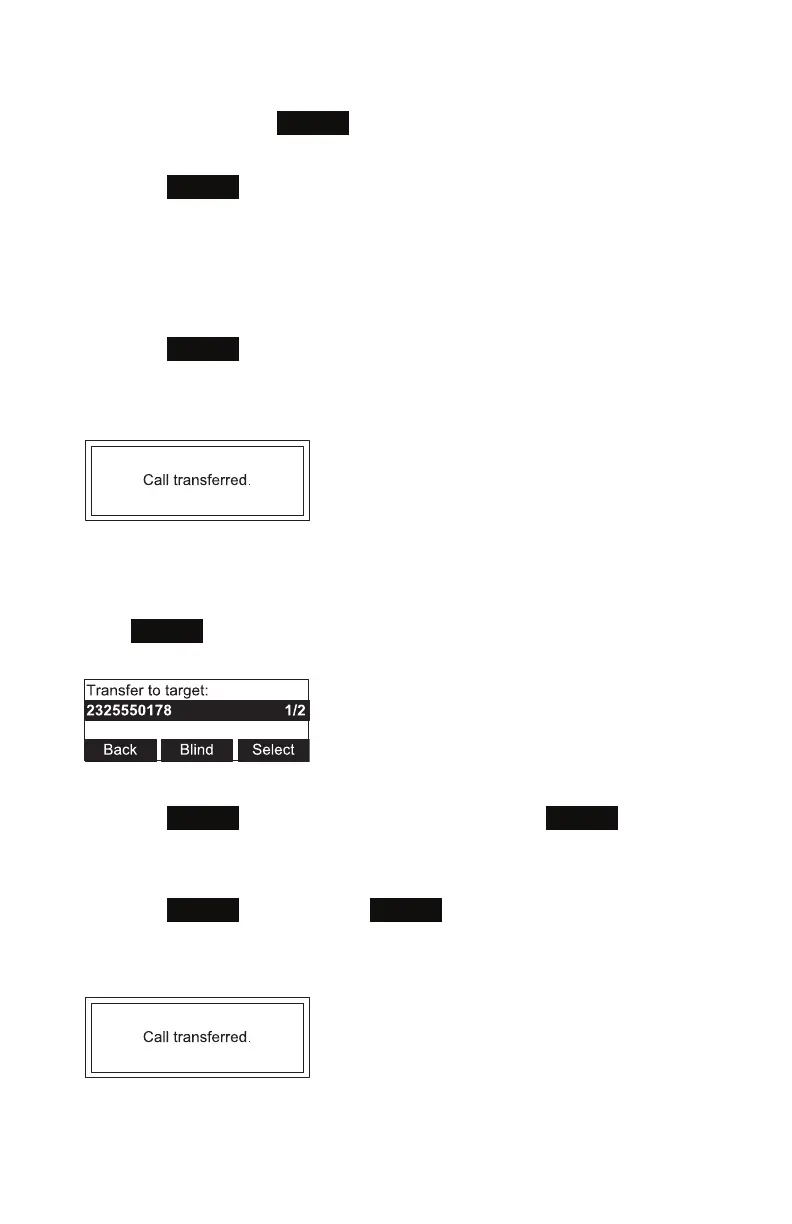
The Call transferred screen appears, and your phone returns to idle mode.
To transfer a call to a held call:
1. During a call, press t or u to view the next set of so keys.
2. Press
XferCall
. The call is automacally put on hold, and a list of held calls
appears.
3. On the Transfer to target screen:
• Press
Select
to talk to the held call, and then press
Transf
to transfer the
rst call.
-OR-
• Press
Blind
, and then press
Select
to transfer the rst call to the held call
immediately.
The Call transferred screen appears, and your phone returns to idle mode.
Conference phone operaon



 To Next Page