EasyManua.ls Logo

Spektrum DX7 - Servo Reversing; To Access Servo Reversing

Spektrum DX7
108 pages
Print Icon
To Next Page IconTo Next Page
To Previous Page IconTo Previous Page
Loading...
21
Servo Reversing
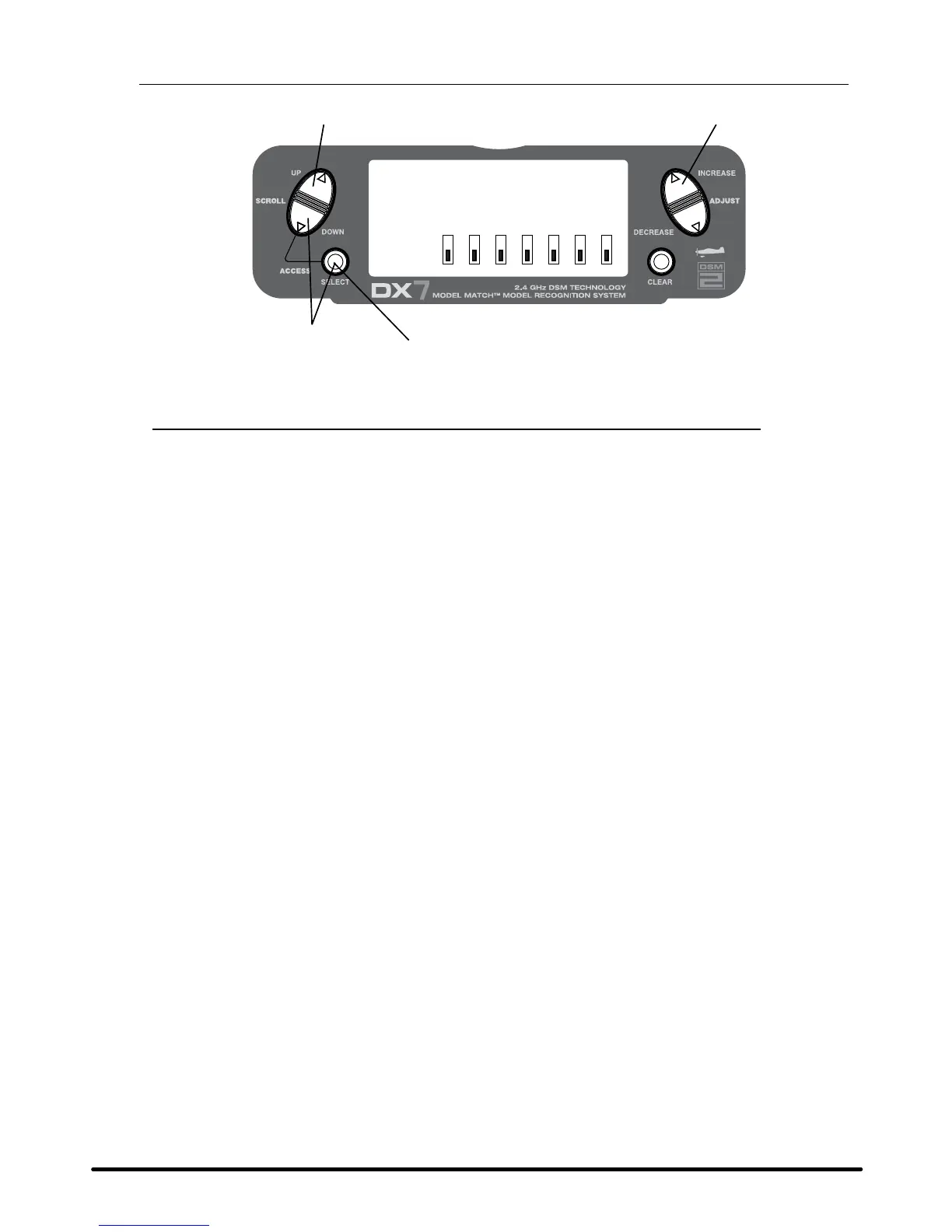
[REVERSING SW]
NORM
GEAR
ch 1 2 3 4 5 6 7
REV.
Press to select REV. or NORM
Press to enter REVERSE
Press to enter
Function Mode
Press to select
desired channel
To Access Servo Reversing
Turn the power on, press the DowN and SELECT keys simultaneously to enter the function mode.
Press the UP or DowN key until REVERSING SW appears on screen.
Press the SELECT key to select the desired channel, then press the INCREASE or DECREASE key to select
reverse or normal servo direction.
SPEKTRUM DX7 • AIRCRAFT QUICK START GUIDE

Table of Contents

Other manuals for Spektrum DX7

Related product manuals