83SPEKTRUM DX7 • HELICOPTER PROGRAMMING GUIDE
Sub Trim
The Sub-Trim function allows you to electronically adjust the centering of each servo. Sub trim is individually
adjustable for all seven channels, with a range of + or - 125% (+ or – 30 degrees servo travel).
Caution: Do not use excessive sub-trim values as it is possible to overdrive the servo’s
maximum travel.
Sub-trim value (max ±125).
The channels available are:
• THRO: Throttle
• AILE: Aileron
• ELEV: Elevator
• RUDD: Rudder
• GEAR: Retractable Landing Gear
• PIT.: Pitch
• AUX2: Auxiliary 2
To Access the Sub-Trim Function
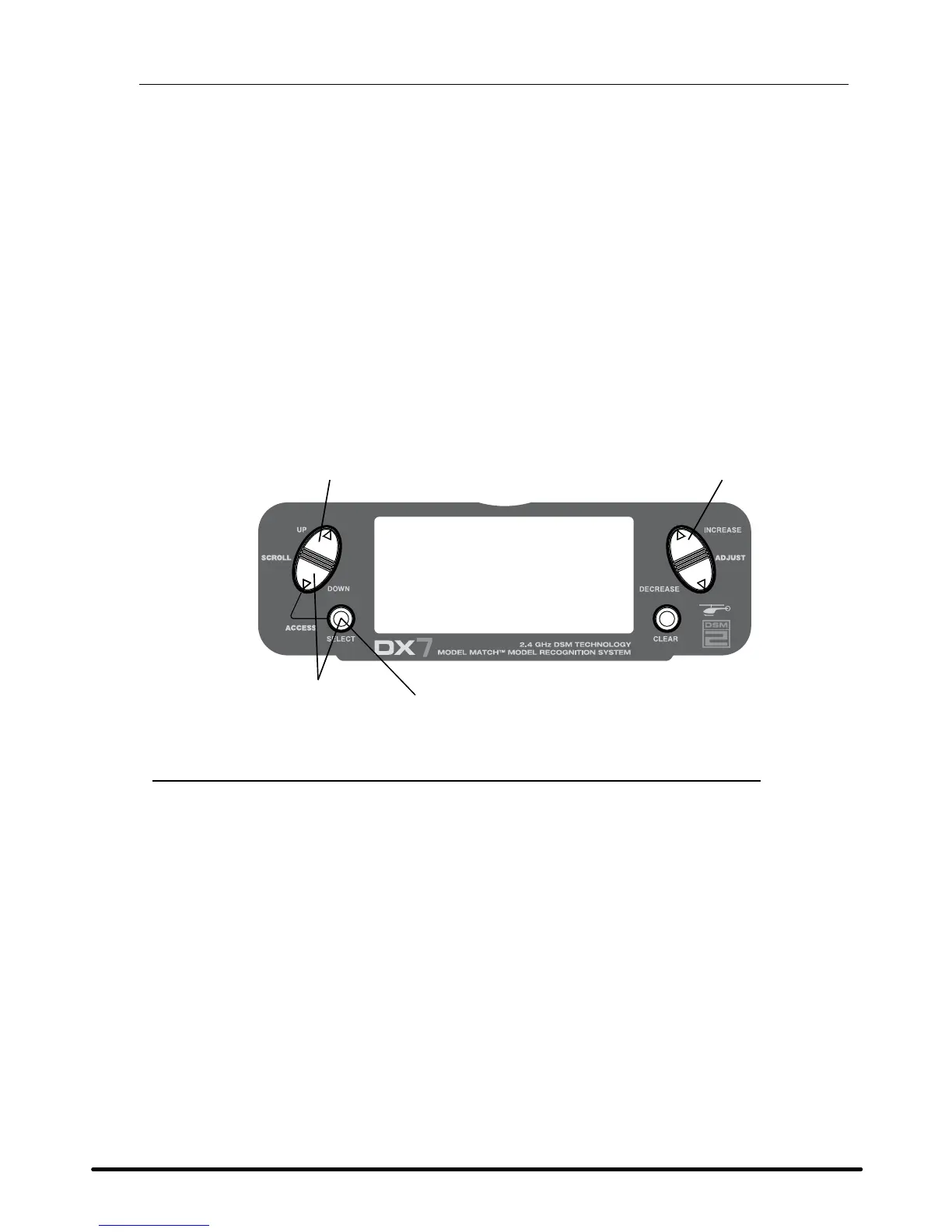
Press the DowN and SELECT keys simultaneously to access the Function Mode.
In Function Mode, use the UP or DowN key to select the SUB TRIM screen.
Press the SELECT key to access the desired channel.
Press the INCREASE or DECREASE keys to adjust the sub-trim position for that selected channel.


 To Next Page
 Loading...