55SPEKTRUM DX7 • AIRCRAFT PROGRAMMING GUIDE
Differential Aileron Mixing
Note: Only available when Flaperon or Elevon is activated (see Wing Type Page 39).
The Differential Aileron function allows precise electronic adjustments of the up vs. down aileron travel of both
ailerons. Aileron differential is used to reduce unwanted yaw characteristics during roll inputs. In order to access
the Differential Function, flaperon or elevon wing mixing must be selected and two servos must be used to
operate the ailerons.
To Access the Differential Aileron Mixing Function
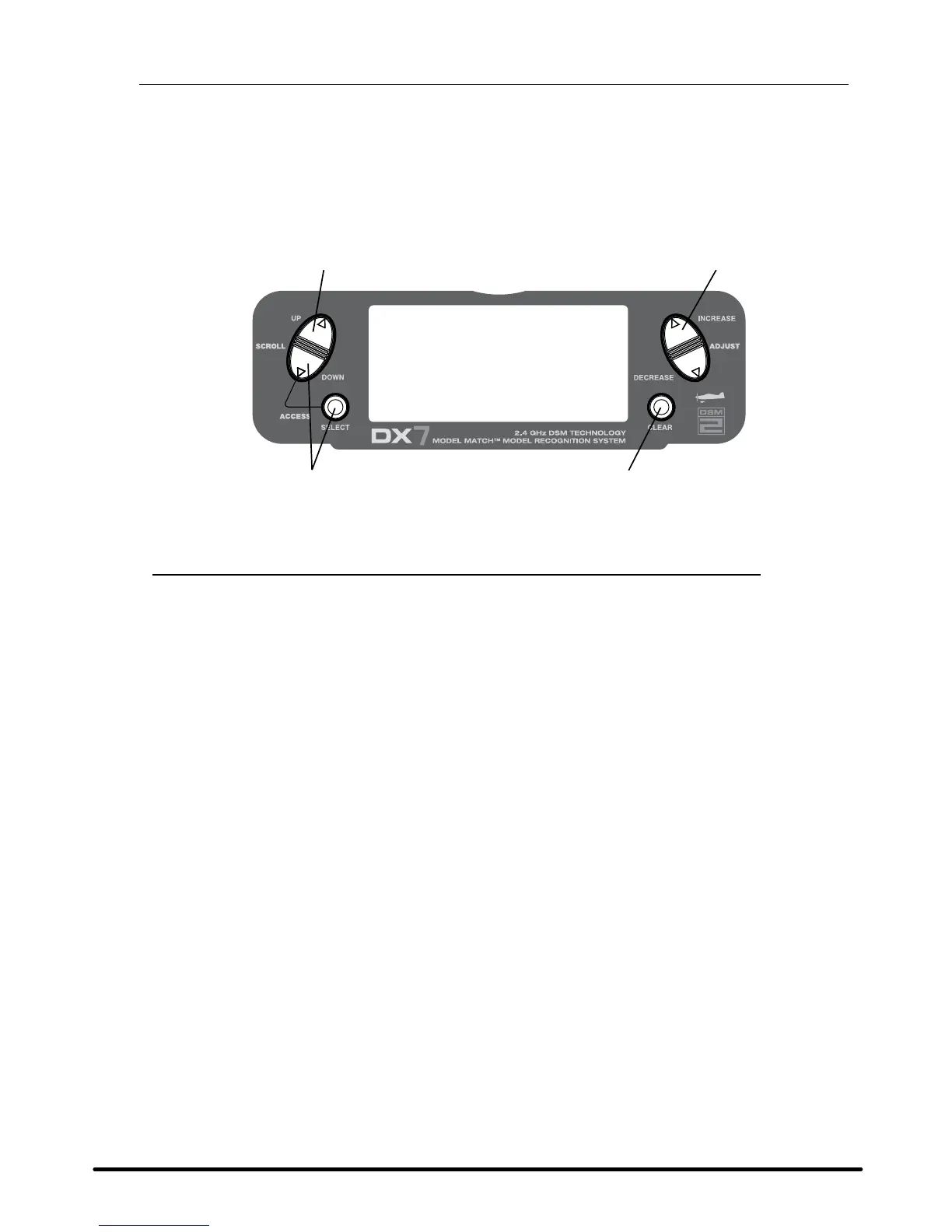
Press the DowN and SELECT keys simultaneously to access the Function Mode.
In Function Mode, use the UP or DowN key to select the DIFFERENTIAL screen.
Press the INCREASE or DECREASE keys to adjust the Differential value.
Note: Increasing the value will reduce the amount of down travel in each aileron.
If differential is working in reverse, the aileron servos are plugged into the wrong (opposite) channels.
The right aileron should be plugged into the aileron channel, while the left aileron should be plugged
into the flap channel.



 To Next Page
 Loading...