34 SPEKTRUM DX7 • AIRCRAFT PROGRAMMING GUIDE
Type Select Function
The DX7 features two programming types: Airplane and Helicopter. The DX7 can memorize data for up to 20
models individually and the model type will automatically be stored with each model memory.
[TYPE SELECT]
MODEL 1
HELI
◊ACRO
INCREASE and DECREASE key
Press to enter
TYPE SELECT
Hold while turning on transmitter
To Enter the Type Select Mode
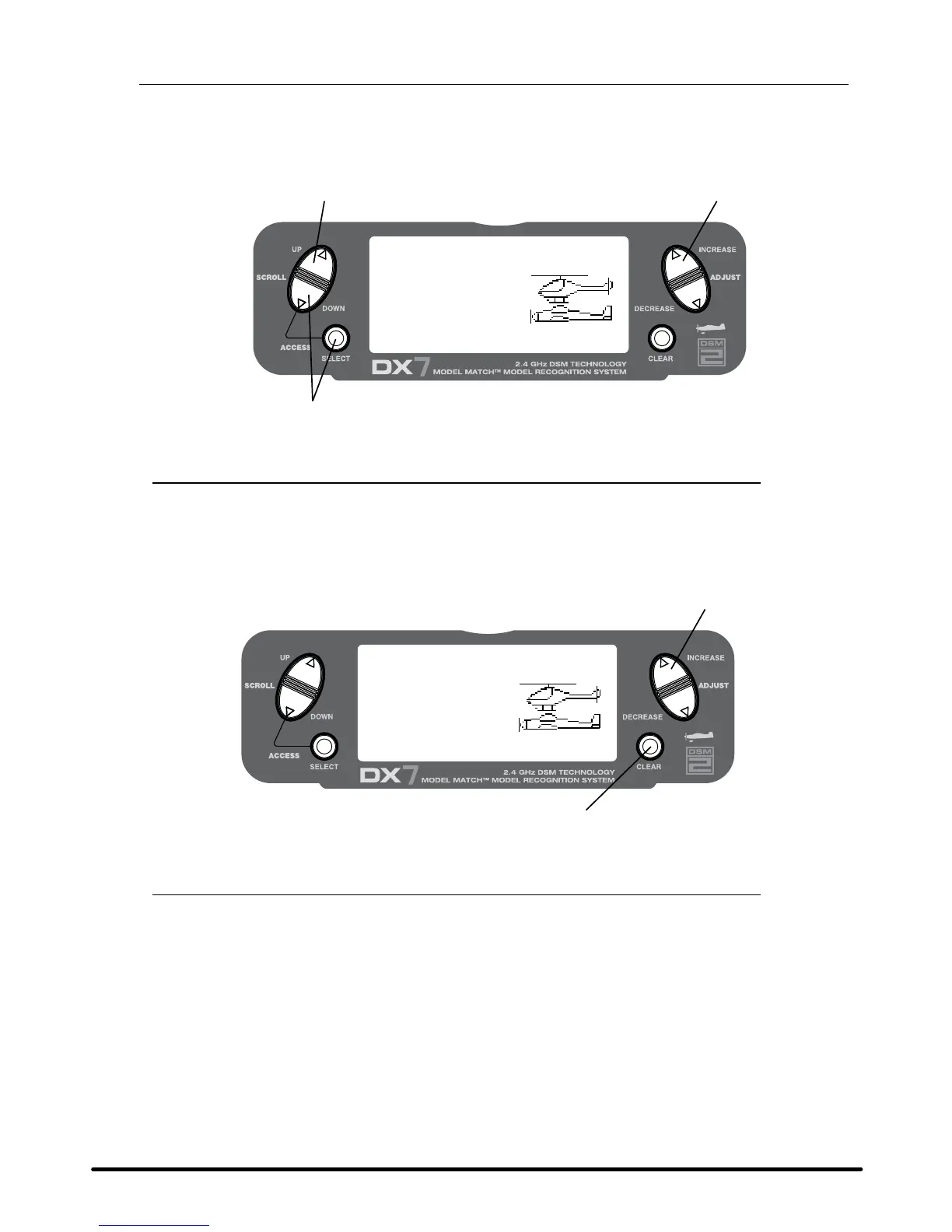
Press the DowN and SELECT keys simultaneously, then turn on the transmitter.
Press the UP key until the TYPE SELECT function appears on screen.
[TYPE SELECT]
YES-> CLEAR KEY
MODEL 1
HELI
◊ACRO
Press the INCREASE and DECREASE key
Accept new model type
To Select a Model Type
Press the INCREASE or DECREASE key to toggle between the heli or acro model types.
To accept the new model type press the CLEAR key. All settings will be set to the factory defaults.



 To Next Page
 Loading...